1
UISIM
User's Manual
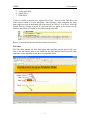
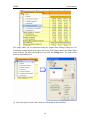
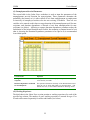
The contents of the Verification Sheet table can also be plotted. See the Chart Sheet
chapter below.
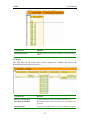
Output Sheet
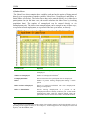
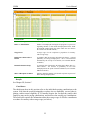
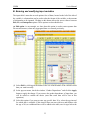
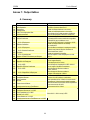
The Output Sheet presents aggregated or averaged values for the key variables of interest
in the form of Excel tables. The definitions of variables appearing in output tables are
given in Annex 1.
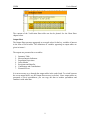
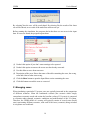
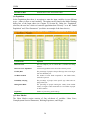
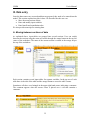
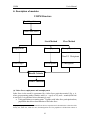
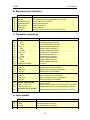
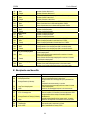
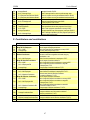
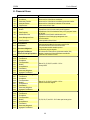
The outputs are presented in seven tables:
1. Summary Table
2. Macroeconomic Indicators
3. Population Projections
4. Labor Market
5. Recipients and Benefits
6. Contributors and Contributions
7. Financial Flows
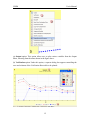
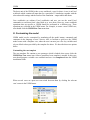
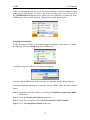
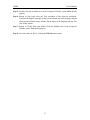
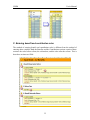
It is not necessary to go through the output tables in the order listed. To switch between
the seven output tables, use the Output Sheet menu (see below). Since output tables are
generated as Excel spreadsheets, you can copy the data to another spreadsheet and
combine it with other data.
9