1
c)
Recording a leave
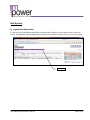
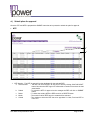
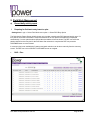
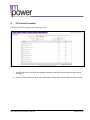
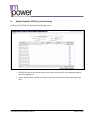
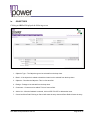
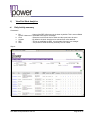
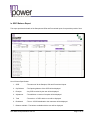
Getting there: Login -> Select Field Work menu option -> Select DCR entry -> Select Leave Tab
i)
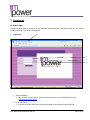
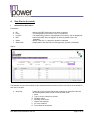
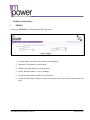
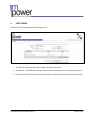
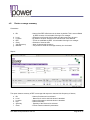
Capture leave details
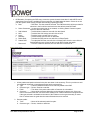
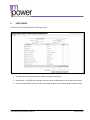
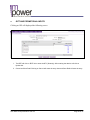
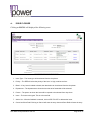
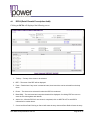
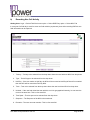
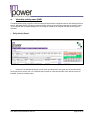
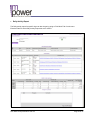
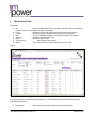
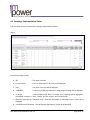
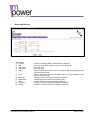
After clicking on LEAVE, the purpose of taking the leave must be entered in the Remarks column provided.
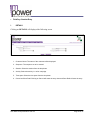
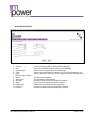
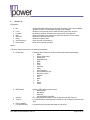
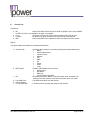
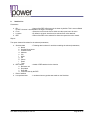
Leave
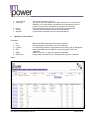
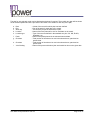
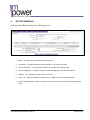
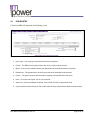
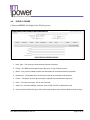
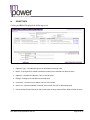
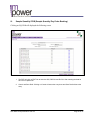
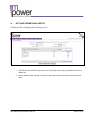
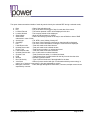
1. Leave Type – The Leave type to be selected from the drop down.
2. Remarks – The user can enter remarks. This is a free text field.
3. Reference – The user can enter with whom has he referred to for prior to entering a leave. This is a free
text field.
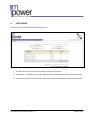
4. Cancel and Save Draft: Clicking on Cancel will erase the entry done and Save Draft will save the entry.
User Manual Representative Web 2.3
Page 51 of 81