1
ix.
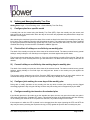
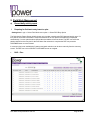
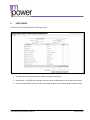
Doctor visit pattern
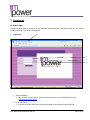
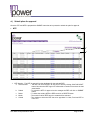
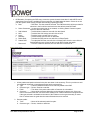
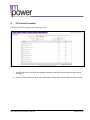
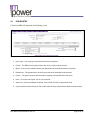
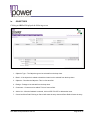
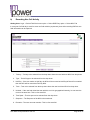
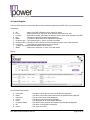
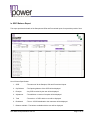
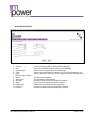
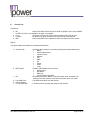
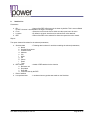
Parameters:a. BU
b.
c.
d.
e.
f.
g.
h.
i.
j.
Level
Location
REP
Specialty
Class
Visit Frequency
Doctor Name
From Month
To Month
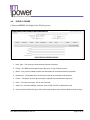
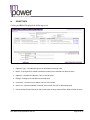
– Name of the REP’s Business unit is shown by default. This is not modifiable
by REP. However it is selectable if the login is a manager.
– Select the level from the list for which area the report has to be seen.
– By default it is blank. Area has to be selected from a list attached.
– This is not modifiable by REP. It is selectable if the login is a manager.
– Selection of specialty from a list.
– Selection of doctor class
– Input of doctor visit frequency.
- Type the name of a doctor to get the reports of that particular doctor.
– The month from which analytics is to be viewed.
– The month up to which analytics is to be viewed.
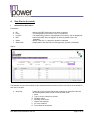
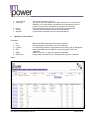
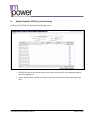
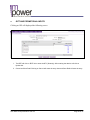
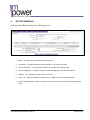
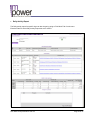
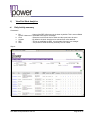
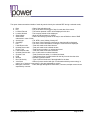
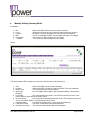
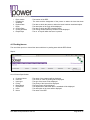
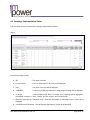
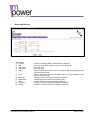
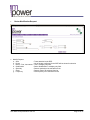
Report:-
User Manual Representative Web 2.3
Page 62 of 81