1
1.
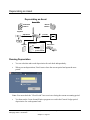
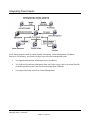
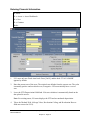
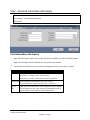
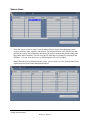
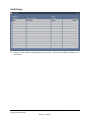
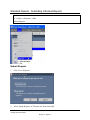
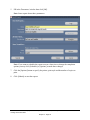
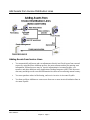
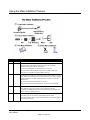
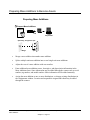
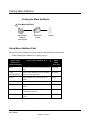
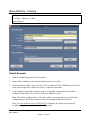
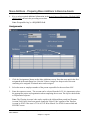
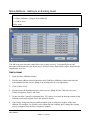
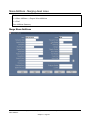
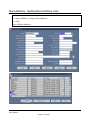
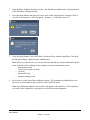
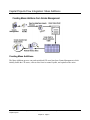
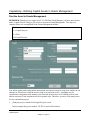
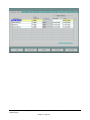
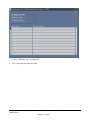
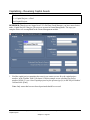
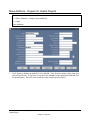
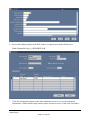
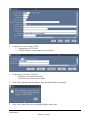
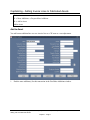
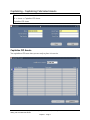
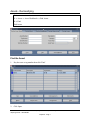
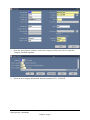
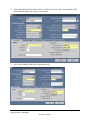
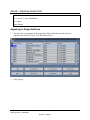
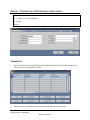
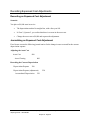
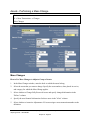
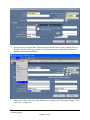
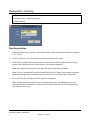
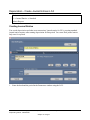
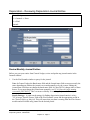
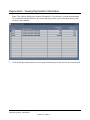
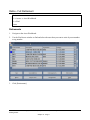
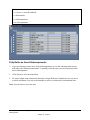
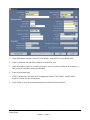
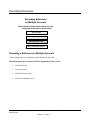
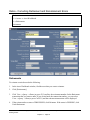
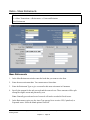
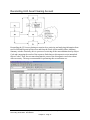
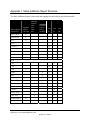
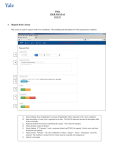
Open the Mass Additions Summary window, and find the mass addition(s) for this transaction
in the Find Mass Additions window.
2.
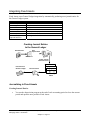
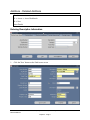
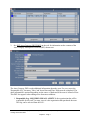
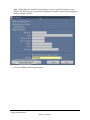
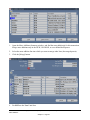
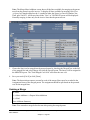
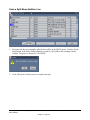
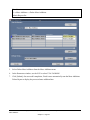
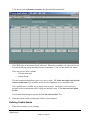
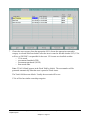
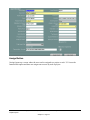
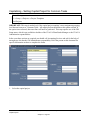
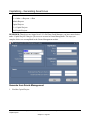
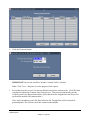
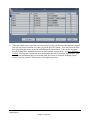
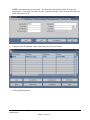
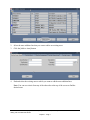
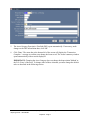
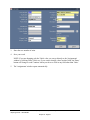
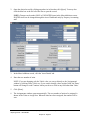
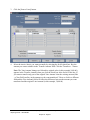
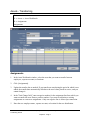
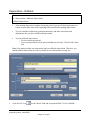
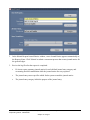
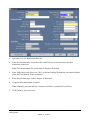
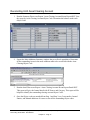
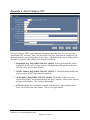
Select the mass addition line that you want to split. In this example Invoice Number '2960' is
selected. Its Description is "Si02 equipment – terranova..." with Units value of '2.'
3.
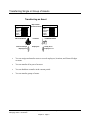
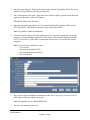
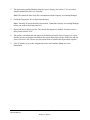
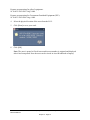
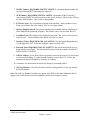
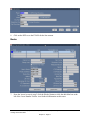
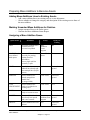
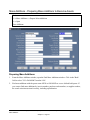
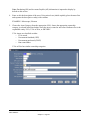
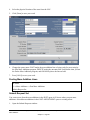
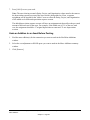
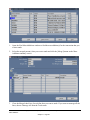
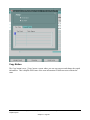
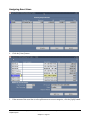
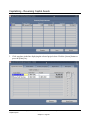
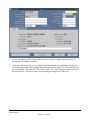
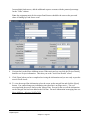
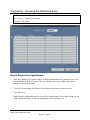
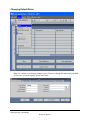
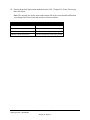
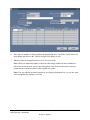
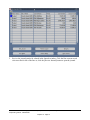
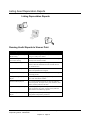
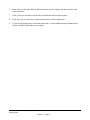
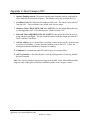
Click the [Split] button. Click [OK] on the Caution and Note windows that follow. This splits
the line into multiple, single-unit mass addition lines.
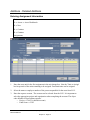
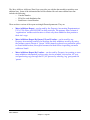
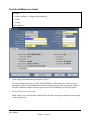
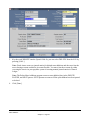
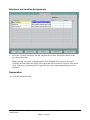
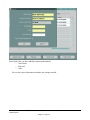
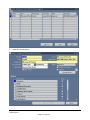
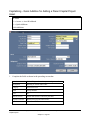
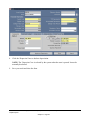
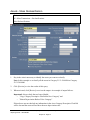
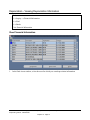
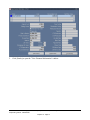
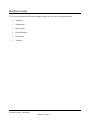
Note: Before you split the line, you can open the line and add any common information for the
assets to the line before splitting. Some examples of common information can be:
− Responsible person
− Depreciation expense account
− Location
− Responsible Org
− Sponsor funding award
4.
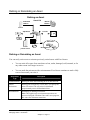
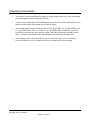
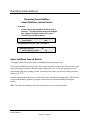
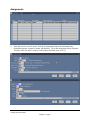
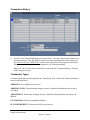
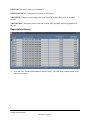
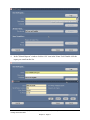
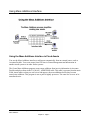
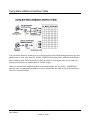
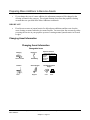
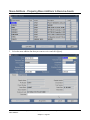
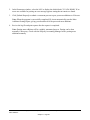
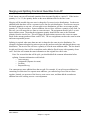
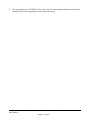
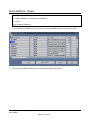
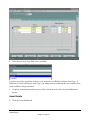
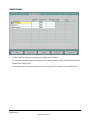
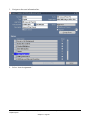
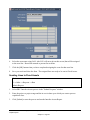
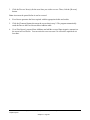
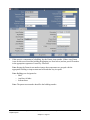
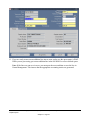
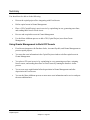
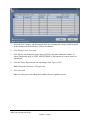
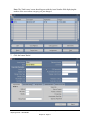
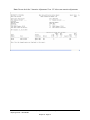
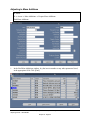
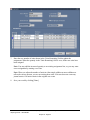
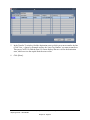
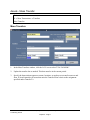
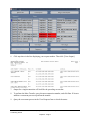
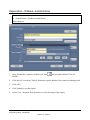
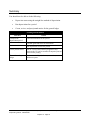
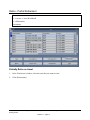
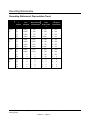
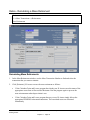
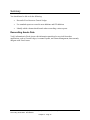
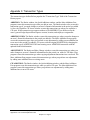
Review the new lines in the Mass Additions window. The resulting mass additions have one
unit each, as in IS Payables, and are placed in the ON HOLD queue.
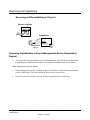
Note: Any information added to the asset line will appear on the split lines. If an assignment
was made for the original line, each split line will have the same assignment.
Revised: 4/6/05
Copyright © 2004 University of Virginia and Oracle Corporation. All rights reserved.
Mass Additions
Chapter 5 - Page 39
Effective: 5/3/04