1
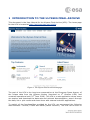
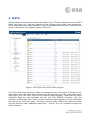
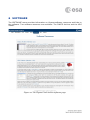
This DATA interface provides extra functionality than a normal FTP interface, including
whole directory downloads, start time metadata information for prime resolution data
files, and the ability to visualise the contents of zip files.
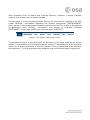
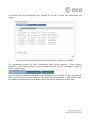
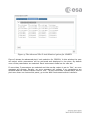
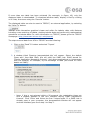
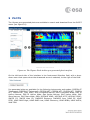
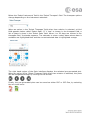
To navigate into directories, left click on the directory of interest, in the right-hand
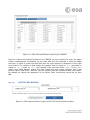
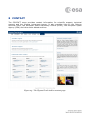
region of the page, and select ‘See contents’. Four columns are displayed; the file
name, file size, first event start time and last event start time. Columns can be
ordered by clicking on the column header. To navigate backwards, click on the file
structure at the top of the right-hand region.
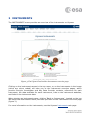
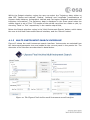
Finally, to download data, left-click and select ‘Download’. Individual files or whole
directories can be downloaded.