1
ST2819A Operation Manual
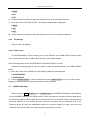
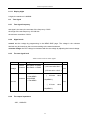
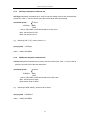
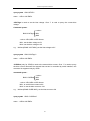
return: <string><NL^END>
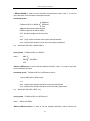
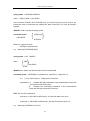
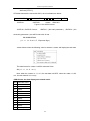
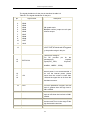
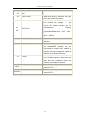
:ResultFONt is used to set the font of the measurement result. Char‘?‘can be used to
query the current font of the measurement result.
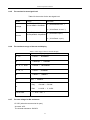
Command syntax: DISPlay:RFONt <font>
The following value can be selected for <font>:
LARGe:display the measurement result with the large size, the hold time is 12 ms.
TINY:display the measurement result with the small size, the hold time is 5 ms.
OFF:don‘t display the measurement result, but the result can be read from the bus.
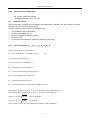
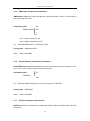
Query syntax:DISPlay:RFONt?
return:<font><NL^END>
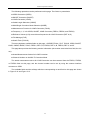
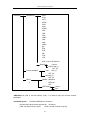
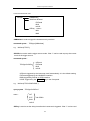
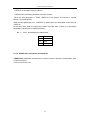
the following value can be selected for <font>:
LARGE
TINY
OFF
8.1.2
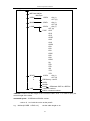
FREQuency subsystem command set
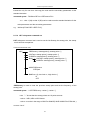
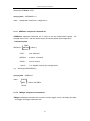
FREQuency subsystem command set is used to set the test frequency. Char ‗?‘can be
used to query the test frequency.
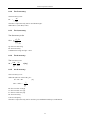
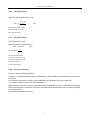
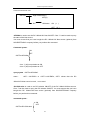
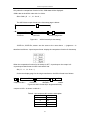
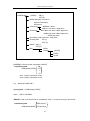
Command syntax:
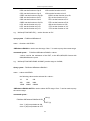
<value>
FREQuency MIN
MAX
<value>: NR1,NR2 or NR3 format with Hz,kHz or MHz as the postfix
MIN: set the test frequency to 20Hz
MAX:set the test frequency to 200kHz
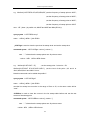
e.g.:WrtCmd(―FREQ 1KHZ‖); set the test frequency to 1000Hz.
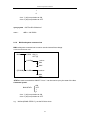
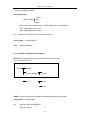
Query syntax: FREQuency?
return: <NR3><NL^END>
112