1
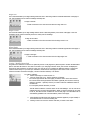
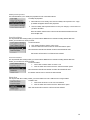
Insert Column to the right
You may find that after creating a table, you need to add an additional column. Instead of creating another table from
scratch, you can add a column where you need.
To insert column after:
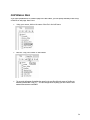
1. Click inside cell after which to insert a column
2. Click the Table menu and ten click the 'Insert Column After' option.
Each consecutive click will insert another column after the selected cell. Note:
this function will not work if a cell has not been selected.
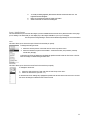
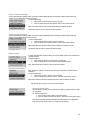
Insert Column to the left
You may find that after creating a table, you need to add an additional column. Instead of creating another table from
scratch, you can add a column where you need.
To insert column before:
1. Click inside cell before which to insert a column c
2. Click the Table menu and ten click the 'Insert Column After' option.
Each consecutive click will insert another column before the selected cell. Note:
this function will not work if a cell has not been selected.
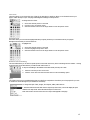
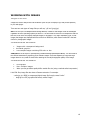
Delete Column
You may find that after creating a table, you need to delete column from a table that is
no longer needed.
To delete a column:
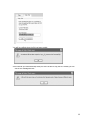
1. Click inside cell which is in the column to be deleted
2. Click the Table menu and ten click the 'Delete Column' option.
Note: this function will not work if a cell has not been selected.
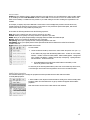
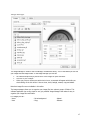
Increase Column Span
After the table is created, you can increase the span of a specific column/s with this
command
To insert column span:
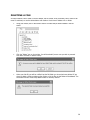
1. Click inside cell who's span is to be increased
2. Click the Table menu and ten click the 'Increase Column Span' option.
Each consecutive click will further increase the column span of selected cell. Note:
this function will not work if a cell has not been selected.
Decrease Column Span
After the table is created, you can decrease the span of a specific column/s with
this command
To decrease column span:
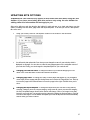
1. Click inside cell who's span is to be decreased
2. Click the Table menu and ten click the 'Decrease Column Span' option.
Each consecutive click will further decrease the column span of the selected cell.
Note: this function will not work if a cell has not been selected.
15