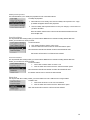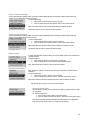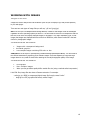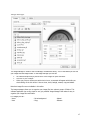
1
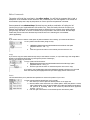
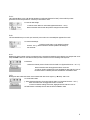
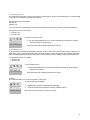
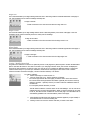
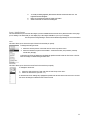
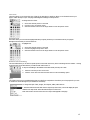
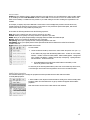
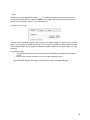
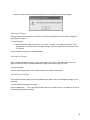
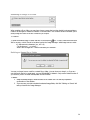
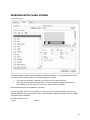
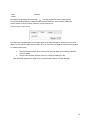
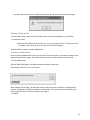
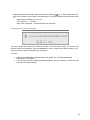
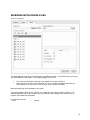
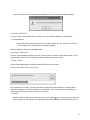
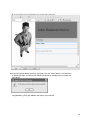
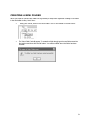
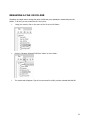
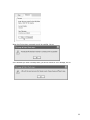
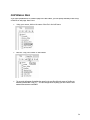
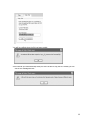
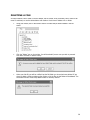
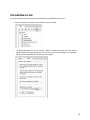
COPYING A FILE If you have uploaded a file or created a page in the site builder, you can quickly and easily make a copy of that file or web page. Here’s how: Using your mouse, click on the name of the file in the l eft frame: Click the “Copy File” button on the toolbar: The copy tab will appear. By default the name for the new file will be the name of the file you selected, prefixed with “copy_of_”. You can change this to anything you like. Enter the new filename and click the OK button: 34