1
USER MANUAL IPWeb 1.4
Button
Description
[username]
This button, located at the top right of the window, displays a menu with
various options for the management of IPWeb operations.
These includes refreshing the whole interface, changing password,
accessing the user manual (Help), logging out.
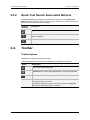
The Tools button provides options related to clip naming, keyboard
shortcuts and reset of the Elements grid columns to default.
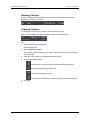
See sections "Clip Settings " on page 52 and "Organizing Columns" on
page 15 for more information.
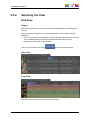
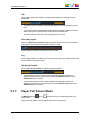
Order by
Order by button: only available in List view. It displays a contextual
menu listing the parameters the Elements list can be ordered by.
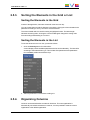
See section "Sorting the Elements in the List" on page 15.
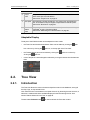
Keyboard Selection
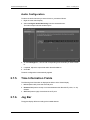
The Keyboard setting allows the users to declare the keyboard type they will use, among
English (United States) or French (France).
It can be accessed by clicking [username] > Tools > Keyboard tab.
The keyboard shortcuts associated to IPWeb operations differ according to the selected
keyboard type.
The Keyboard tab gives the list of existing shortcuts for each keyboard type.
2. User Interface
11