1
Chapter Four: Advanced Features | 59
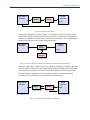
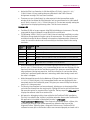
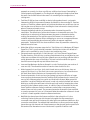
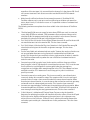
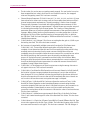
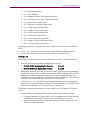
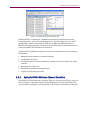
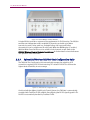
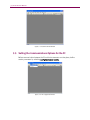
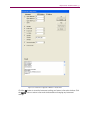
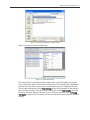
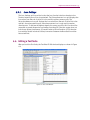
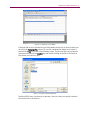
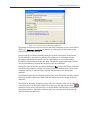
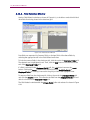
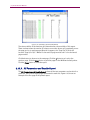
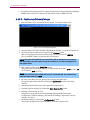
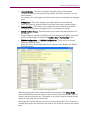
Figure 4-12: Adjusting Column Width
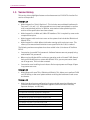
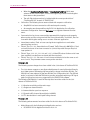
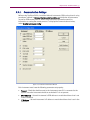
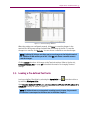
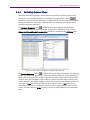
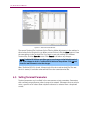
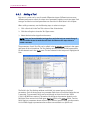
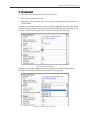
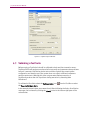
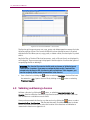
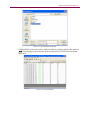
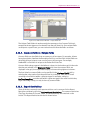
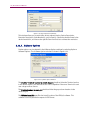
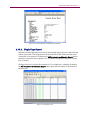
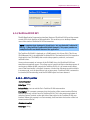
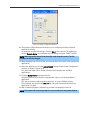
A Terminal file must be specified for each Suite within the Session by double-clicking on
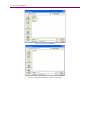
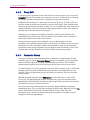
the cell in the Terminal File column. This recalls a window that allows you to select a
terminal file (*.ter) as shown in the following screen. The Terminal File can be viewed in
a window by holding in the Control key and double-clicking on the file in the Terminal
File column in the Session grid.
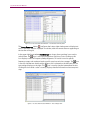
Figure 4-13: Open Terminal File Window
TestDrive EV-DO does not allow you to execute a Session unless you specify a terminal
file for each line in the Session.