1
MailFoundry User
Manual
Page 71 of 80
Chapter 5: Custom Filters
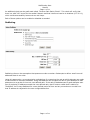
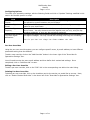
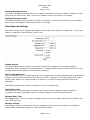
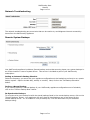
Your MailFoundry appliance includes a robust content filtering system that allows you to customize filtering
on a system level, domain level, or address level.
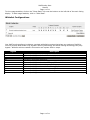
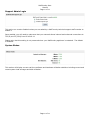
Filter Options
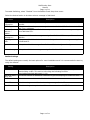
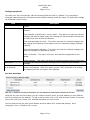
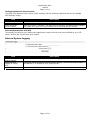
Filter options refer to the content of the message which you will be matching your filter to. There are
several filtering options you can choose from including:
To Field: This option searches the “To: “ field of the message.
From Address: This option searches the “From: “ field of the message.
Sender’s Name: This option searches for the senders name in the message if listed.
Sender’s Domain: This option searches for the domain name portion of the “From: “ field.
Body of Message: This option searches the body of the message.
Attachment Name: This option searches based on the file name of any attachments included with the
message.
Entire Message: This option searches all possible portions of the message.
Any Header: This option searches all headers of the message.
Specific Header (Other): This option will search for the existence of a defined header in the message. To
use this option, please the header name in the other text field (Example: X-Warning).
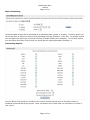
Chaining Filter Options
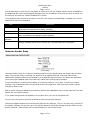
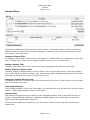
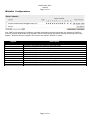
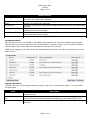
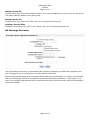
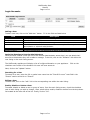
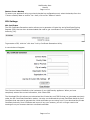
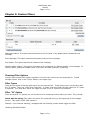
You can chain multiple filter options together to fine-tune the content you are searching for. To add
multiple options, click on the “Chain” button in the upper right.
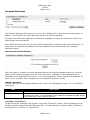
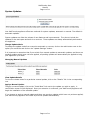
Filter Types
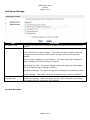
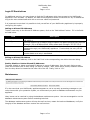
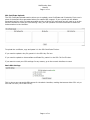
There are two types of filtering types which you can choose from. These types work in conjunctions with
the “If” option. They are, “Does” and “Does Not”. A “Does” type will trigger the filter when the “If” option
is matched. The “Does Not” option will trigger the filter if the “If” option is not matched.
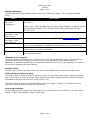
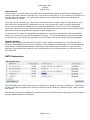
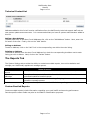
Filter “If” Option
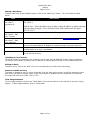
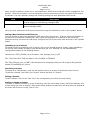
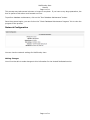
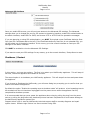
There are several “If” options you can choose from for matching content within your filter. They include:
Starts with the string: This option will search for a particular string in the beginning of the message
portion. This option is NOT case-sensitive.
Example, if you entered “Meeting”, messages with the following content would trigger the filter:
“Meetings Scheduled Today”
Page 71 of 80