1
Chapter 5 Front Panel Operation
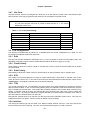
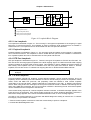
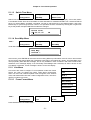
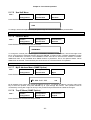
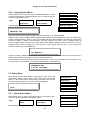
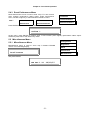
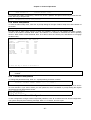
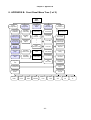
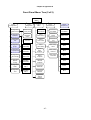
Path :
LOOP-T
Configuration
DTE-1
Configuration
DTE-1
Rate
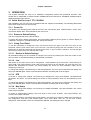
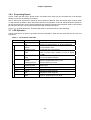
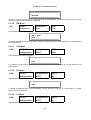
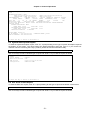
Press ENTER from DTE-1 Rate menu
DTE-1 Rate
64K*N
To change the DTE data rate, use left and right arrow key to cycle through to a proper selection and press
ENTER.
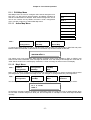
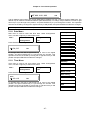
5.1.3.2 Clock Menu
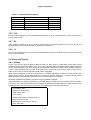
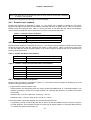
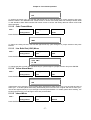
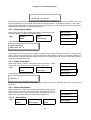
Path :
LOOP-T
Configuration
DTE-1
Configuration
DTE-1
Clock
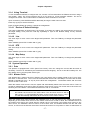
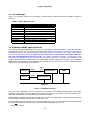
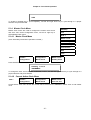
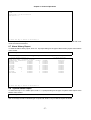
Press ENTER from DTE-1 Clock menu
DTE-1 Clock
*NORMAL
To change the DTE clock polarity to NORMAL or INVERTED, use left and right arrow key to cycle through to
a proper selection and press ENTER.
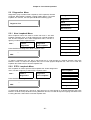
5.1.3.3 Data Menu
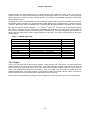
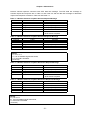
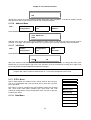
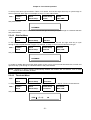
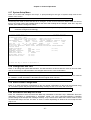
Path :
LOOP-T
Configuration
DTE-1
Configuration
DTE-1
Data
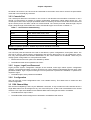
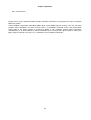
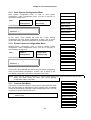
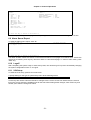
Press ENTER from DTE-1 Data menu
DTE-1 Data
*NORMAL
To change the DTE data polarity to NORMAL or INVERTED, use left and right arrow key to cycle through to a
proper selection and press ENTER.
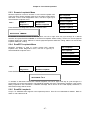
5.1.3.4 Interface Menu
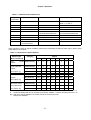
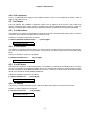
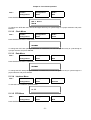
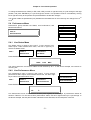
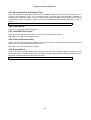
Path :
LOOP-T
Configuration
DTE-1
Configuration
DTE-1
Interface
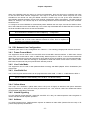
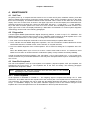
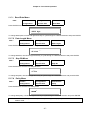
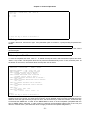
To view the DTE-1 Interface, press ENTER
DTE-1 Interface
*V.35
5.1.3.5 RTS Menu
Path :
LOOP-T
Configuration
DTE-1
Configuration
DTE-1
RTS
Press ENTER from DTE-1 RTS menu
- 39 -