1
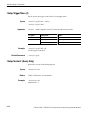
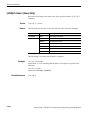
CodeWSpectrogram View Commands (3086 Option 16 Only)
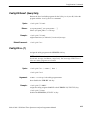
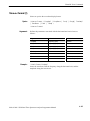
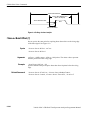
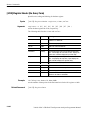
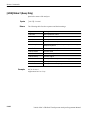
:View<x>:Scale:XScale (?)
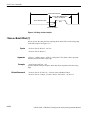
Sets or queries the horizontal axis (channel) full-scale to display a portion of
data.
Syntax
:View<x>:Scale:XScale <value>
:View<x>:Scale:XScale?
Arguments
<value>::=<NR3> ranges 16 to 1024 channels.
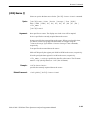
Examples
:View1:Scale:XScale 64
sets the horizontal axis full-scale to 64 channels.
Related Commands
:View<x>:Scale:XStart, :View<x>:Scale:YScale, :View<x>:Scale:ZScale
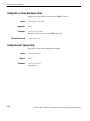
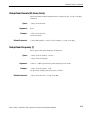
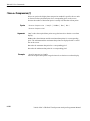
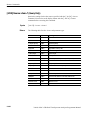
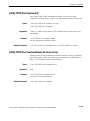
:View<x>:Scale:XStart (?)
Sets or queries the value represented by the minimum (left) edge of the
horizontal axis (channel).
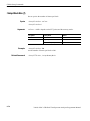
Syntax
:View<x>:Scale:XStart <value>
:View<x>:Scale:XStart?
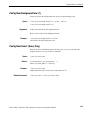
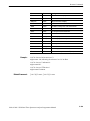
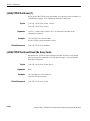
Arguments
Examples
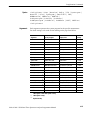
Related Commands
<value>::=<NR3> ranges from 0 to 1024 – (the horizontal axis full-scale)
channels.
:View1:Scale:XStart 0
sets the value represented by the left edge of the horizontal axis to channel 0.
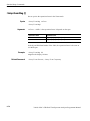
:View<x>:Scale:XScale
3066 & 3086 3 GHz Real Time Spectrum Analyzer Programmer Manual
2-305