1
R&S FSH
Putting into Operation
Managing Options
2.5 Managing Options
For special measurement tasks, you can equip the R&S FSH with various software
options.
2.5.1 Enabling Options
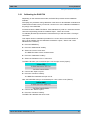
To enable options, you have to enter a key code. The key code is based on the unique
serial number of the R&S FSH.
► Press the SETUP key.
► Press the "Installed Options" softkey.
► Select the "Install Option..." item.
► Press the ENTER key.
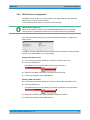
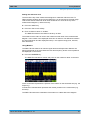
The R&S FSH opens an entry field to enter the option key.
► Enter the appropriate option key.
► Confirm the entry with the ENTER key.
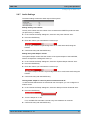
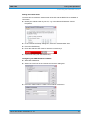
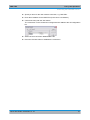
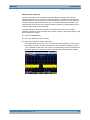
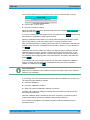
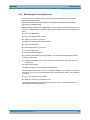
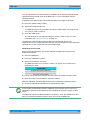
If you have entered the correct code, the R&S FSH shows
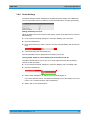
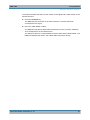
If you have entered an incorrect code, the R&S FSH shows
► Enter the correct code again.
2.5.2 Checking Installed Options
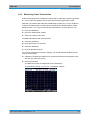
In the "Setup" menu, the R&S FSH shows all options that are currently installed.
► Press the SETUP key.
► Press the "Installed Options" softkey.
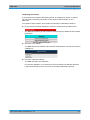
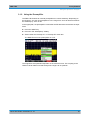
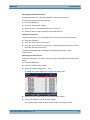
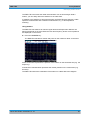
The R&S FSH shows a list of all available options and the current status of the option:
●
●
●
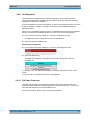
"Installed": the option is installed and working.
"Installed Portable": the option is installed and working, the license is a portable
one.
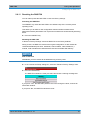
"Removed: <option key>": indicates that a portable license has been removed from
the R&S FSH and is ready to be transferred to another R&S FSH.
Quick Start Guide 1309.6269.12 - 07
23