1
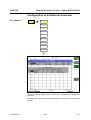
Basic Settings – LINES Key
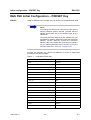
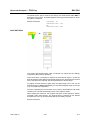
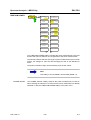
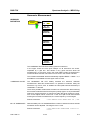
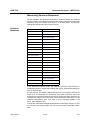
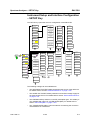
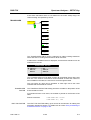
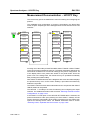
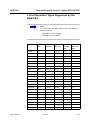
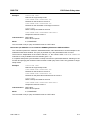
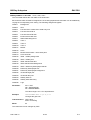
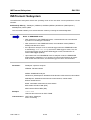
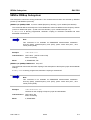
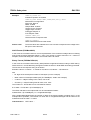
DISPLAY LINES
DISPLAY
LINES
R&S FSU
DISPLAY
LINE 1
DISPLAY
LINE 2
FREQUENCY
LINE 1
FREQUENCY
LINE 2
TIME
LINE 1
TIME
LINE 2
DISPLAY LINE 1
DISPLAY LINE 2
Frequency Domain
(Span > 0 Hz)
Time Domain
(Span = 0 Hz)
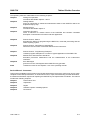
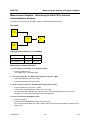
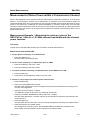
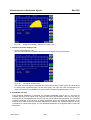
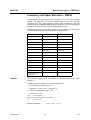
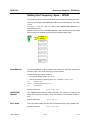
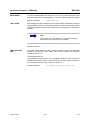
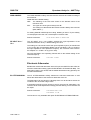
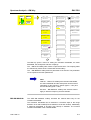
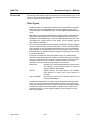
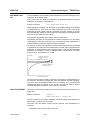
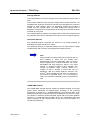
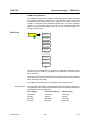
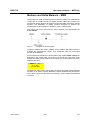
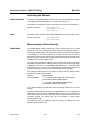
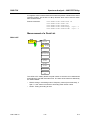
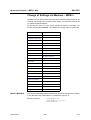
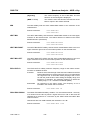
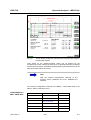
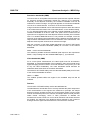
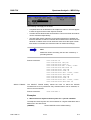
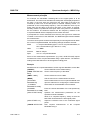
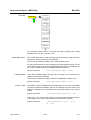
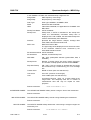
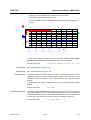
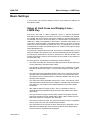
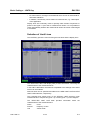
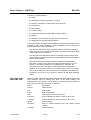
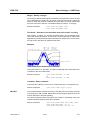
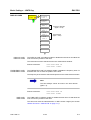
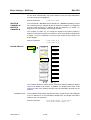
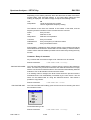
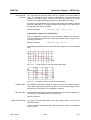
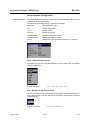
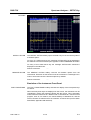
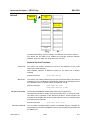
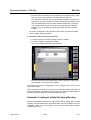
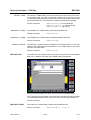
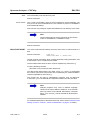
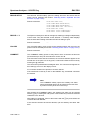
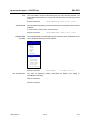
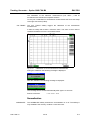
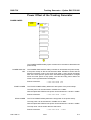
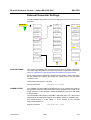
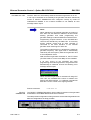
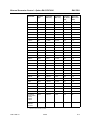
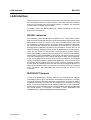
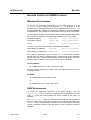
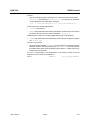
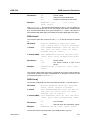
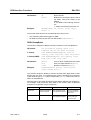
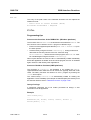
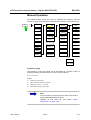
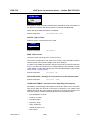
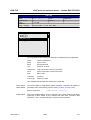
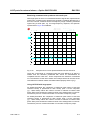
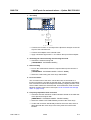
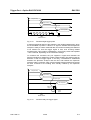
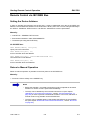
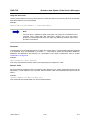
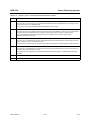
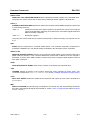
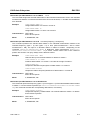
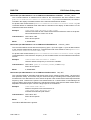
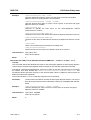
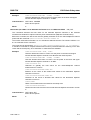
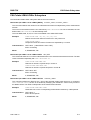
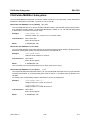
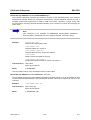
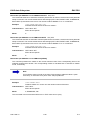
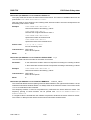
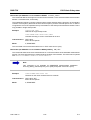
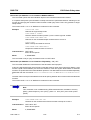
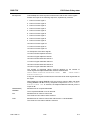
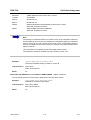
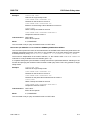
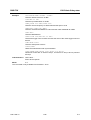
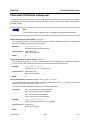
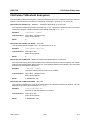
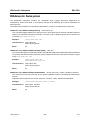
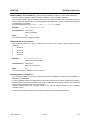
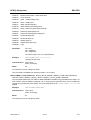
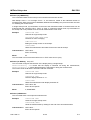
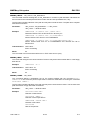
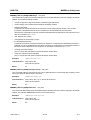
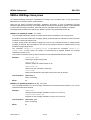
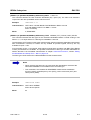
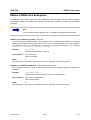
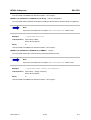
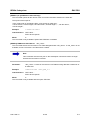
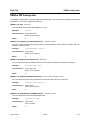
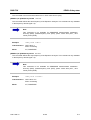
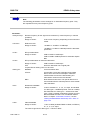
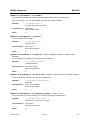
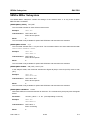
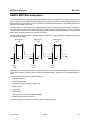
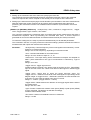
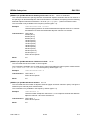
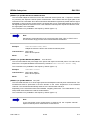
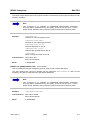
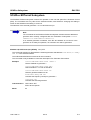
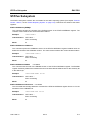
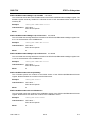
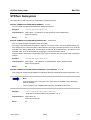
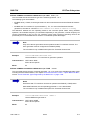
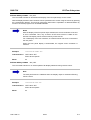
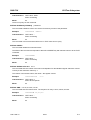
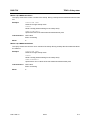
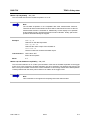
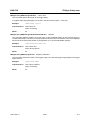
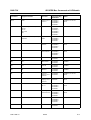
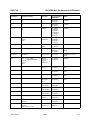
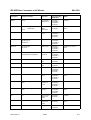
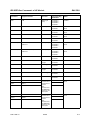
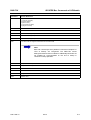
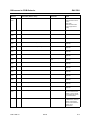
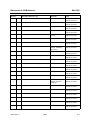
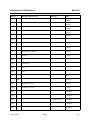
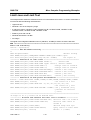
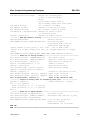
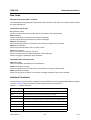
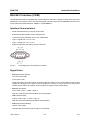
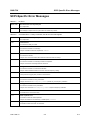
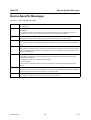
The DISPLAY LINE 1/2 softkeys enable or disable the level lines and allow the
user to enter the position of the lines.
The level lines mark the selected level in the measurement window.
Remote command:
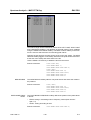
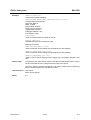
FREQUENCY LINE 1
FREQUENCY LINE 2
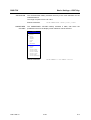
CALC:DLIN:STAT ON
CALC:DLIN -20dBm
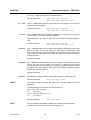
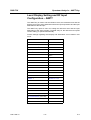
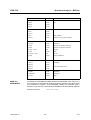
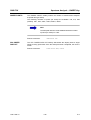
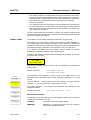
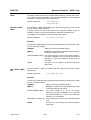
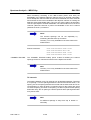
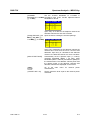
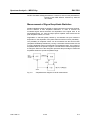
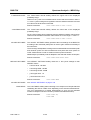
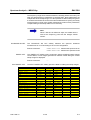
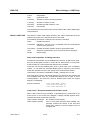
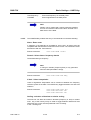
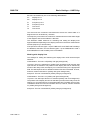
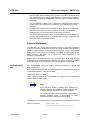
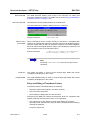
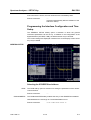
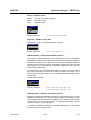
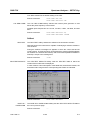
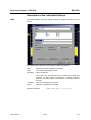
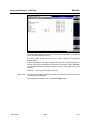
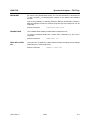
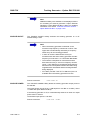
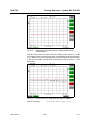
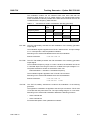
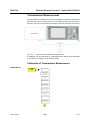
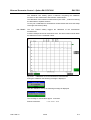
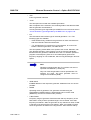
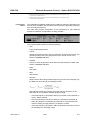
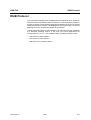
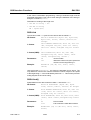
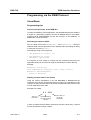
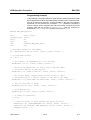
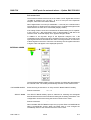
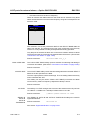
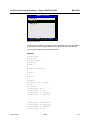
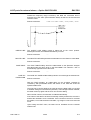
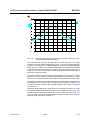
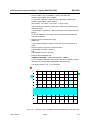
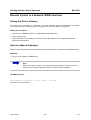
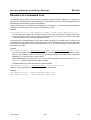
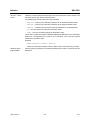
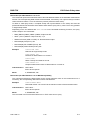
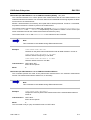
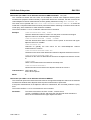
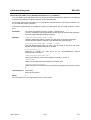
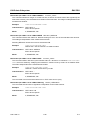
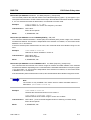
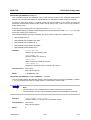
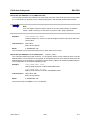
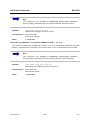
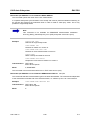
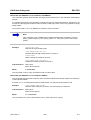
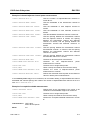
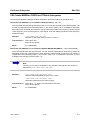
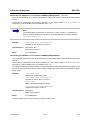
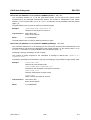
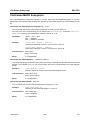
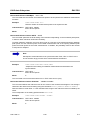
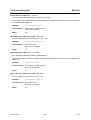
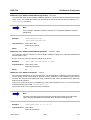
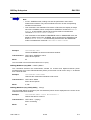
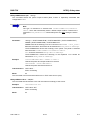
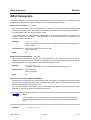
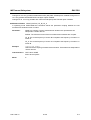
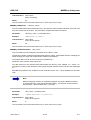
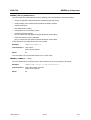
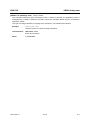
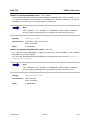
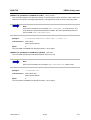
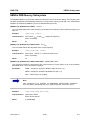
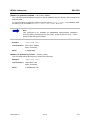
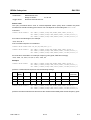
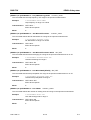
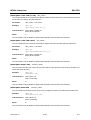
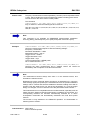
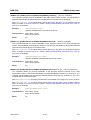
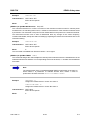
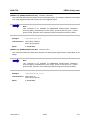
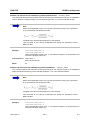
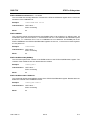
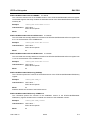
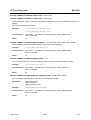
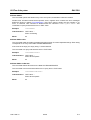
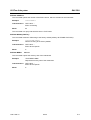
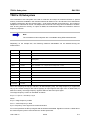
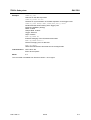
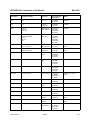
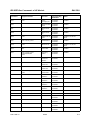
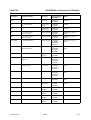
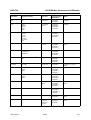
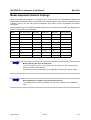
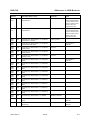
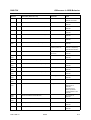
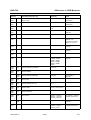
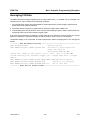
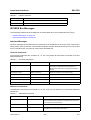
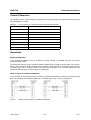
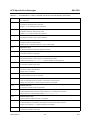
The FREQUENCY LINE 1/2 softkeys enable or disable the frequency lines 1/2
and allow the user to enter the position of the lines.
The frequency lines mark the selected frequencies in the measurement window.
Aa
Remote command:
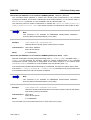
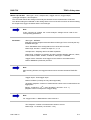
TIME LINE 1
TIME LINE 2
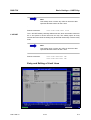
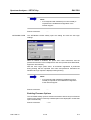
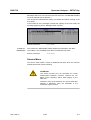
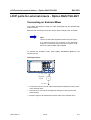
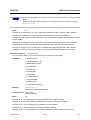
Note
The two softkeys cannot be used in the time domain
(span = 0).
CALC:FLIN:STAT ON
CALC:FLIN 120MHz
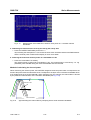
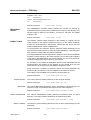
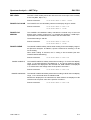
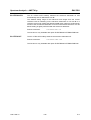
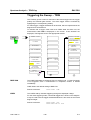
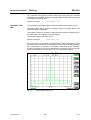
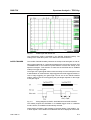
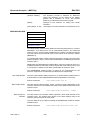
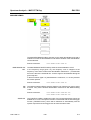
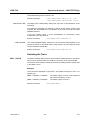
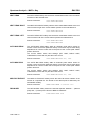
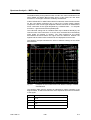
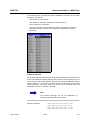
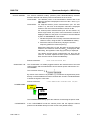
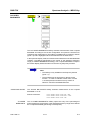
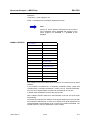
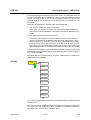
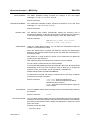
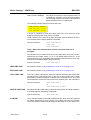
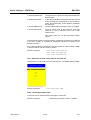
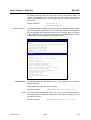
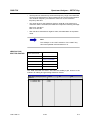
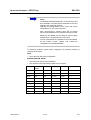
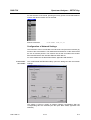
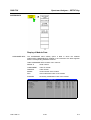
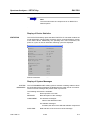
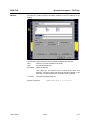
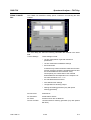
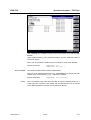
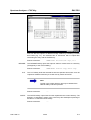
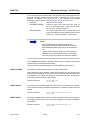
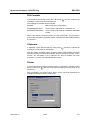
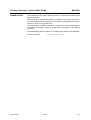
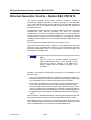
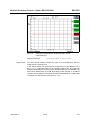
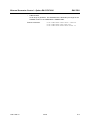
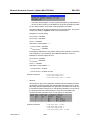
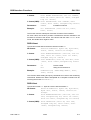
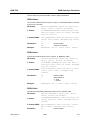
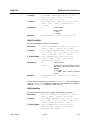
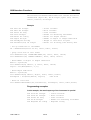
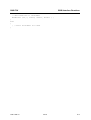
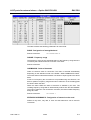
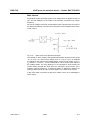
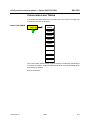
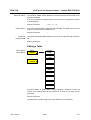
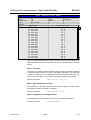
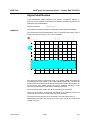
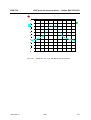
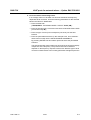
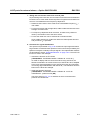
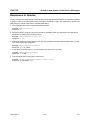
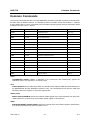
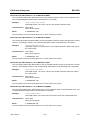
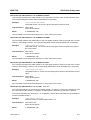
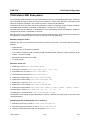
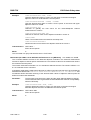
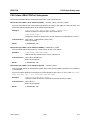
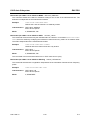
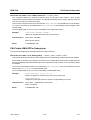
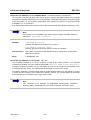
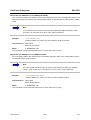
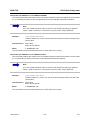
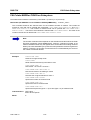
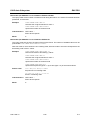
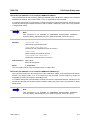
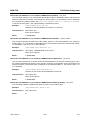
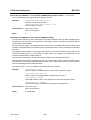
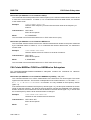
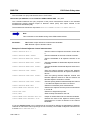
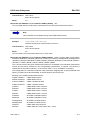
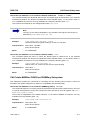
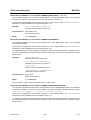
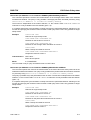
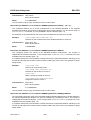
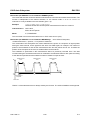
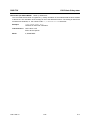
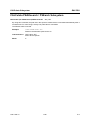
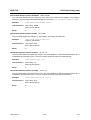
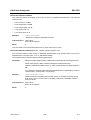
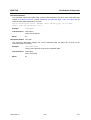
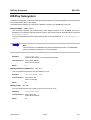
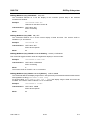
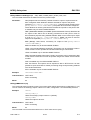
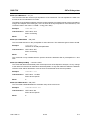
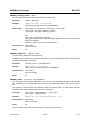
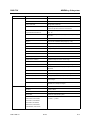
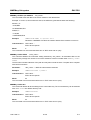
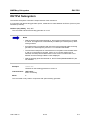
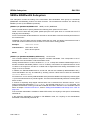
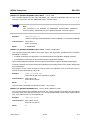
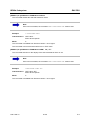
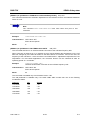
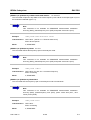
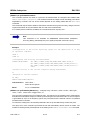
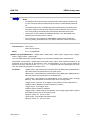
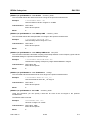
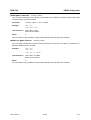
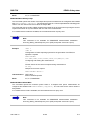
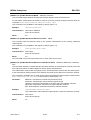
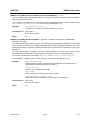
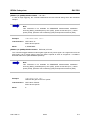
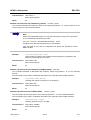
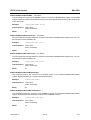
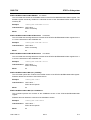
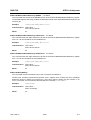
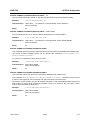
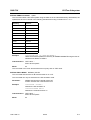
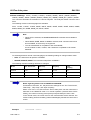
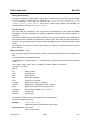
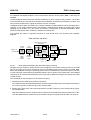
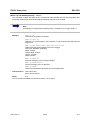
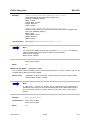
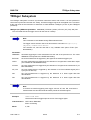
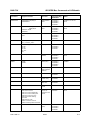
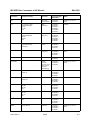
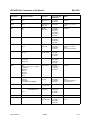
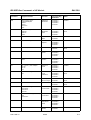
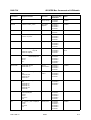
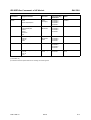
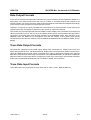
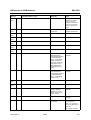
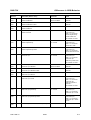
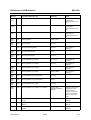
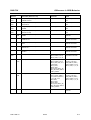
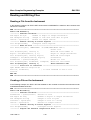
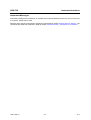
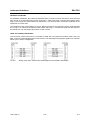
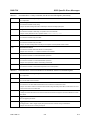
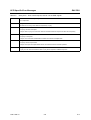
The TIME LINE 1/2 softkeys enable or disable the time lines 1/2 and allow the
user to enter the position of the lines.
The time lines mark the selected times or define search ranges (see section
“Marker Functions – MKR FCTN” on page 4.71).
1166.1725.12
4.154
E-2