1
SYSTem Subsystem
R&S FSU
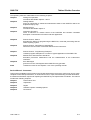
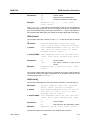
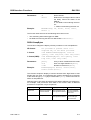
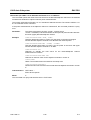
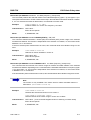
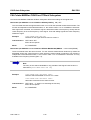
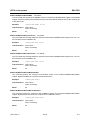
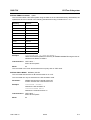
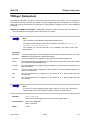
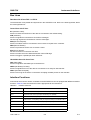
SYSTem:COMMunicate:PRINter:SELect <1|2>
<printer_name>
This command selects one of the printers configured under Windows NT including the associated
output destination.
The specified printer name must be a string as returned by the commands
SYSTem:COMMunicate:PRINter:ENUMerate:FIRSt? or
SYSTem:COMMunicate:PRINter:ENUMerate:NEXT?
Aa
Example:
Note
Command HCOPy:DESTination is used to select an output medium other than
the default one.
"SYST:COMM:PRIN:SEL 'LASER on LPT1'"
Characteristics: *RST value: NONE
SCPI: device-specific
Mode:
all
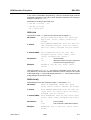
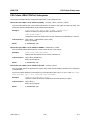
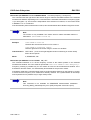
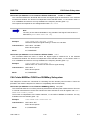
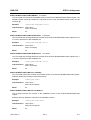
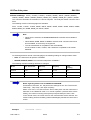
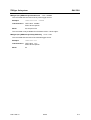
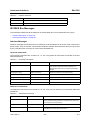
SYSTem:COMMunicate:TCPip:CONTrol?
This command outputs the control port for the LAN socket connection. An error indicates that the
socket connection is not supported.
Example:
"SYST:COMM:TCP:CONT?"
Outputs the control port.
Characteristics: *RST value: -SCPI: device-specific
Mode:
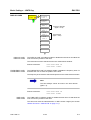
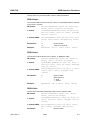
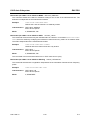
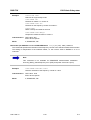
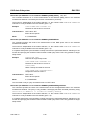
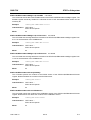
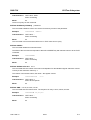
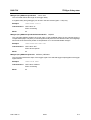
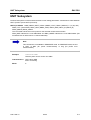
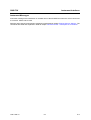
SYSTem:DATE
A
1980 to 2099, 1 to 12, 1 to 31
This command is used to enter the date for the internal calendar.
The sequence of entry is year, month, day.
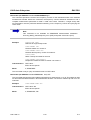
Example:
"SYST:DATE 2000,6,1"
Characteristics: *RST value: –
SCPI: conforming
Mode:
1166.1725.12
all
6.226
E-2