1
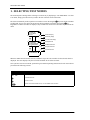
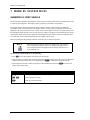
TEST MODES
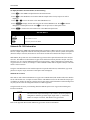
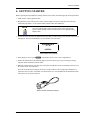
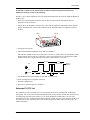
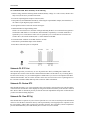
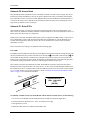
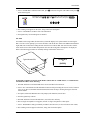
6. Disconnect jumper leads.
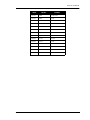
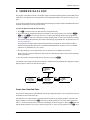
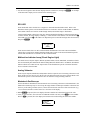
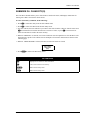
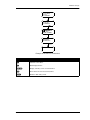
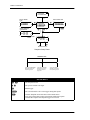
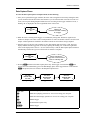
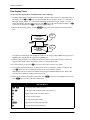
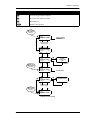
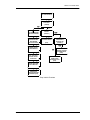
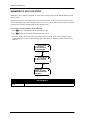
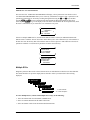
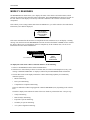
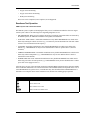
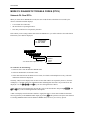
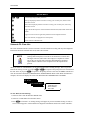
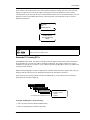
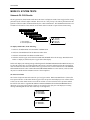
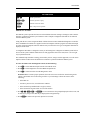
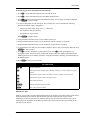
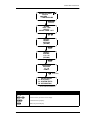
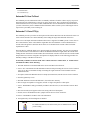
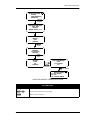
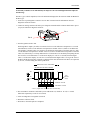
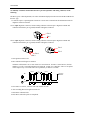
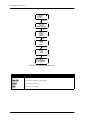
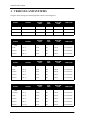
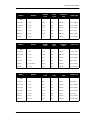
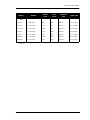
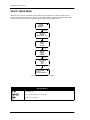
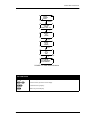
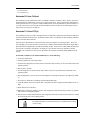
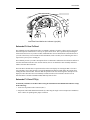
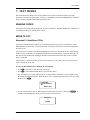
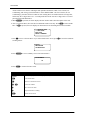
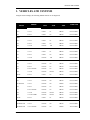
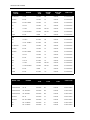
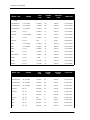
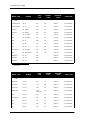
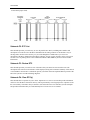
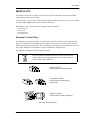
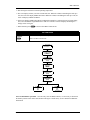
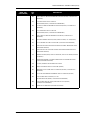
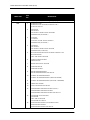
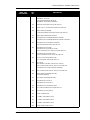
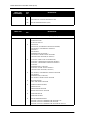
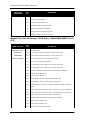
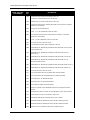
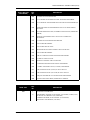
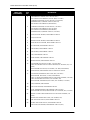
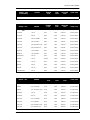
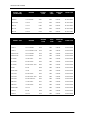
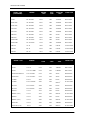
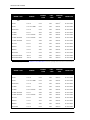
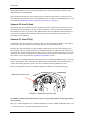
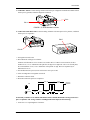
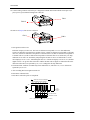
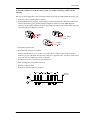
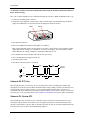
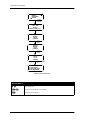
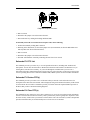
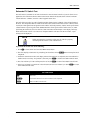
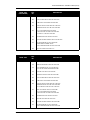
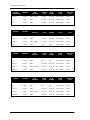
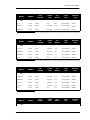
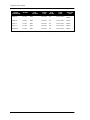
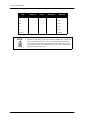
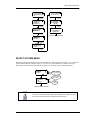
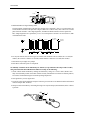
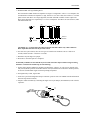
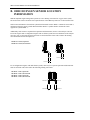
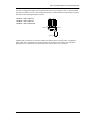
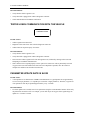
Example Of EEC-IV Fast And Slow KOEO and Continuous Codes
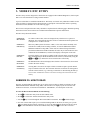
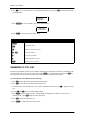
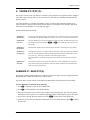
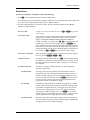
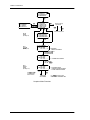
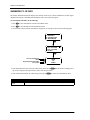
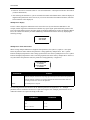
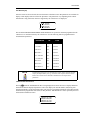
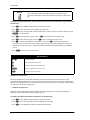
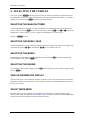
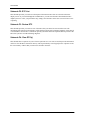
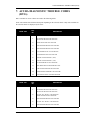
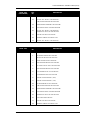
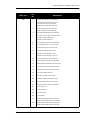
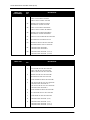
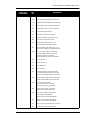
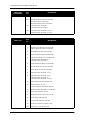
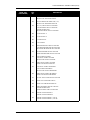
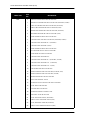
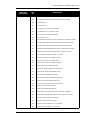
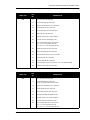
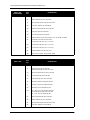
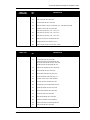
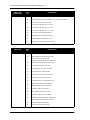
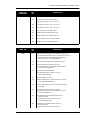
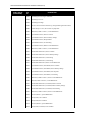
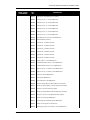
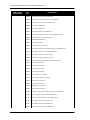
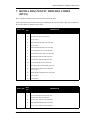
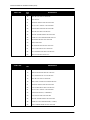
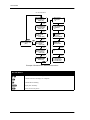
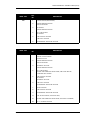
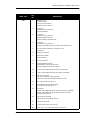
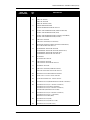
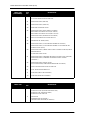
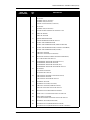
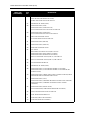
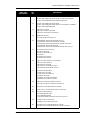
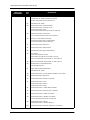
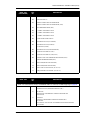
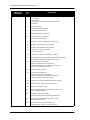
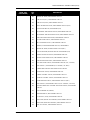
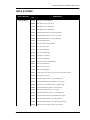
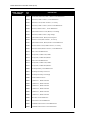
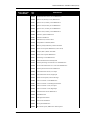
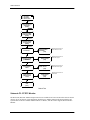
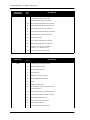
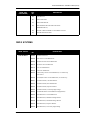
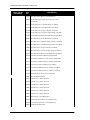
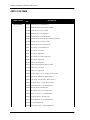
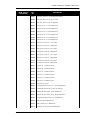
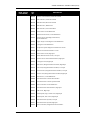
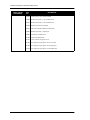
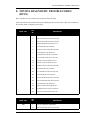
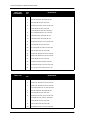
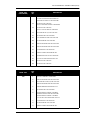
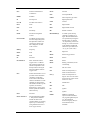
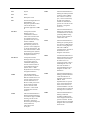
Submode F2: DTC List
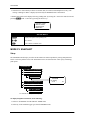
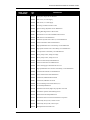
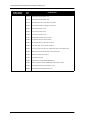
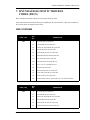
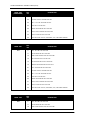
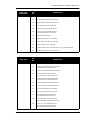
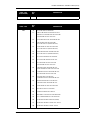
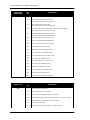
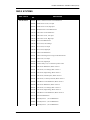
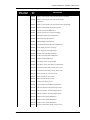
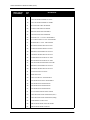
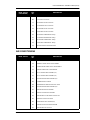
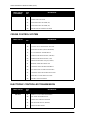
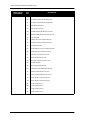
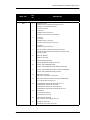
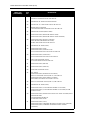
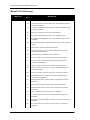
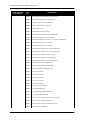
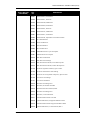
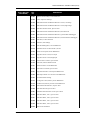
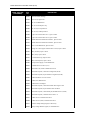
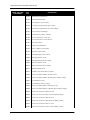
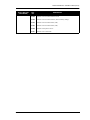
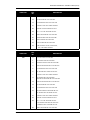
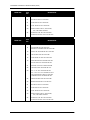
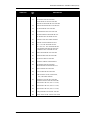
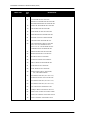
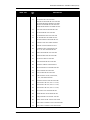
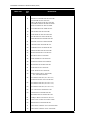
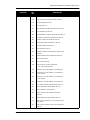
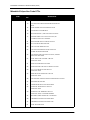
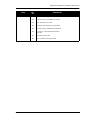
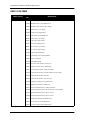
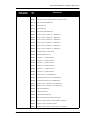
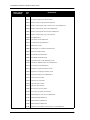
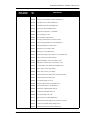
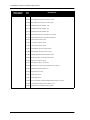
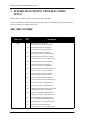
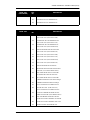
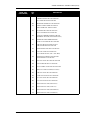
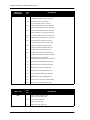
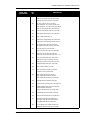
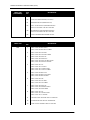
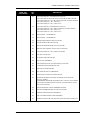
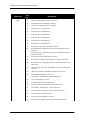
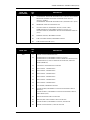
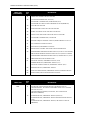
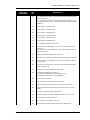
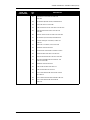
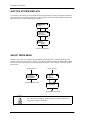
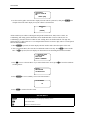
This submode provides you with a way to view all possible ECU DTCs, including DTC numbers and
descriptions. You can also select the DTCs obtained from the analog voltmeter as an alternative way of
entering DTCs into the tester's memory. As you scroll through the available DTCs you can view a
description of the DTC obtained from the analog voltmeter. You can "Select" the DTC on the tester screen
for later review or printing. Refer to the Common Test Modes OBD, OBD I Systems section for further
information.
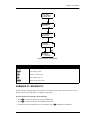
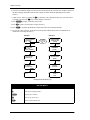
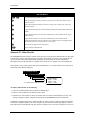
Submode F3: Review DTC
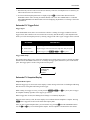
This submode provides you with a review of the DTCs that you entered or selected in the tester. The
description of the entered or selected DTC will be displayed, along with a numerical summary of the entered
or selected DTC. Review DTC is intended to provide you with an electronic clipboard that keeps track of the
DTCs that you have encountered during diagnosis.
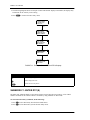
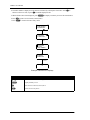
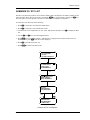
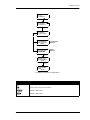
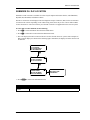
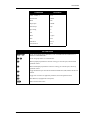
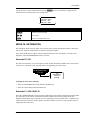
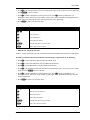
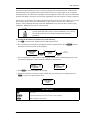
Submode F4: Clear DTC(s)
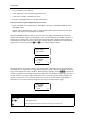
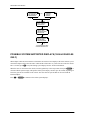
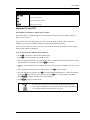
This submode has two options for you to chose. Option F0 is to view text screens that provide information
on how to clear the DTCs from ECU memory. This is performed by tester keypad presses. Option F1 clears
the tester memory from DTCs that you entered or selected in the tester. The clear DTC(s) mode is helpful
and provides information that you would normally have to locate in a service manual.
20
MAZDA