1
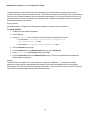
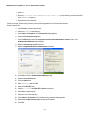
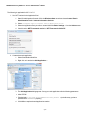
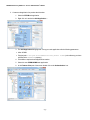
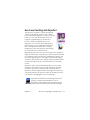
Converting with Quick View
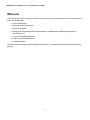
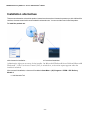
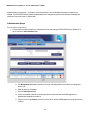
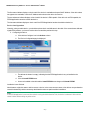
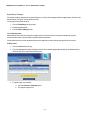
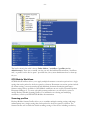
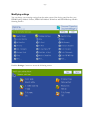
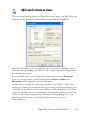
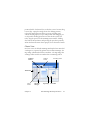
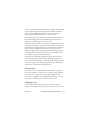
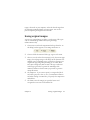
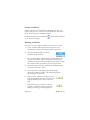
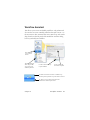
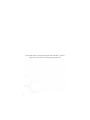
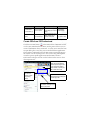
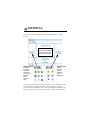
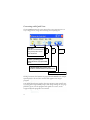
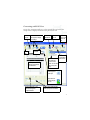
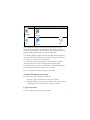
Choose Quick View in the View menu. Then your conversions are an
easy 4-step process, using current settings for everything else:
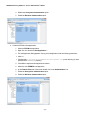
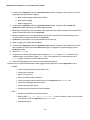
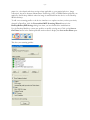
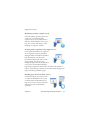
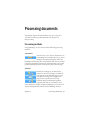
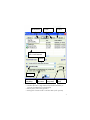
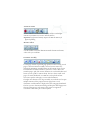
1. File Open:
Select one or more PDF/XPS files
or drag and drop them onto the
Quick View window.
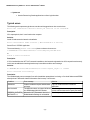
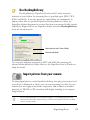
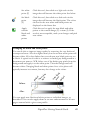
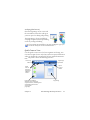
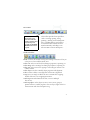
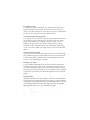
Mode
Tool
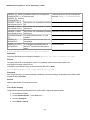
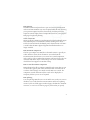
Output
Tool
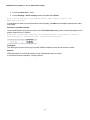
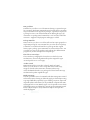
Convert All
Tool
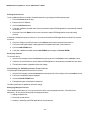
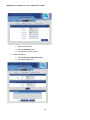
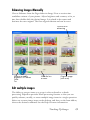
2. Choose a processing mode:
Standard Document, Legal, Spreadsheet
or Form.
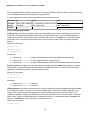
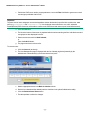
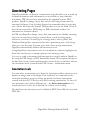
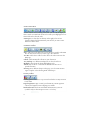
3. Choose a target: Microsoft Word, Excel,
PowerPoint, Corel WordPerfect or Rich Text Format.
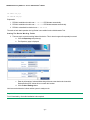
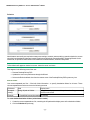
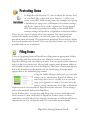
4. Start the conversion.
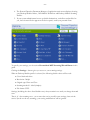
During conversion, the buttons are grayed. If View Result in the Output
Options panel is selected, the converted file appears in its target
program.
Turn off the Quick View toggle in the View menu to return to Full view
to see the processing summary, inspect and change settings or view page
previews. If you close the program with Quick View active, it will
reappear when the program is next started.
30