1
PPDM PSP Delivery Module 3 – Server Administrator’s Guide
R epository C hanges
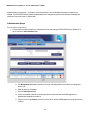
File transfer location changes are not quite frequent (c.f. email system changes within an organization). However, the
Administration Tool gives you the option to do this.
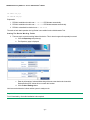
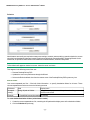
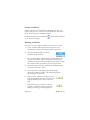
To change the file transfer location:
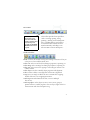
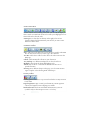
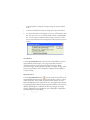
1. Click the Repository tab (at the top).
2. Change the parameters.
3. Click the Store Settings button.
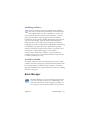
U ser Management
Administrators are usually not required to manage user lists, because clients are able to automatically register
themselves and use the system without any administrator interaction.
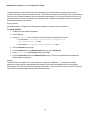
On the other hand, we provide an administration tool to add/remove users and user groups to/from the system.
Adding users
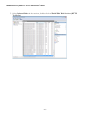
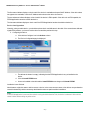
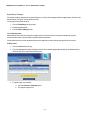
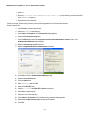
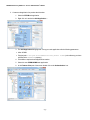
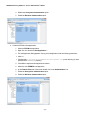
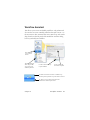
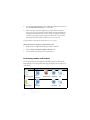
1. Click the Users tab (at the top).
2. The User Management page is displayed with the list of already registered (manually by the administrator or
automatically by the clients themselves) users.
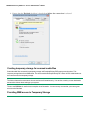
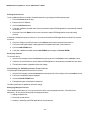
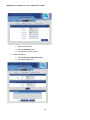
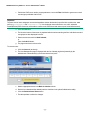
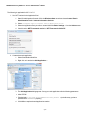
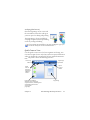
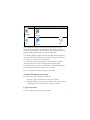
3. To add a single user manually:
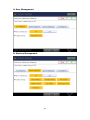
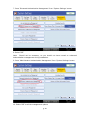
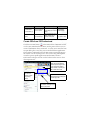
a. Pick the Add users manually option.
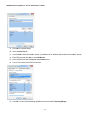
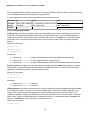
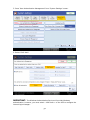
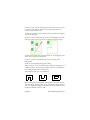
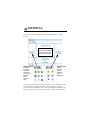
b. The page changes to this:
- 31 -