1
36 BDL4230E LCD
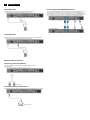
DDC Instructions
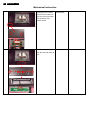
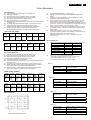
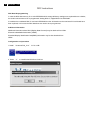
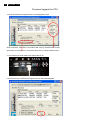
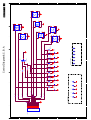
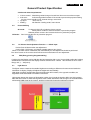
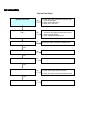
5. Prepare the download equipment.
- Use USB cable connect to PC and Tool Board
- Use VGA cable connect to Tool Board and Display
PC or NB
VGA cable for EDID writing need to be removed
pin5 to disable EDID write protect
Display
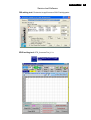
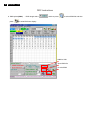
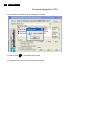
6. Plug power cord into Display and run ϘDebugTool_V6.2ϙ file
OK
Fail