1
Chapter 10 [2]
[1]
[3]
[3]
[3]
[3]
[1]
[4]
[3]
[2]
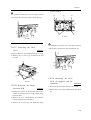
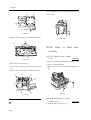
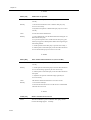
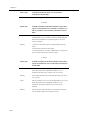
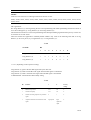
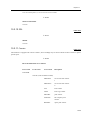
F-10-40
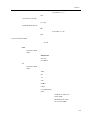
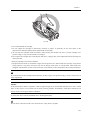
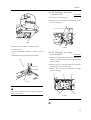
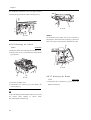
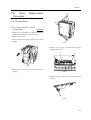
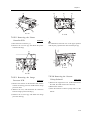
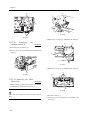
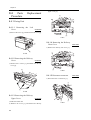
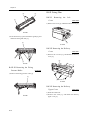
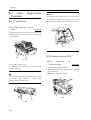
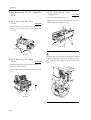
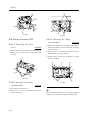
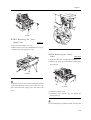
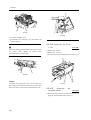
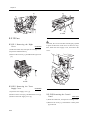
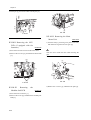
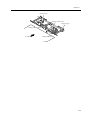
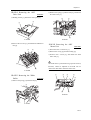
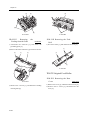
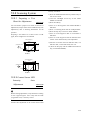
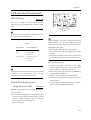
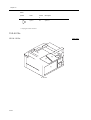
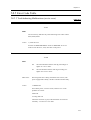
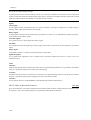
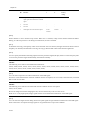
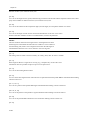
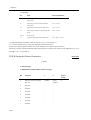
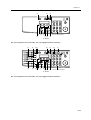
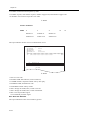
10.4.5.2 Removing the Right
Cover
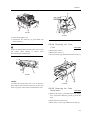
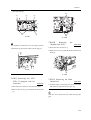
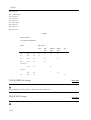
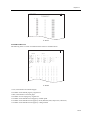
F-10-38
0006-3993
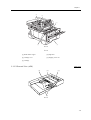
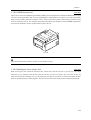
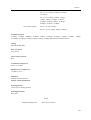
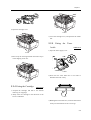
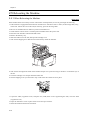
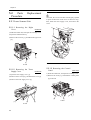
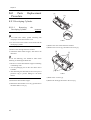
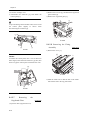
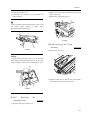
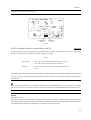
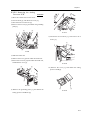
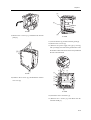
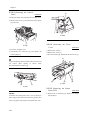
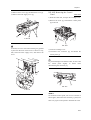
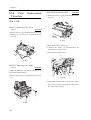
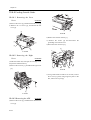
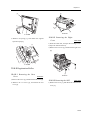
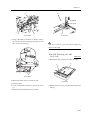
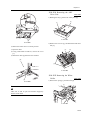
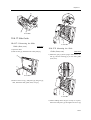
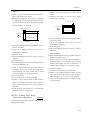
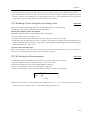
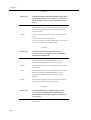
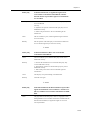
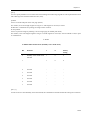
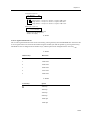
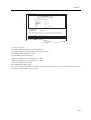
1) Slide the reader unit, and open the cartridge cover.
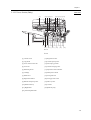
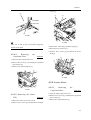
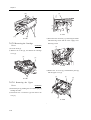
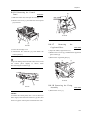
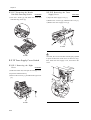
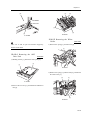
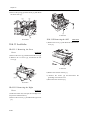
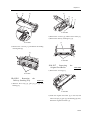
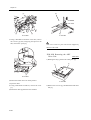
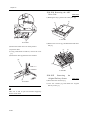
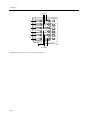
3) Remove the 2 screws [1], and detach the feeding
outside guide [2].
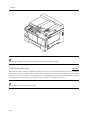
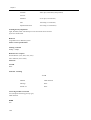
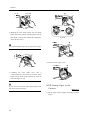
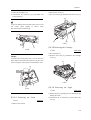
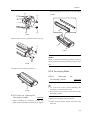
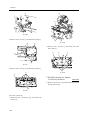
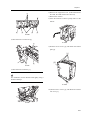
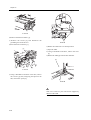
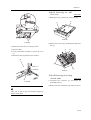
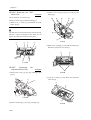
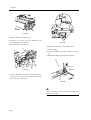
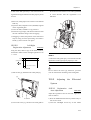
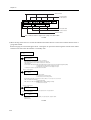
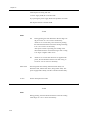
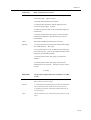
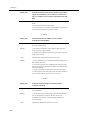
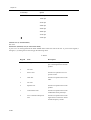
2) Open the manual feed tray.
3) Remove the 2 screws [1], and detach the right cover
[2].
[2]
[2]
[1]
[1]
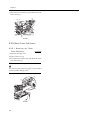
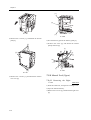
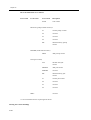
F-10-39
[1]
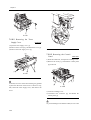
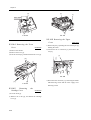
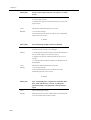
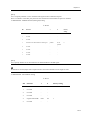
F-10-41
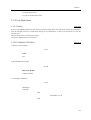
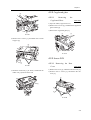
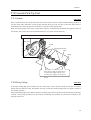
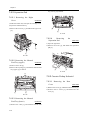
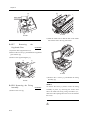
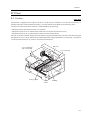
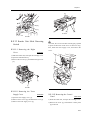
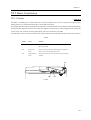
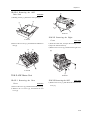
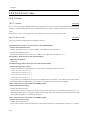
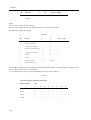
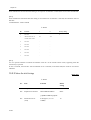
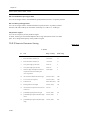
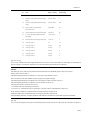
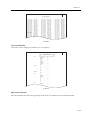
10.4.5 Separation Roller Unit
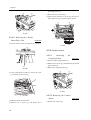
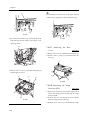
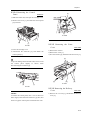
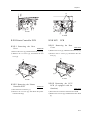
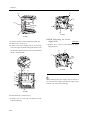
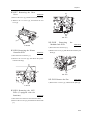
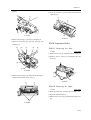
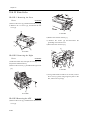
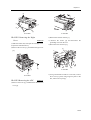
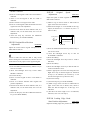
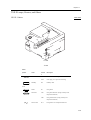
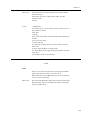
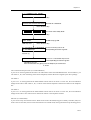
10.4.5.1 Removing the Rear
Cover
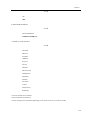
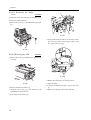
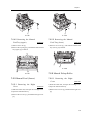
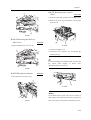
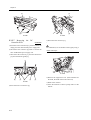
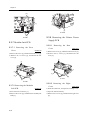
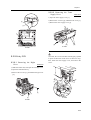
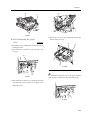
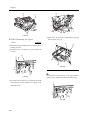
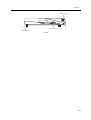
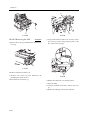
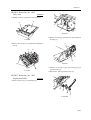
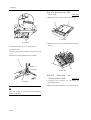
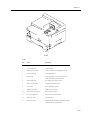
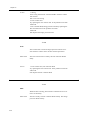
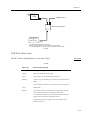
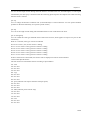
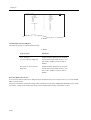
10.4.5.3 Removing the ADF
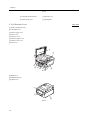
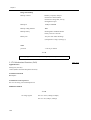
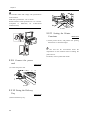
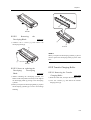
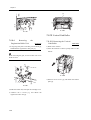
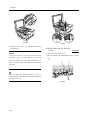
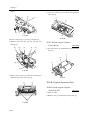
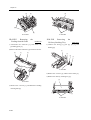
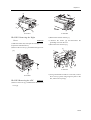
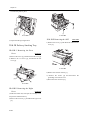
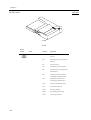
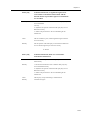
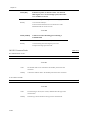
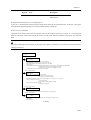
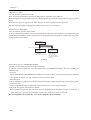
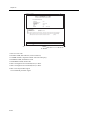
1) Remove the screw [1], and detach the ADF harness
0006-3990
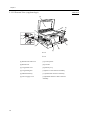
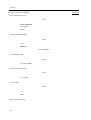
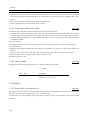
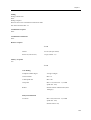
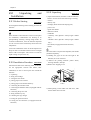
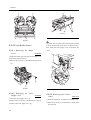
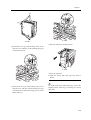
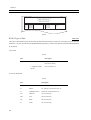
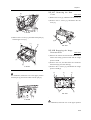
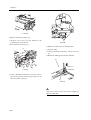
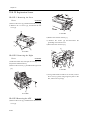
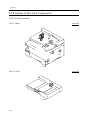
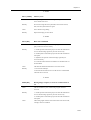
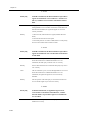
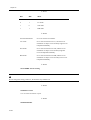
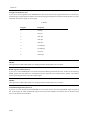
1) Remove the screw [1], and detach the left cover [2].
2) Remove the 13 screws [3], and detach the rear
cover [4].
10-14
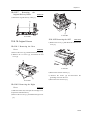
0006-3995
cover [2].