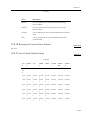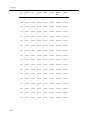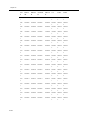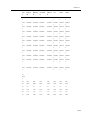
1
Chapter 10
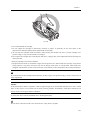
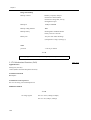
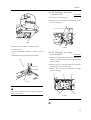
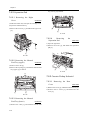
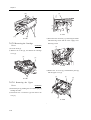
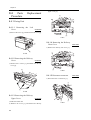
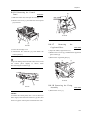
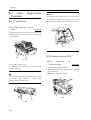
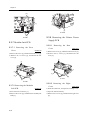
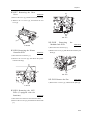
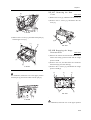
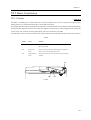
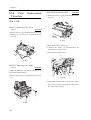
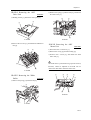
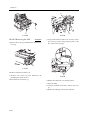
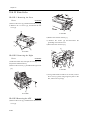
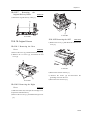
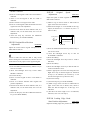
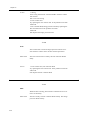
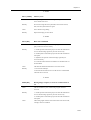
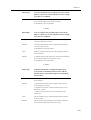
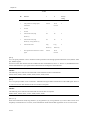
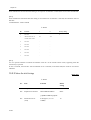
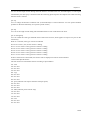
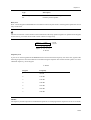
10.4.7.4 Removing the ADF
Drive Unit
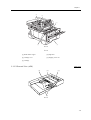
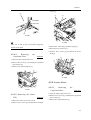
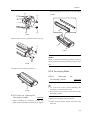
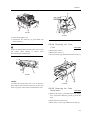
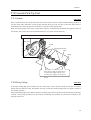
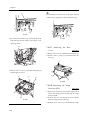
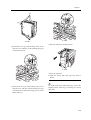
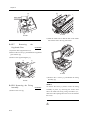
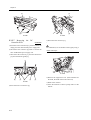
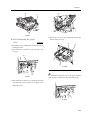
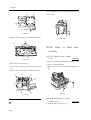
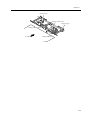
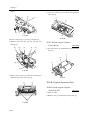
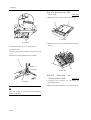
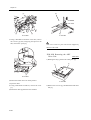
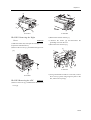
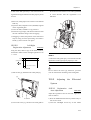
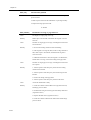
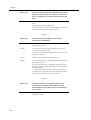
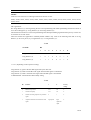
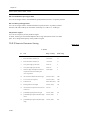
2) Remove the spring [1] and the hook [2], and detach
0006-4045
the white roller [3].
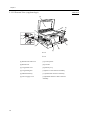
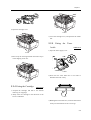
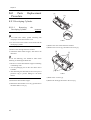
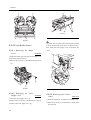
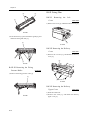
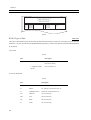
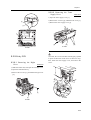
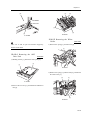
1) Holding the tab [1], detach the white plate [2].
[2]
[1]
[2]
[1]
[3]
F-10-78
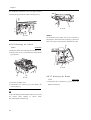
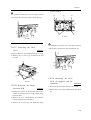
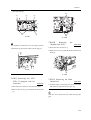
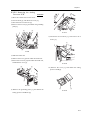
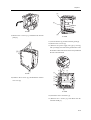
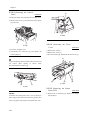
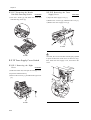
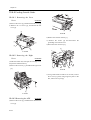
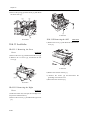
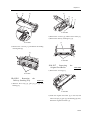
F-10-81
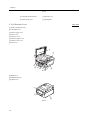
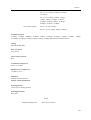
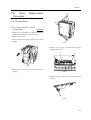
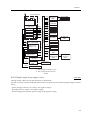
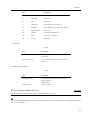
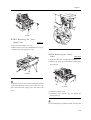
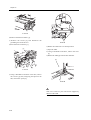
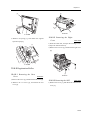
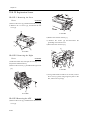
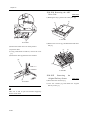
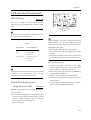
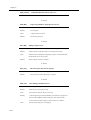
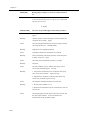
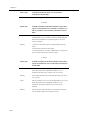
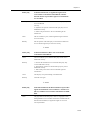
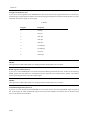
2) Remove the 4 screws [1], and detach the ADF drive
unit [2].
[1]
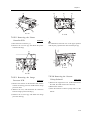
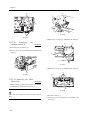
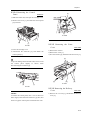
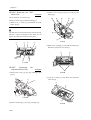
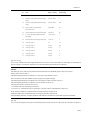
10.4.7.6 Removing the ADF
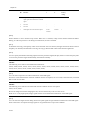
Motor Unit
0006-4047
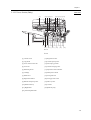
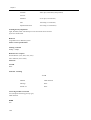
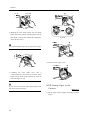
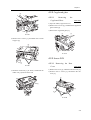
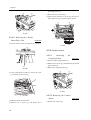
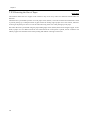
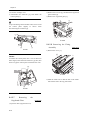
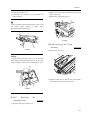
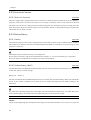
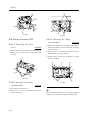
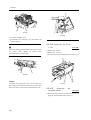
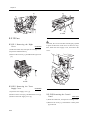
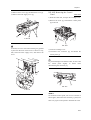
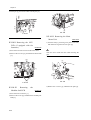
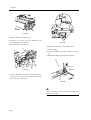
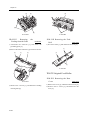
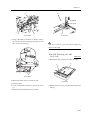
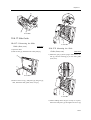
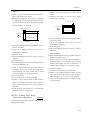
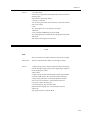
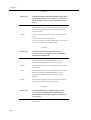
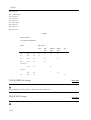
1) Disconnect the 3 connectors [1].
[2]
2) Remove the E-ring [2] and the bushing [3].
3) Remove the 3 screws [4], and detach the ADF
motor unit [5].
[1]
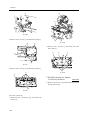
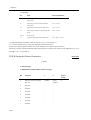
The ADF motor is positioned using a special tool and,
therefore, cannot be adjusted in the field. Do not
remove the ADF motor from the motor base.
[1]
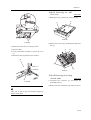
F-10-79
[1]
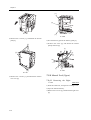
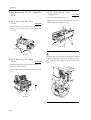
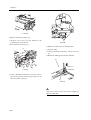
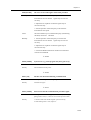
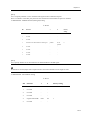
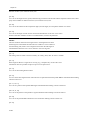
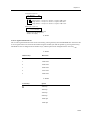
10.4.7.5 Removing the White
Roller
[4]
[3]
[5]
0006-4046
[4]
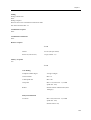
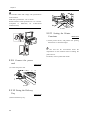
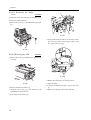
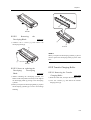
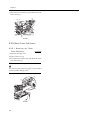
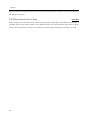
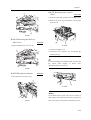
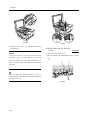
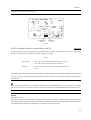
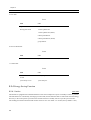
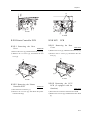
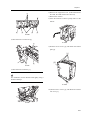
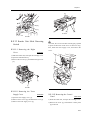
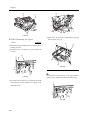
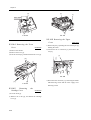
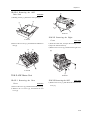
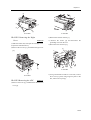
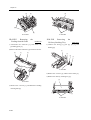
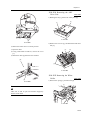
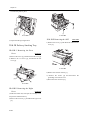
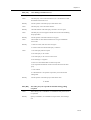
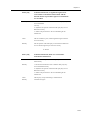
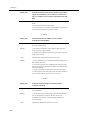
1) Remove the spring [1] and the hook [2].
[2]
[2]
[1]
F-10-82
[1]
F-10-80
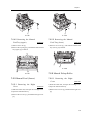
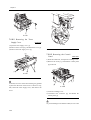
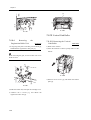
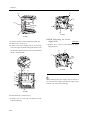
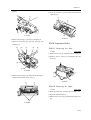
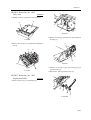
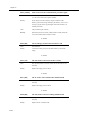
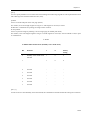
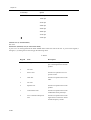
10.4.7.7
Removing
Separation Roller Unit
the
0006-4051
1) Remove the E-ring [1], gear [2], bushing[3], and
10-23