1
Troubleshooting
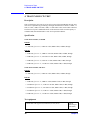
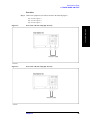
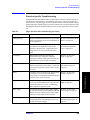
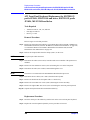
Troubleshooting Using External Test
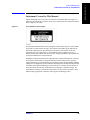
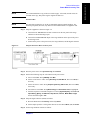
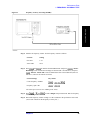
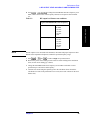
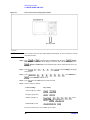
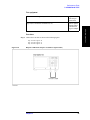
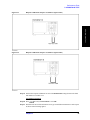
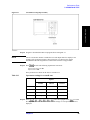
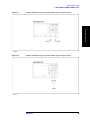
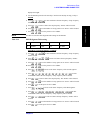
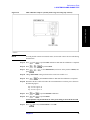
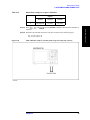
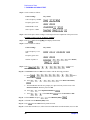
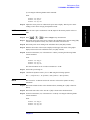
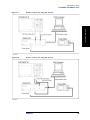
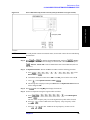
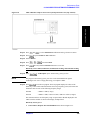
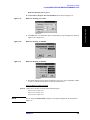
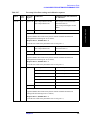
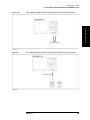
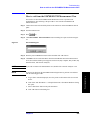
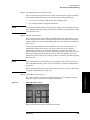
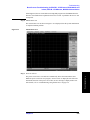
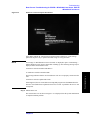
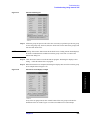
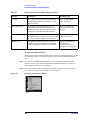
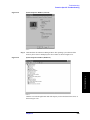
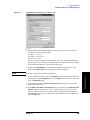
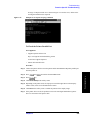
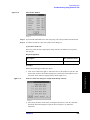
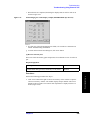
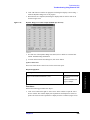
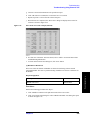
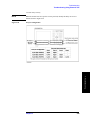
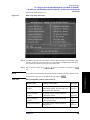
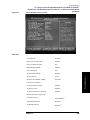
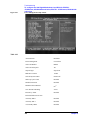
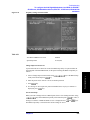
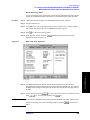
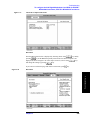
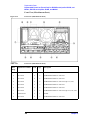
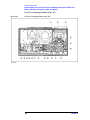
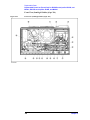
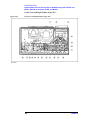
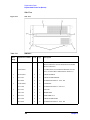
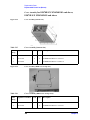
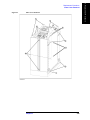
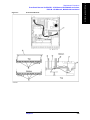
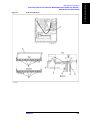
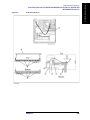
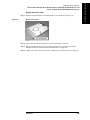
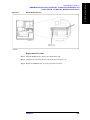
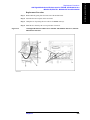
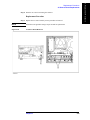
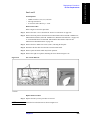
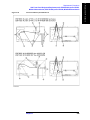
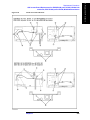
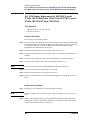
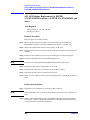
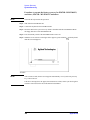
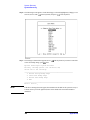
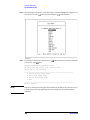
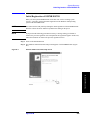
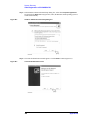
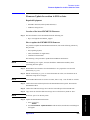
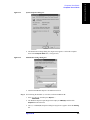
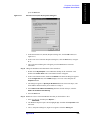
Figure 4-47
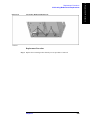
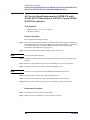
Dynamic Range tests dialog box example (E5071B Opt. 413/414)
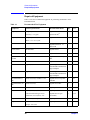
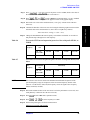
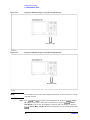
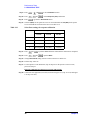
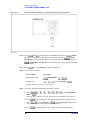
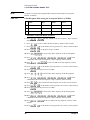
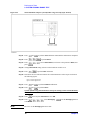
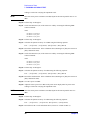
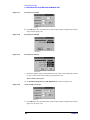
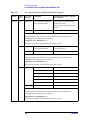
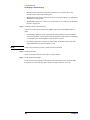
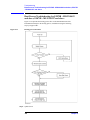
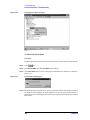
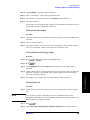
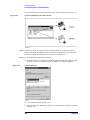
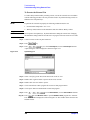
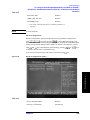
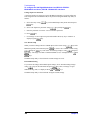
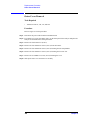
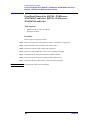
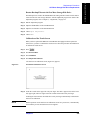
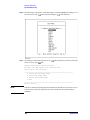
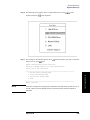
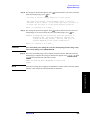
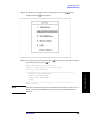
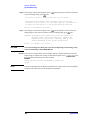
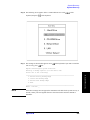
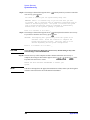
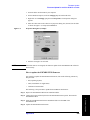
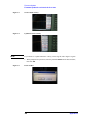
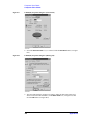
b. Select the S parameters for the test by clicking the check boxes. Then, click “Start Test“
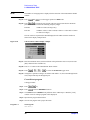
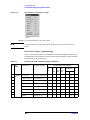
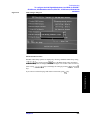
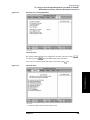
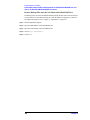
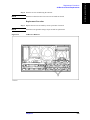
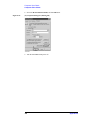
button. The instruction dialog box opens as shown in Figure 4-48. Follow the
instruction.
NOTE
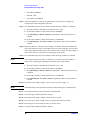
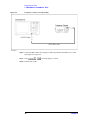
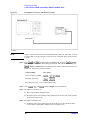
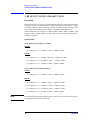
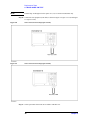
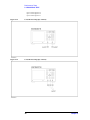
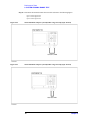
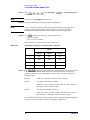
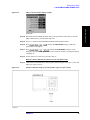
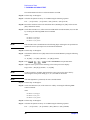
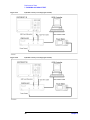
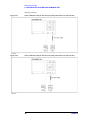
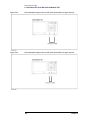
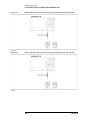
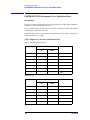
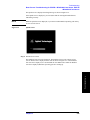
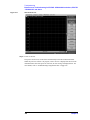
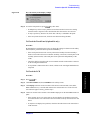
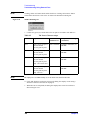
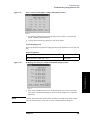
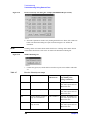
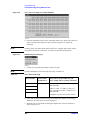
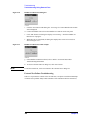
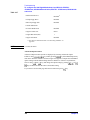
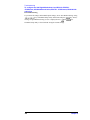
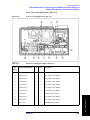
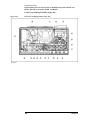
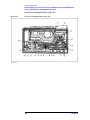
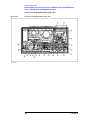
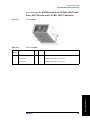
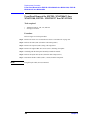
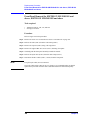
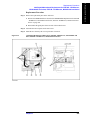
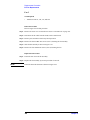
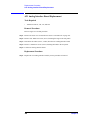
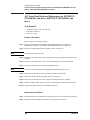
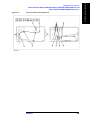
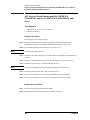
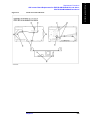
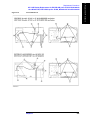
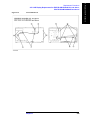
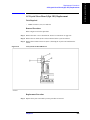
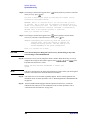
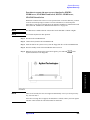
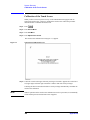
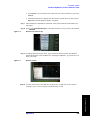
Figure 4-48
Clicking “Select All” button checks all the check boxes. Clicking "Select None" button
clears all the check boxes. Click "Exit" to return to the External Test dialog box
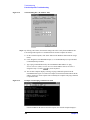
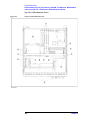
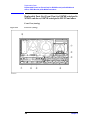
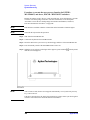
SHORT (all ports) dialog box
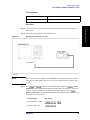
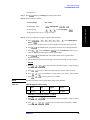
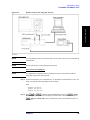
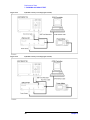
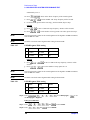
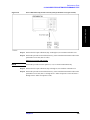
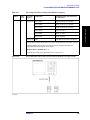
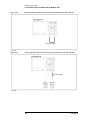
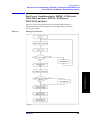
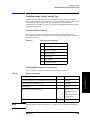
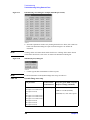
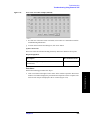
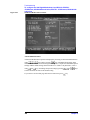
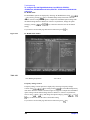
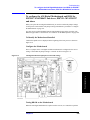
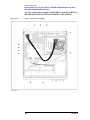
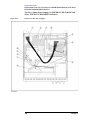
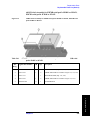
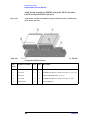
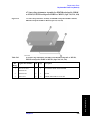
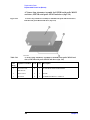
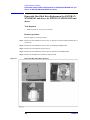
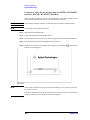
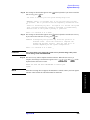
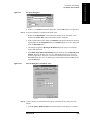
c. Connect type-N Short terminations to all the test ports.
NOTE
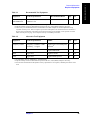
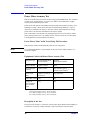
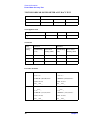
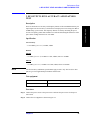
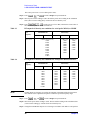
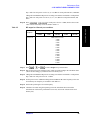
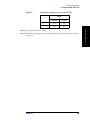
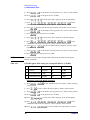
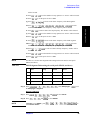
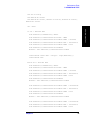
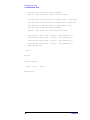
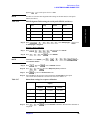
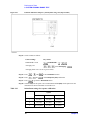
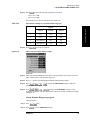
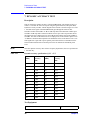
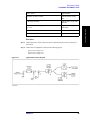
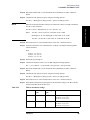
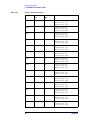
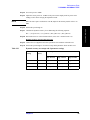
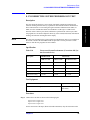
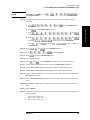
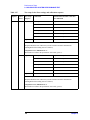
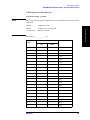
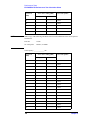
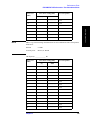
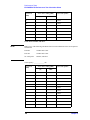
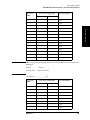
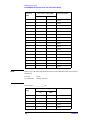
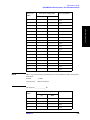
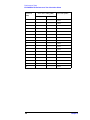
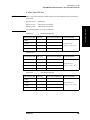
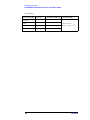
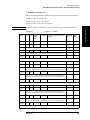
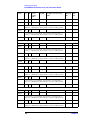
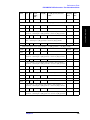
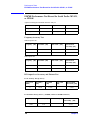
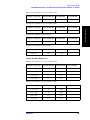
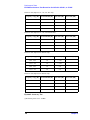
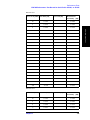
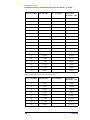
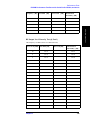
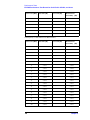
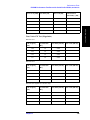
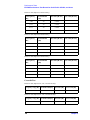
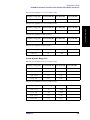
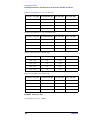
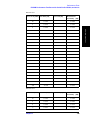
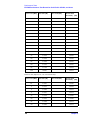
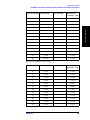
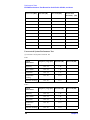
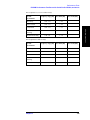
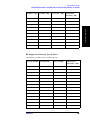
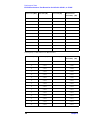
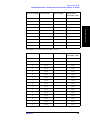
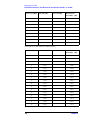
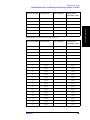
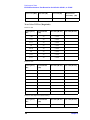
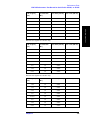
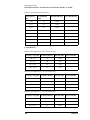
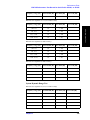
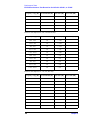
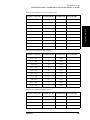
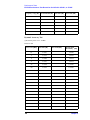
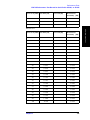
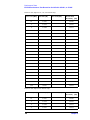
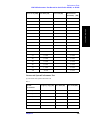
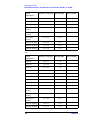
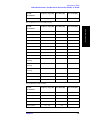
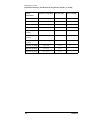
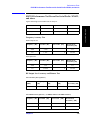
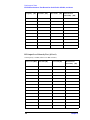
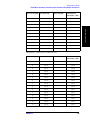
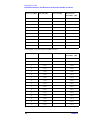
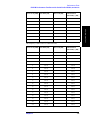
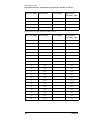
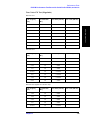
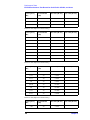
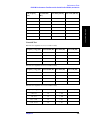
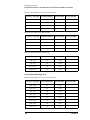
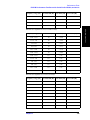
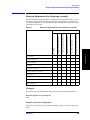
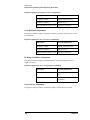
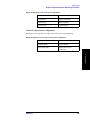
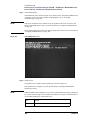
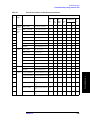
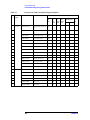
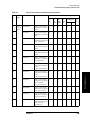
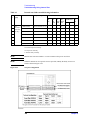
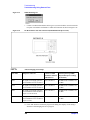
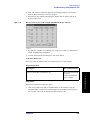
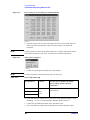
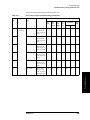
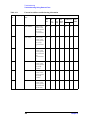
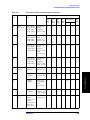
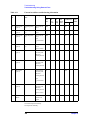
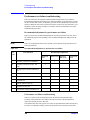
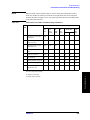
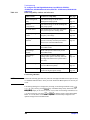
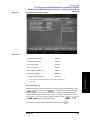
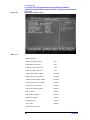
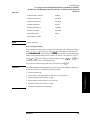
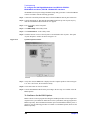
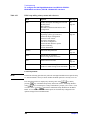
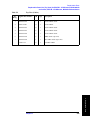
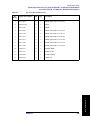
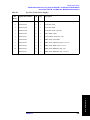
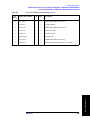
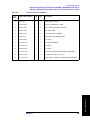
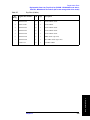
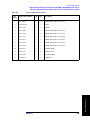
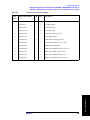
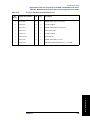
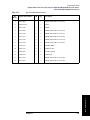
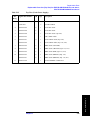
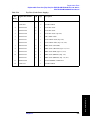
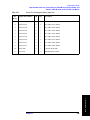
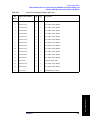
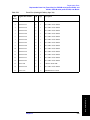
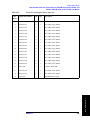
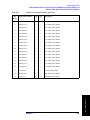
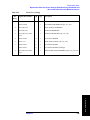
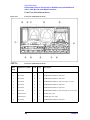
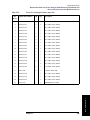
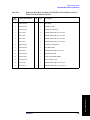
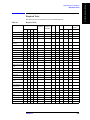
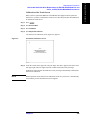
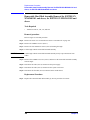
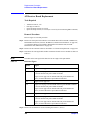
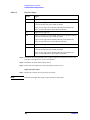
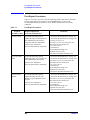
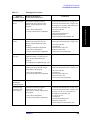
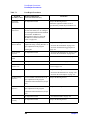
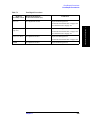
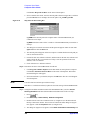
For more information on the Dynamic Range tests setup, see Table 4-8.
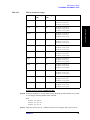
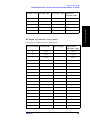
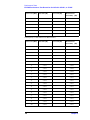
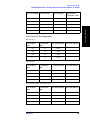
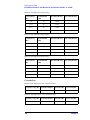
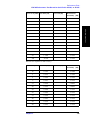
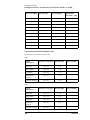
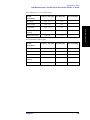
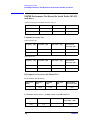
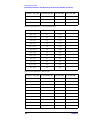
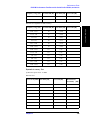
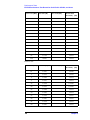
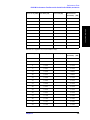
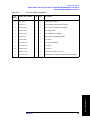
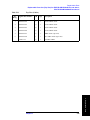
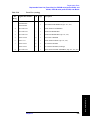
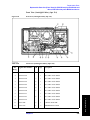
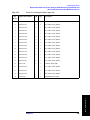
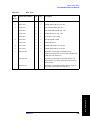
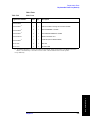
Table 4-8
Dynamic Range tests setup
Test parameter
Connect Short
terminations to
Sweep freq span, IFBW, Nop and
RF power settings (Automatic)
S12
S13 (Opt. 313/314/413/414)
S14 (Opt. 413/414)
S21
S23 (Opt. 313/314/413/414)
S31 (Opt. 313/314/413/414)
S32 (Opt. 313/314/413/414)
S34 (Opt. 413/414)
S41 (Opt. 413/414)
S43 (Opt. 413/414)
All the test ports
3 MHz to 3 GHz (E5070B),
248
3 MHz to 8.5 GHz (E5071B),
3 kHz BW, 101, max. source power
Chapter 4