1
LOOP delay - Manual
10
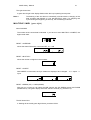
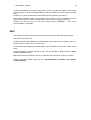
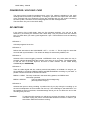
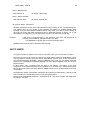
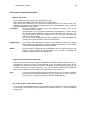
MEANING OF THE LEDS
The LOOP delay has three kinds of LED displays:
•
•
•
level display
mode display
function display
Here we are only going to explain level display and function display which are LED dots. We
will come back to mode display in the chapter MODE switch.
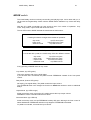
All dot LEDs have three colours: green, orange and red.
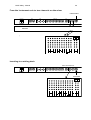
Level display
The input gain LED displays the level of the incoming sound. It will often burn orange, driven
by loud passages.
The loop level LED (also called feedback level) displays the volume of the running loop. If
FEEDBACK is fully open, to much overdubbing will take it to burn red and to distortion.
Function display
The other LEDs serve as switch and function displays.
The different colours generally indicate the following:
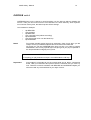
• Off
• Green
• Red
• Orange
The switch has no function at the moment.
The switch has the function written on the front panel.
Tapping the switch activates the function.
The switch has been struck once before and the function is active. A
second stroke ends the function.
The switch has a special function. Tap it only when you are sure (or to try
it out).
Generally:
The green displayed switches (functions) are ready to be started, the
red ones are active and ready to be ended.