1
Operation
HP 11758V
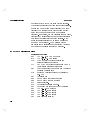
during the measurement. For a full
description see MK SEARCH in the HP
.
Since this feature can increase measurement
time, press 4
5 to ensure that it is set to
OFF, then press 4
5 again.
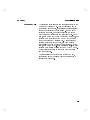
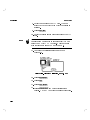
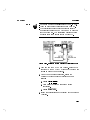
xii. 12 DFM TYPE should be displayed. This allows
selection of the type of DFM calculation
performed. For a full description see MEAS in
the HP 11757B Local Reference.
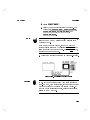
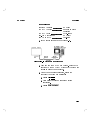
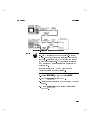
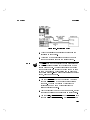
6. You are now ready to make the actual measurement.
Press 4 5. The display will indicate that the
measurement is in progress. When the measurement
has nished, the display will return to normal. If you
press the 4
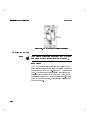
5 key on the Fader front panel
during the measurement, the measurement will be
interrupted and stop.
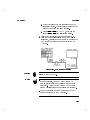
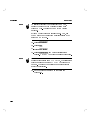
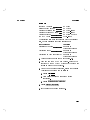
7. After the measurement is complete, press NEW MEAS
on the spectrum analyzer. The measurement will
download from the fading simulator to the spectrum
analyzer. When the data has transfered the message
TRANSFER COMPLETE will be displayed.
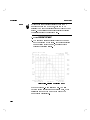
8. Press GRAPH to view the measurement
11757B Local and Remote Reference Manual
ENTER
ENTER
MEAS
PRESET/LOCAL
NNNNNNNNNNNNNNNNNNNNNNNNNN
NNNNNNNNNNNNNNNNN
Error Counting
3-50
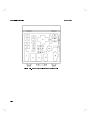
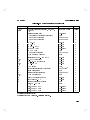
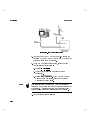
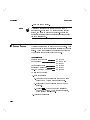
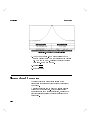
The Event Counter (and Interval Counter) are functions
independent of the operation of the spectrum analyzer.
The event counter is used to count negative going pulses:
a falling edge followed by a rising edge. The INTERVAL
CNTR INPUT is used to measure the accumulated time
that a pulse is low during the gate time interval. The
gate time can be set to 100 ms, 1 sec, and 10 sec, or a
value entered using data control keys.