1
Reference
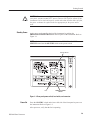
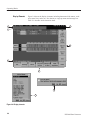
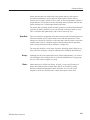
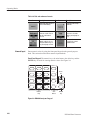
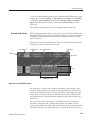
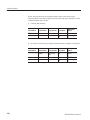
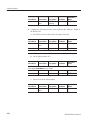
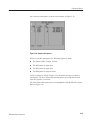
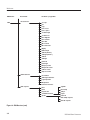
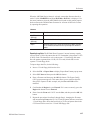
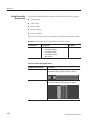
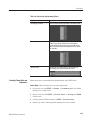
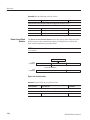
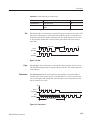
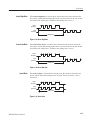
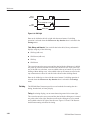
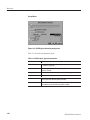
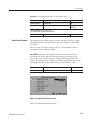
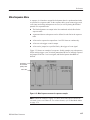
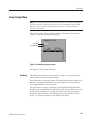
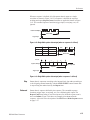
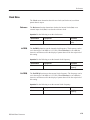
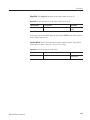
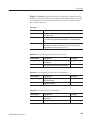
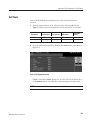
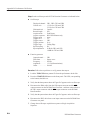
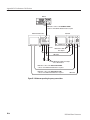
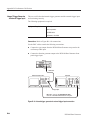
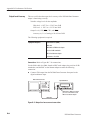
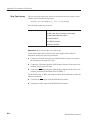
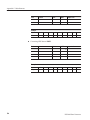
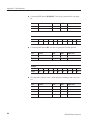
Operation. Do the following to divide a block.
Bottom button
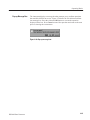
PopĆup menu
Side button
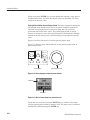
Move the knob icon to the Cursor window in the upper left area of the screen.
Move the cursor to the location where the block delimiter is to be placed.
Block
Select Add block delimiter here.
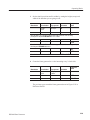
OK
Clear String
Input a block name.
Delete Current Block
Delimiter
OK
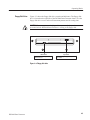
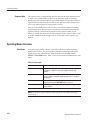
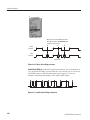
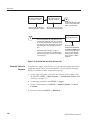
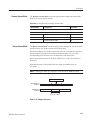
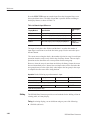
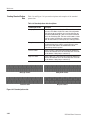
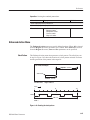
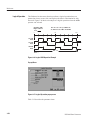
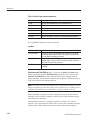
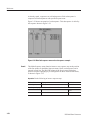
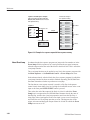
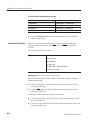
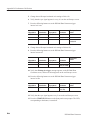
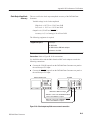
The Delete current block delimiter item in the pop-up menu deletes the block
delimiter between the current block and the preceding block to combine the
block with the immediately preceding block.
NOTE. To delete the block delimiter, at least one block must exist before the
current block.
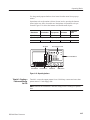
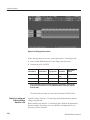
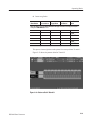
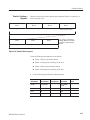
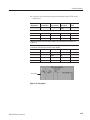
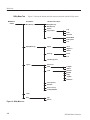
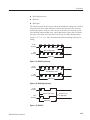
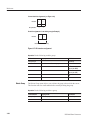
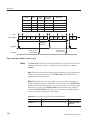
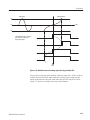
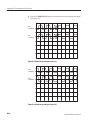
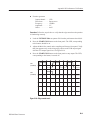
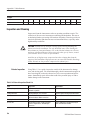
Current Cursor Position
Before
Combination
Block 1
Block 2
Block 3
Delete a Block Delimiter
After
Combination
Block 1
Block 3
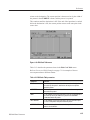
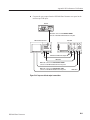
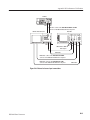
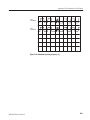
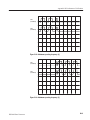
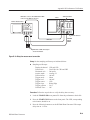
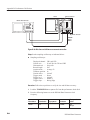
Figure 3Ć20: Combine blocks
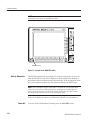
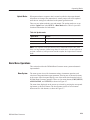
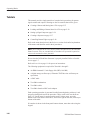
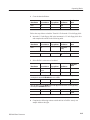
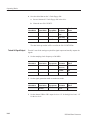
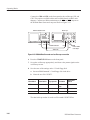
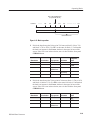
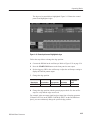
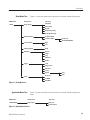
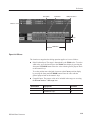
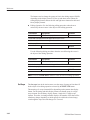
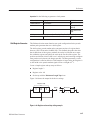
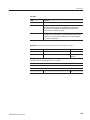
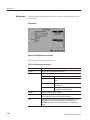
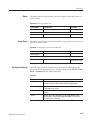
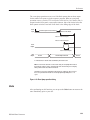
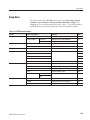
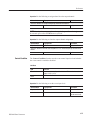
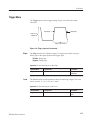
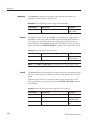
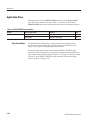
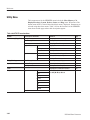
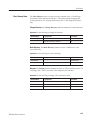
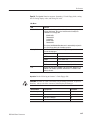
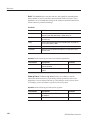
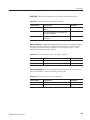
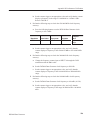
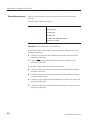
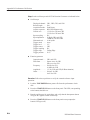
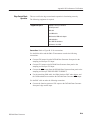
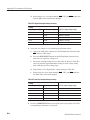
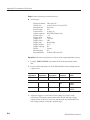
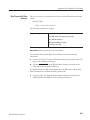
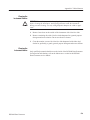
Operation. Do the following to combine blocks.
Bottom button
PopĆup menu
Side button
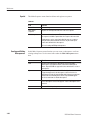
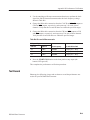
Move the knob icon to the Cursor window in the upper left area of the screen.
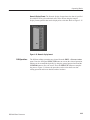
Move the cursor to the block where the block delimiter is to be deleted.
Block
3Ć30
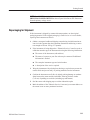
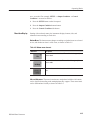
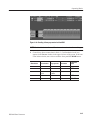
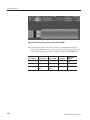
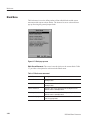
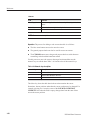
Select Delete current block delimiter.
OK
DG2040 Data Generator