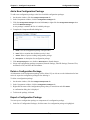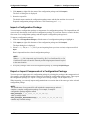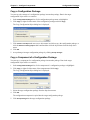
1
Configuration Packages
Chapter 9—Configure Components
Specify Network Settings
Create a Network Profile
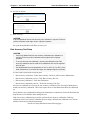
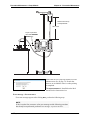
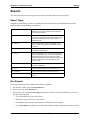
The System Maintenance Software can define and save up to eight network profiles on a PC Unit. These
profiles are used when the PC Unit connects to the Information Server. If a PC Unit is moved, it cycles
through the available profiles to find the optimum profile to use to connect to the server from that location.
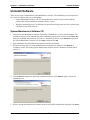
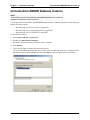
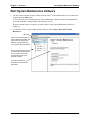
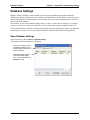
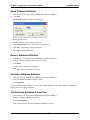
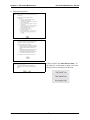
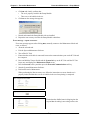
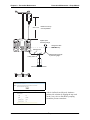
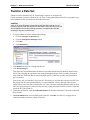
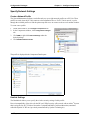
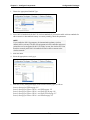
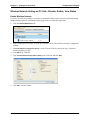
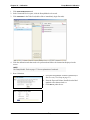
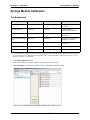
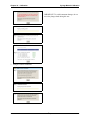
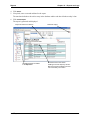
To create a new profile:
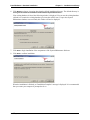
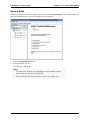
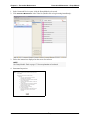
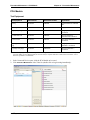
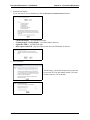
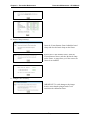
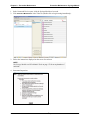
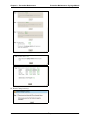
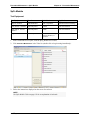
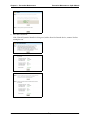
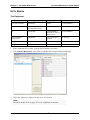
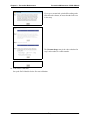
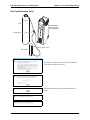
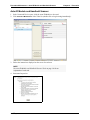
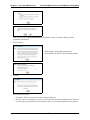
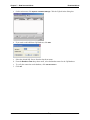
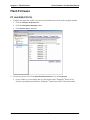
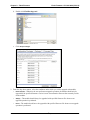
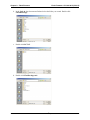
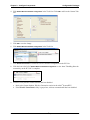
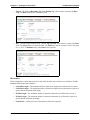
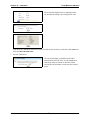
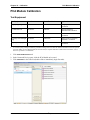
1. On the main window, click Configure Components tab.
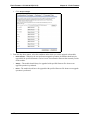
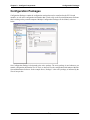
2. In the Components window, click Configuration Packages
tab.
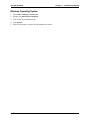
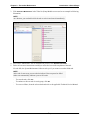
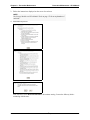
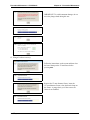
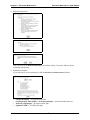
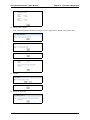
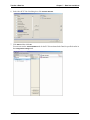
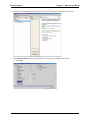
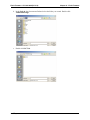
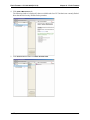
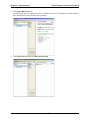
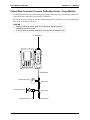
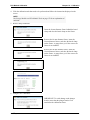
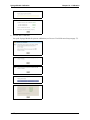
3. Click NEW or right-click Network Settings under the
desired package.
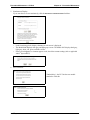
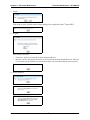
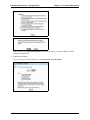
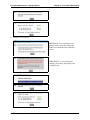
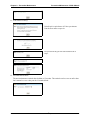
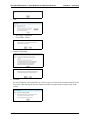
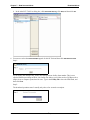
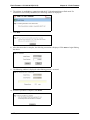
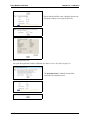
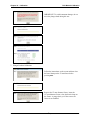
4. Click Add New Network Profile.
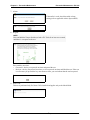
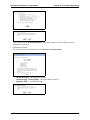
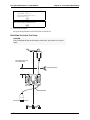
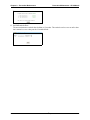
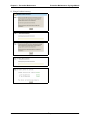
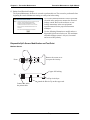
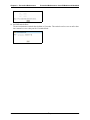
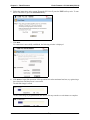
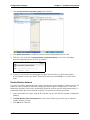
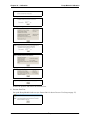
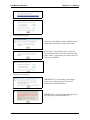
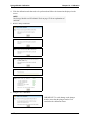
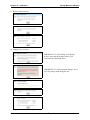
The profile is displayed in the Component Details pane.
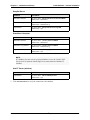
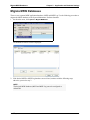
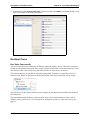
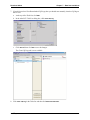
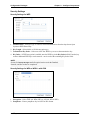
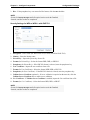
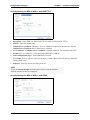
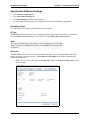
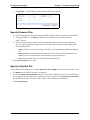
Datalink Settings
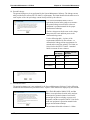
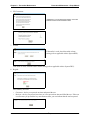
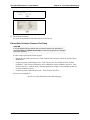
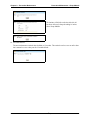
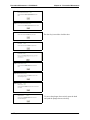
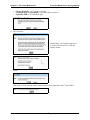
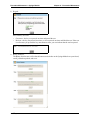
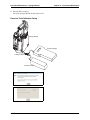
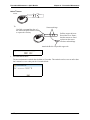
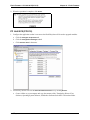
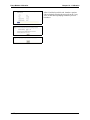
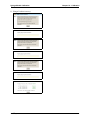
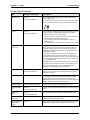
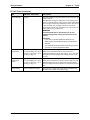
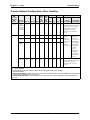
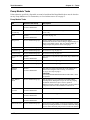
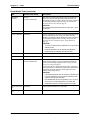
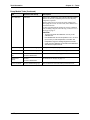
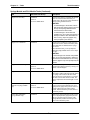
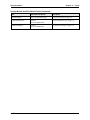
The Datalink tab allows you to specify the wireless security settings for this profile.
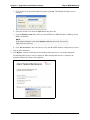
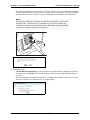
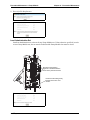
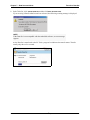
Due to incompatibility of the driver for the RF card, WPA2 security will not work with an Alaris® System
that is using the LA-4137 Wireless Networker CompactFlash Radio Card from Motorola (sometimes
called the Symbol "b" RF card, previously manufactured by Symbol Technologies).
Alaris® System Maintenance v9.5.X Software User Manual
123