1
Maintenance Mode
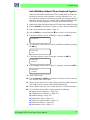
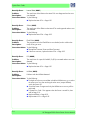
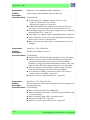
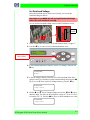
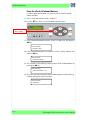
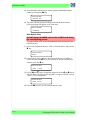
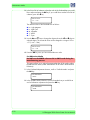
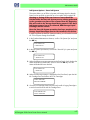
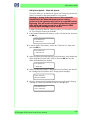
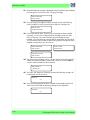
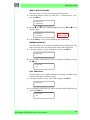
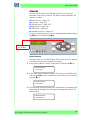
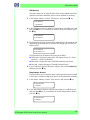
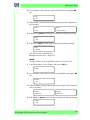
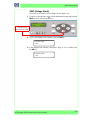
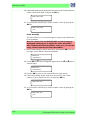
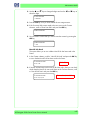
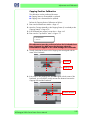
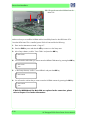
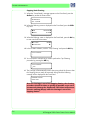
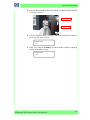
2 Use the S and T keys to change the digits and use the
select the digits.
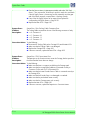
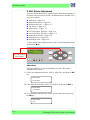
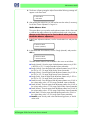
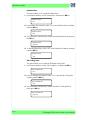
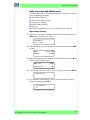
# WIPER CLEANING
W and X keys to
Format: Year/Month/Day
> 05/06/06
3 Press the OK key once you have entered the new date.
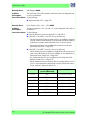
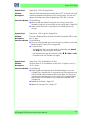
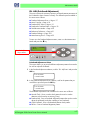
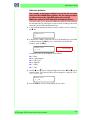
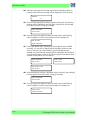
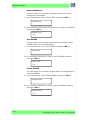
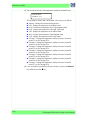
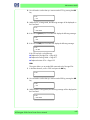
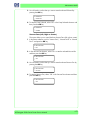
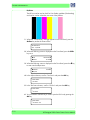
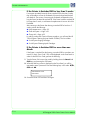
4 If the Wiper Cleaning date needs to be reset (to today’s date), return to the
Counter submenu, scroll to "Reset Wipe Clean" and press the OK key.
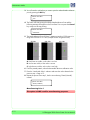
# RESET WIPE CLEAN
>
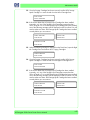
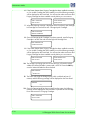
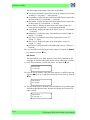
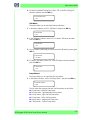
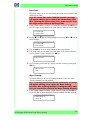
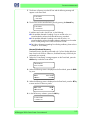
5 You will need to confirm that you want to reset the date by pressing the OK
key.
# RESET WIPE CLEAN
* OK?
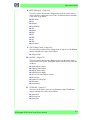
Wiper Belt
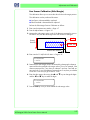
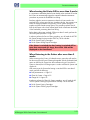
This option allows you to view and change the date of when the Wiper Belt
was last replaced:
Once 1 year has passed since the last replacement, a message
will appear advising you to replace the Wiper Belt. After
replacing the Wiper Belt, make sure you reset the date related
to the Wiper Belt.
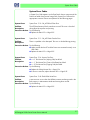
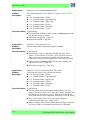
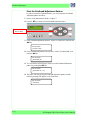
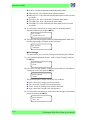
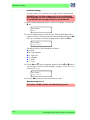
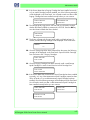
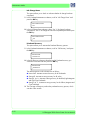
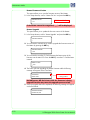
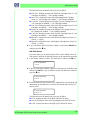
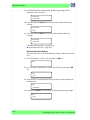
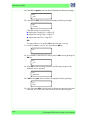
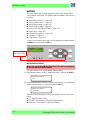
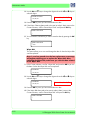
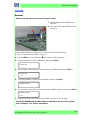
1 In the Counter submenu, scroll to "Wiper Belt" and press the OK key to view
the date of when the Wiper Belt was last replaced.
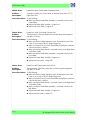
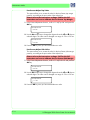
# WIPER BELT
> 05/09/09
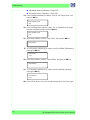
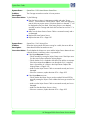
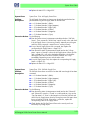
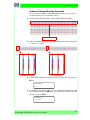
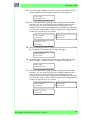
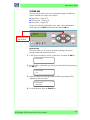
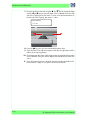
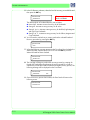
2 Use the S and T keys to change the digits and use the
select the digits.
# WIPER BELT
> 06/05/03
W and X keys to
Format: Year/Month/Day
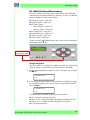
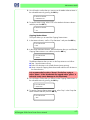
3 Press the OK key once you have entered the new date.
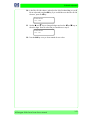
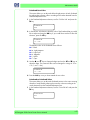
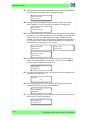
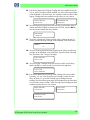
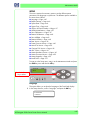
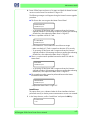
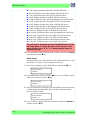
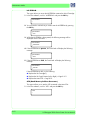
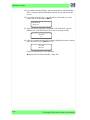
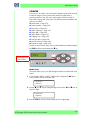
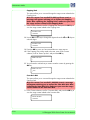
4 If the Wiper Belt date needs to be reset (to today’s date), return to the
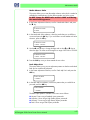
Counter submenu, scroll to "Reset Wiper Belt" and press the OK key.
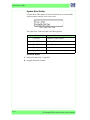
# RESET WIPER BELT
>
4-82
HP Designjet 9000s Series Printer Service Manual