1
Preventive Maintenance
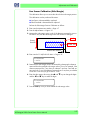
IQ Print
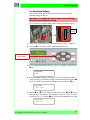
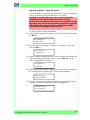
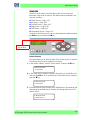
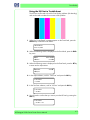
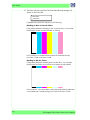
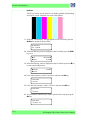
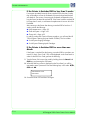
The IQ Print can be used to check for Print Quality problems (like banding)
and can be used to isolate the root cause of the problem.
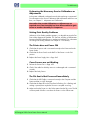
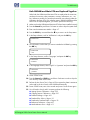
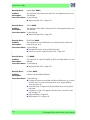
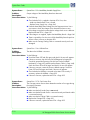
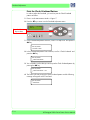
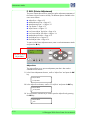
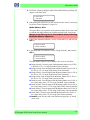
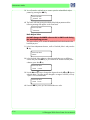
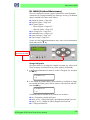
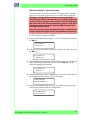
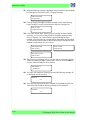
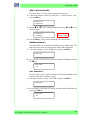
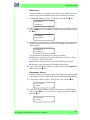
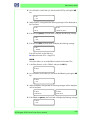
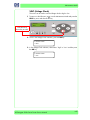
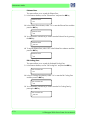
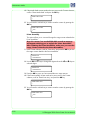
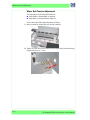
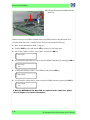
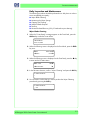
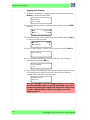
1 When the "Printer Ready" message appears on the Front Panel, press the
Online key to take the Printer offline.
PRINTER READY
ROLL: 64/PAPER
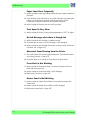
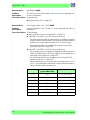
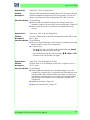
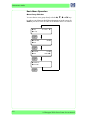
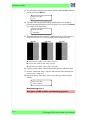
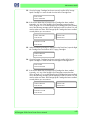
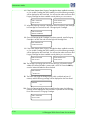
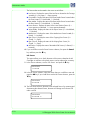
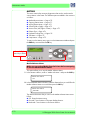
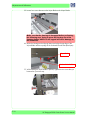
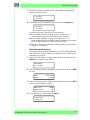
2 When the following screen is displayed on the Front Panel, press the Shift
key twice.
SINK
WMEDIA
MEDIA REGT
M.ADVX
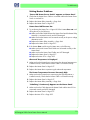
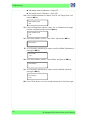
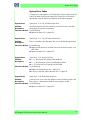
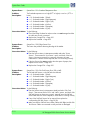
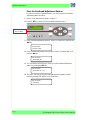
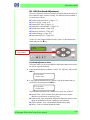
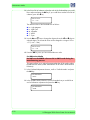
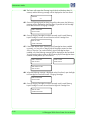
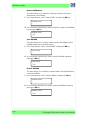
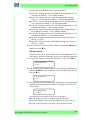
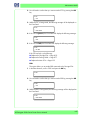
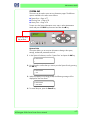
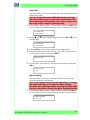
3 When the following screen is displayed on the Front Panel, press the
to enter into the Adjust Menu.
SPRINTER
WADJUST
W key
SETUPT
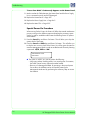
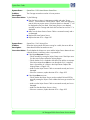
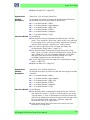
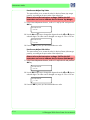
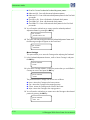
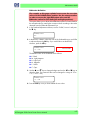
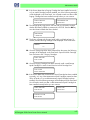
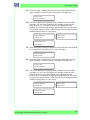
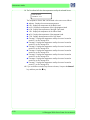
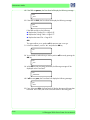
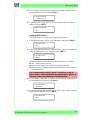
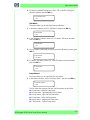
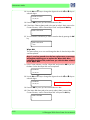
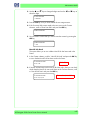
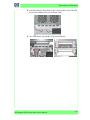
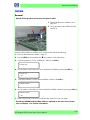
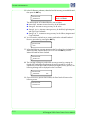
4 In the Adjust submenu, scroll to "Test Prints" and press the OK key.
# TEST PRINTS
> IQ PRINT
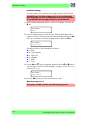
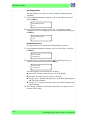
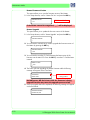
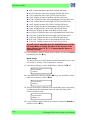
5 In the Test Prints submenu, scroll to "IQ Print" and press the OK key.
# TEST PRINTS
* IQ PRINT
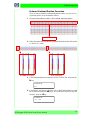
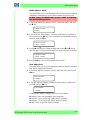
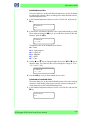
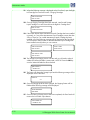
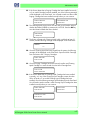
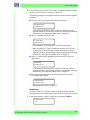
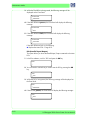
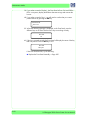
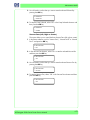
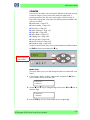
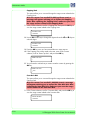
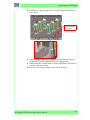
6 You will need to confirm that you want to print the IQ Print by pressing the
OK key.
# TEST PRINTS
* IQ PRINT
9-10
OK?
HP Designjet 9000s Series Printer Service Manual