1
Maintenance Mode
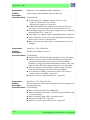
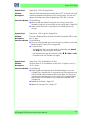
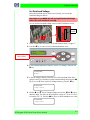
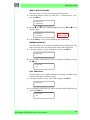
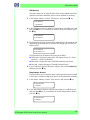
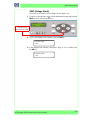
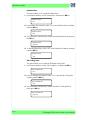
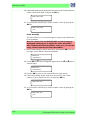
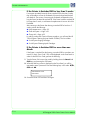
Cap Position
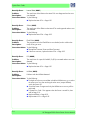
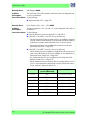
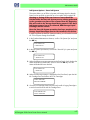
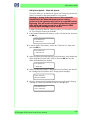
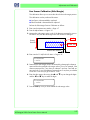
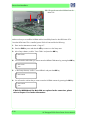
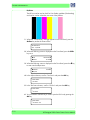
This option allows you to correct the value of the capping position:
Please refer to the instructions on Page 5-25 for the full
instructions on how to calibrate the capping position.
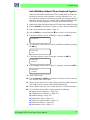
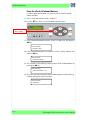
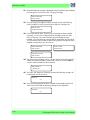
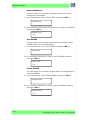
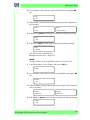
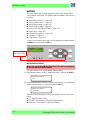
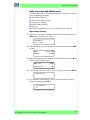
1 In the Printer Adjustment submenu, scroll to "Cap Position" and press the OK
key.
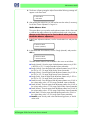
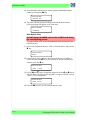
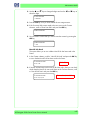
# CAP POSITION
> +0.0 mm
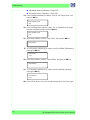
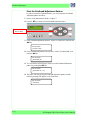
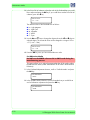
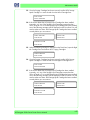
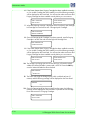
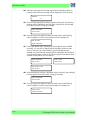
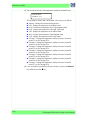
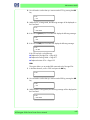
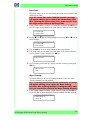
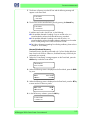
2 Use the S and T keys to change the digits and use the W and X keys to
select the digits. The value can be changed in a range of -5.0 to +5.0 mm.
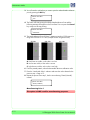
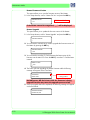
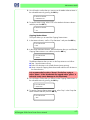
# CAP POSITION
* +0.3 mm
3 Press the OK key once you have entered the new value.
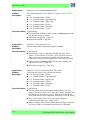
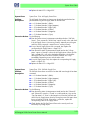
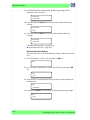
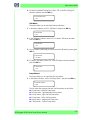
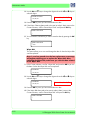
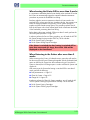
Wipe Position
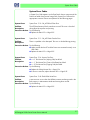
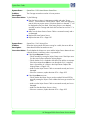
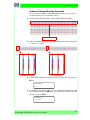
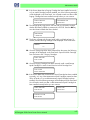
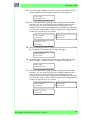
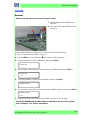
This option allows you to correct the value of the wiping position:
Please refer to the instructions on Page 5-23 for the full
instructions on how to calibrate the wiping position.
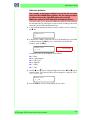
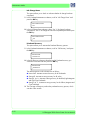
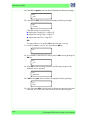
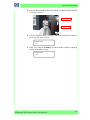
1 In the Printer Adjustment submenu, scroll to "Wipe Position" and press the
OK key.
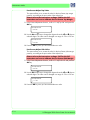
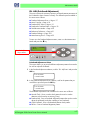
# WIPE POSITION
> +0.0 mm
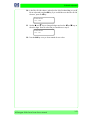
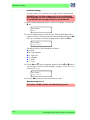
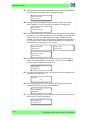
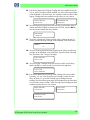
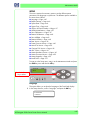
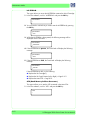
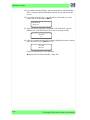
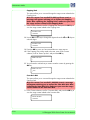
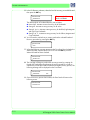
2 Use the S and T keys to change the digits and use the W and X keys to
select the digits. The value can be changed in a range of -5.0 to +5.0 mm.
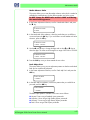
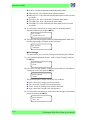
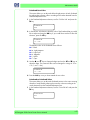
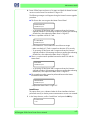
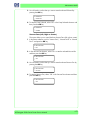
# WIPE POSITION
* -0.5 mm
3 Press the OK key once you have entered the new value.
HP Designjet 9000s Series Printer Service Manual
4-13