1
Maintenance Mode
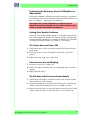
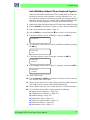
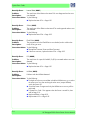
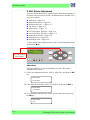
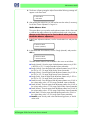
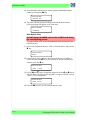
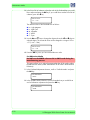
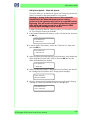
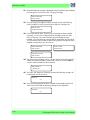
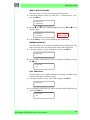
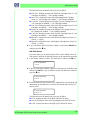
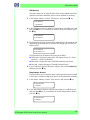
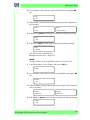
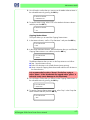
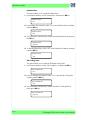
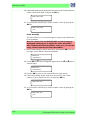
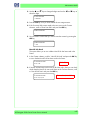
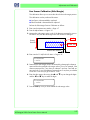
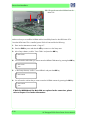
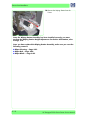
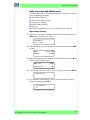
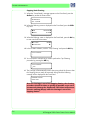
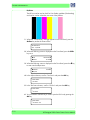
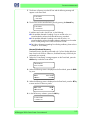
2 In the Install Done submenu, scroll to "Yes" and press the OK key. This will
indicate that the Printer has been successfully installed.
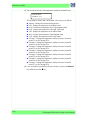
# INSTALL DONE
* YES
FEED
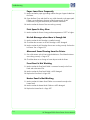
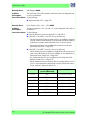
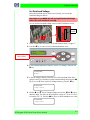
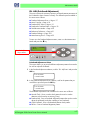
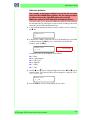
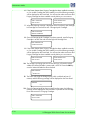
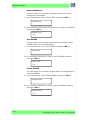
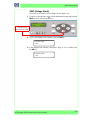
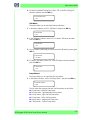
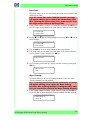
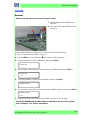
This option allows you to feed the paper manually in to the Printer.
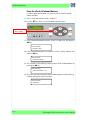
To feed the paper manually:
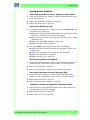
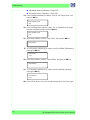
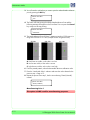
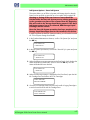
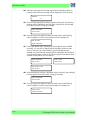
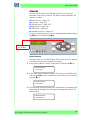
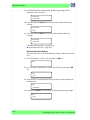
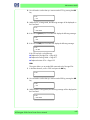
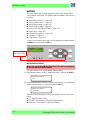
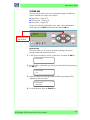
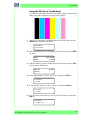
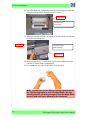
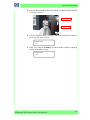
1 Enter in to the Maintenance Mode and press the Shift key once and then
keep the T key pressed in order to manually feed the paper.
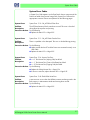
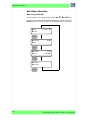
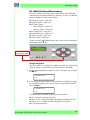
SMNFG-PRN
Press the Down
Arrow Key to select
FEEDT
WSETUP
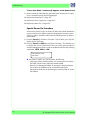
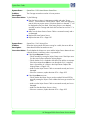
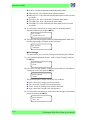
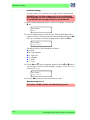
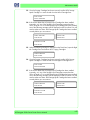
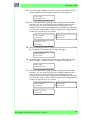
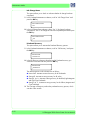
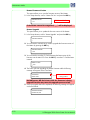
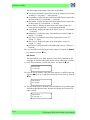
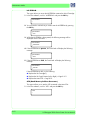
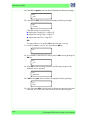
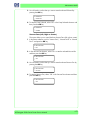
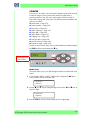
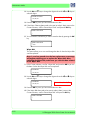
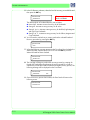
2 During the manual feed process, the following message will appear on the
Front Panel:
FEEDING MEDIA
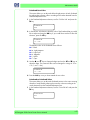
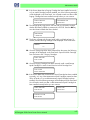
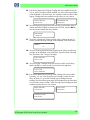
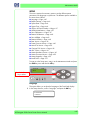
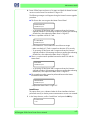
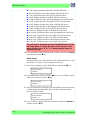
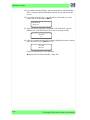
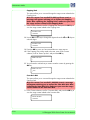
3 Once the T key is released, the paper stops feeding and the top menu will
appear on the Front Panel.
4-52
HP Designjet 9000s Series Printer Service Manual