1
Removal and Installation
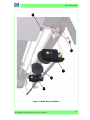
Waste Bottle Sensor
Removal
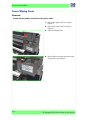
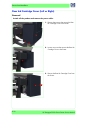
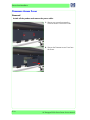
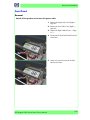
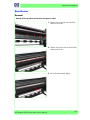
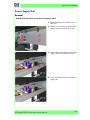
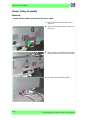
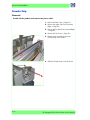
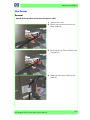
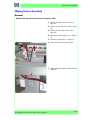
Switch off the product and remove the power cable.
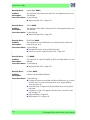
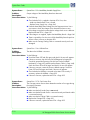
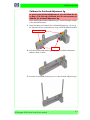
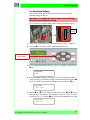
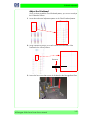
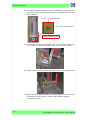
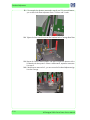
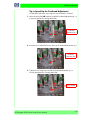
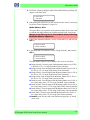
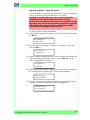
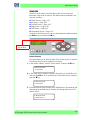
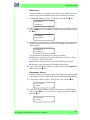
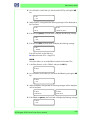
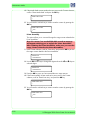
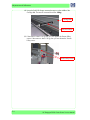
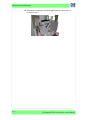
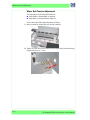
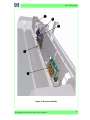
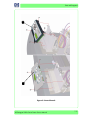
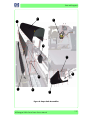
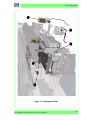
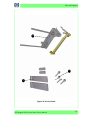
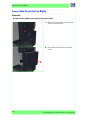
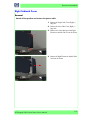
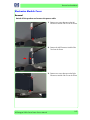
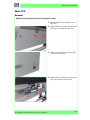
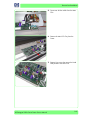
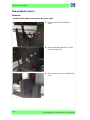
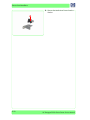
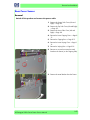
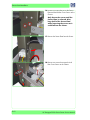
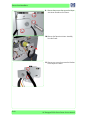
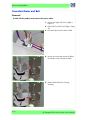
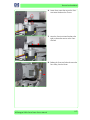
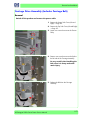
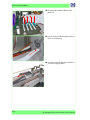
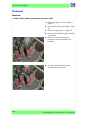
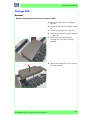
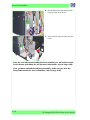
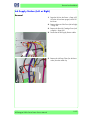
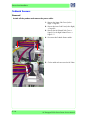
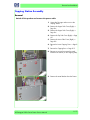
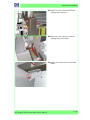
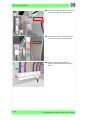
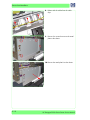
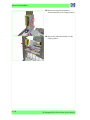
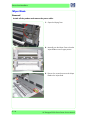
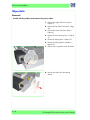
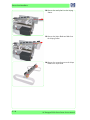
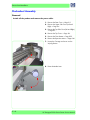
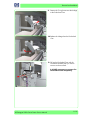
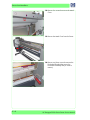
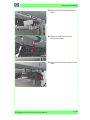
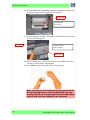
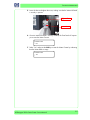
1. Loosen the screw that locks the Waste
Bottle Bracket into place.
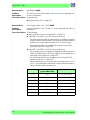
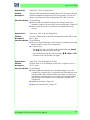
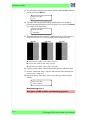
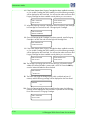
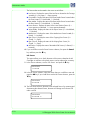
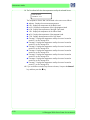
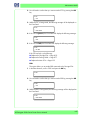
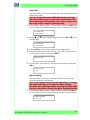
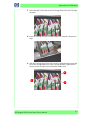
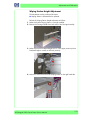
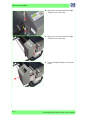
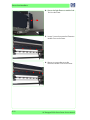
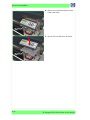
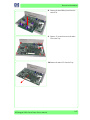
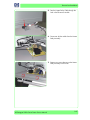
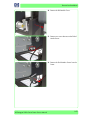
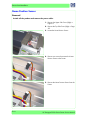
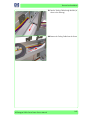
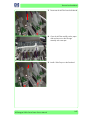
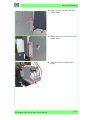
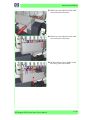
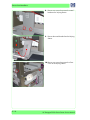
2. Remove the Waste Bottle from the Printer,
taking care not to spill any ink contained
inside.
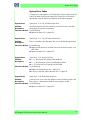
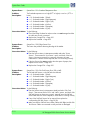
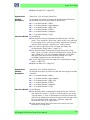
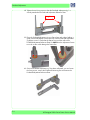
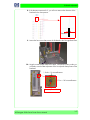
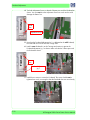
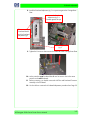
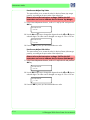
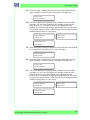
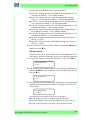
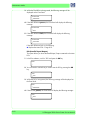
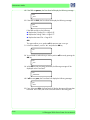
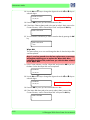
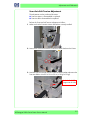
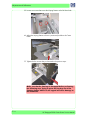
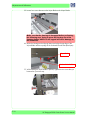
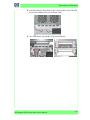
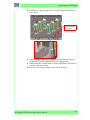
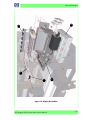
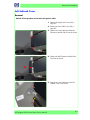
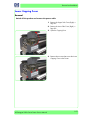
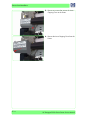
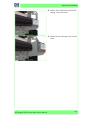
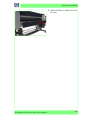
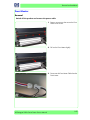
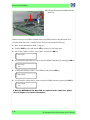
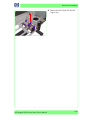
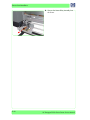
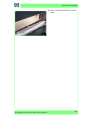
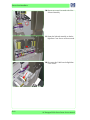
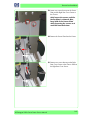
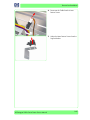
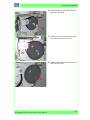
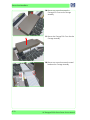
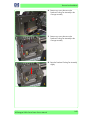
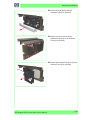
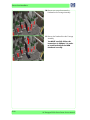
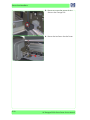
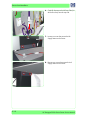
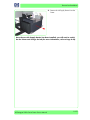
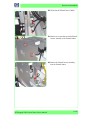
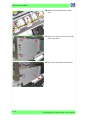
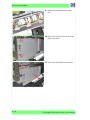
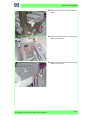
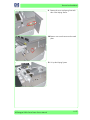
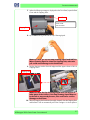
3. Remove two screws that secure the Waste
Bottle Bracket to the Printer.
HP Designjet 9000s Series Printer Service Manual
8-49