1
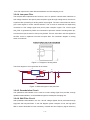
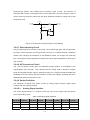
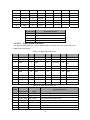
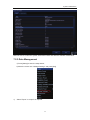
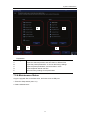
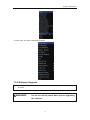
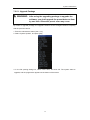
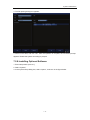
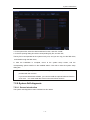
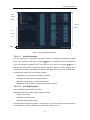
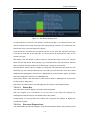
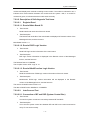
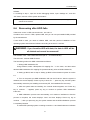
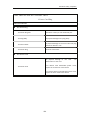
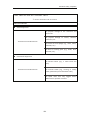
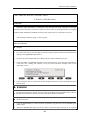
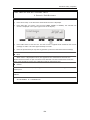
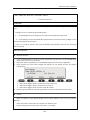
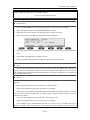
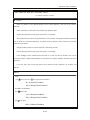
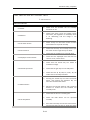
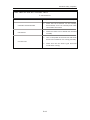
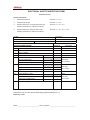
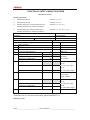
Electrical Safety Inspection ELECTRICAL SAFETY INSPECTION 8- Patient Auxiliary Current overview Patient Auxiliary currents are measured between any selected ECG jack and the remaining selected ECG jacks. All measurements may have either a true RMS or a DC‐only response. TEST PROCEDURE Prepare 1) From the MAIN MENU, or with the outlet unpowered, plug the DUT into the 601PRO front panel outlet, and turn on the device. 2) Attach the patient leads to the 601PRO ECG jacks. 3) Define the Lead Types from the View Settings Option (refer to: Lead Type Definitions in Section 5 of this chapter). 4) Press shortcut key 8. The Patient Auxiliary Current test is displayed, and the test begins immediately. Display values are continuously updated until another test is selected. 5) Press SOFT KEYS 1‐4 to select leakage tests 6) Press APPLIED PART (SOFT KEY 4) at any time to select the desired applied part leakage current: 7) Modify the configuration of the front panel outlet by pressing the appropriate SOFT KEY on the 601PRO: 8) Press the print data key at any time to generate a printout of the latest measurement. Note If the current test standard being used does not include Patient Auxiliary Current DC readings, or the DC option is not enabled, then DC readings will not be available through the APPLIED PART SOFT KEY selections. B-15