1
Serial Over LAN
Sample Procedure
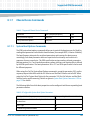
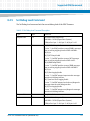
To set the IP address, proceed as follows:
1. Establish an IPMI connection to the blade.
2. Set LAN Configuration Parameter Set In Progress Lock.
ipmicmd -k "f 0 c 1 5 0 1" smi 0
3. Set LAN Configuration Parameter Set IP (172.16.10.11 on channel 5).
ipmicmd -k "f 0 c 1 5 3 ac 10 0a 0b" smi 0
4. Set LAN Configuration Parameter Set In Progress Commit.
ipmicmd -k "f 0 c 1 5 0 2" smi 0
7.3.2
Using ipmitool
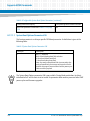
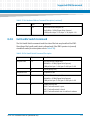
The example below shows how to setup a LAN configuration parameter for a potential SOL
session with ipmitool for base 1 (channel 5).
n0s70:~ # ipmitool lan set 5 ipaddr 172.16.0.221
Setting LAN IP Address to 172.16.0.221
n0s70:~ #
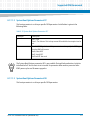
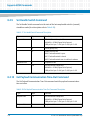
The following example shows how to query the LAN parameters that are currently in use for a
potential SOL session for base 1(channel 5) and base 2(channel 6):
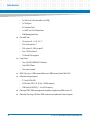
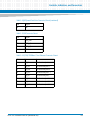
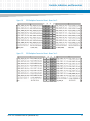
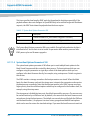
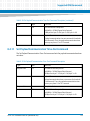
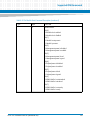
root@localhost:~# ipmitool lan print 5
Set in Progress
: Set Complete
Auth Type Support
:
Auth Type Enable
: Callback :
: User
:
: Operator :
: Admin
ATCA-7367 Installation and Use (6806800K72N)
:
141