1
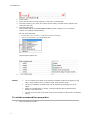
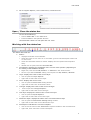
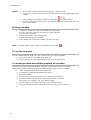
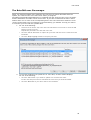
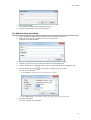
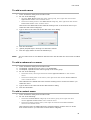
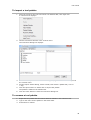
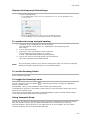
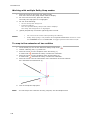
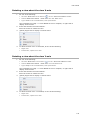
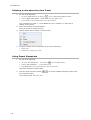
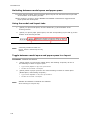
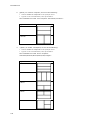
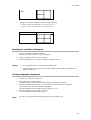
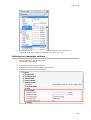
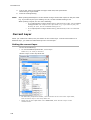
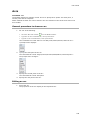
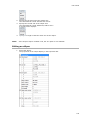
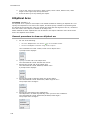
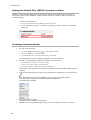
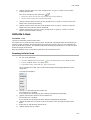
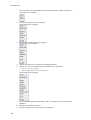
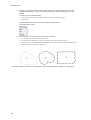
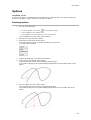
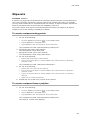
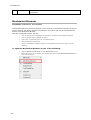
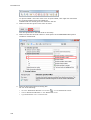
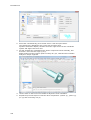
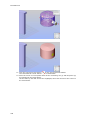
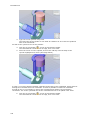
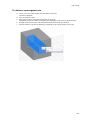
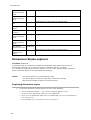
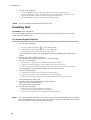
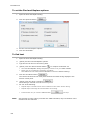
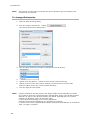
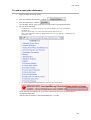
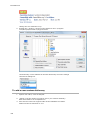
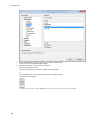
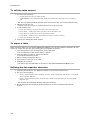
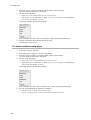
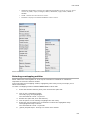
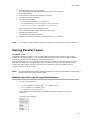
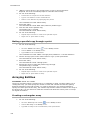
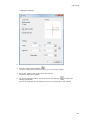
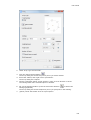
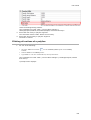
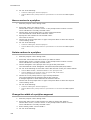
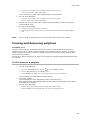
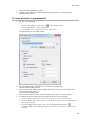
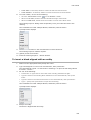
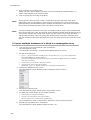
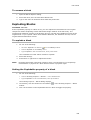
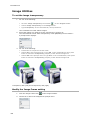
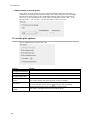
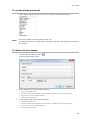
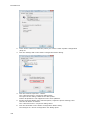
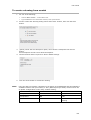
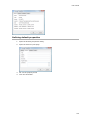
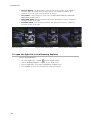
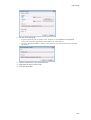
User Guide To delete a clipping boundary 1. Type pdfclip in the command bar, then press Enter. The command bar reads: Select PDF underlay: 2. Click the frame of the PDF underlay. The frame of the selected PDF highlights. The command bar reads: Enter PDF clipping option [ON/OFF/Delete/New] <New>: A prompt menu displays: 3. Do one of the following: Choose Delete boundary in the prompt menu. Type D in the command bar, then press Enter. The clipping boundary is deleted and the complete PDF underlay displays. 455