1
User Guide
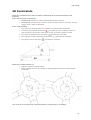
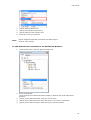
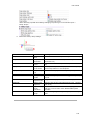
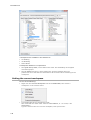
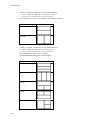
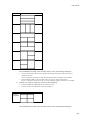
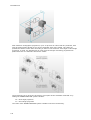
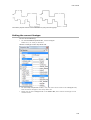
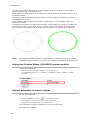
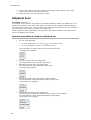
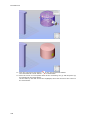
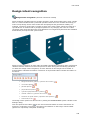
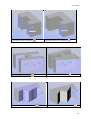
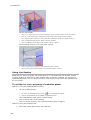
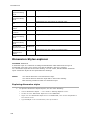
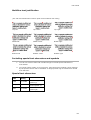
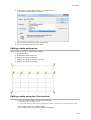
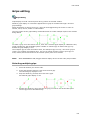
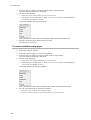
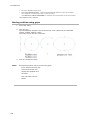
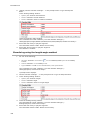
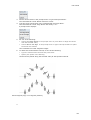
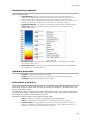
equal radius recognized (
)
equal radius not recognized (
)
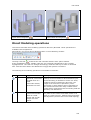
Direct Modeling operations
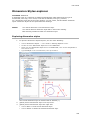
This section describes direct modeling operations offered by BricsCAD. These operations are
available from the Quad tool.
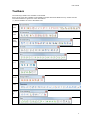
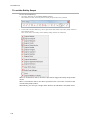
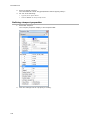
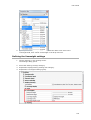
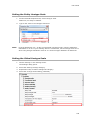
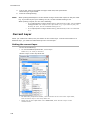
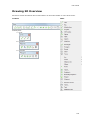
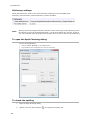
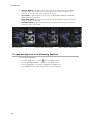
Alternatively you can use Direct Modeling Menu or Direct Modeling Toolbar:
The Align UCS tool (
) launches the UCS command with the Face option selected.
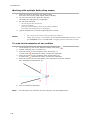
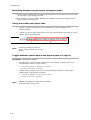
If the UCSDETECT system variable is ON, the ucs is aligned automatically to the currently
highlighted face. The UCS-icon changes accordingly. Press the TAB key to select an obscured
face. Click the DUCS field in the Status Bar to toggle the dynamic ucs feature.
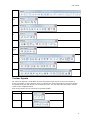
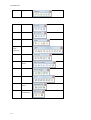
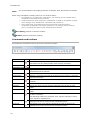
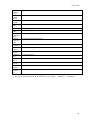
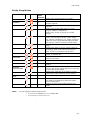
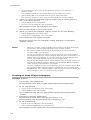
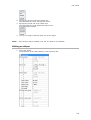
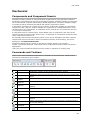
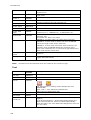
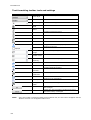
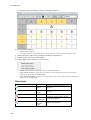
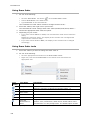
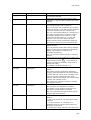
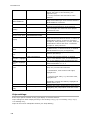
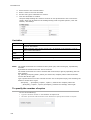
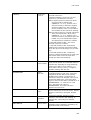
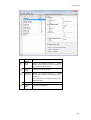
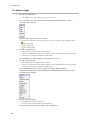
The following direct modeling operations are available in BricsCAD:
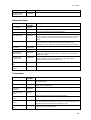
Icon
Command
dmPushPull
Applies to
Planar, cylindrical,
spherical, conical and
toroidal faces of a
solid.
Closed 2D entities,
attached to a solid.
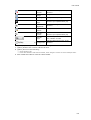
dmMove
Cylindrical, spherical,
conical and toroidal
faces of a solid.
Linear and circular
edges of a solid.
Description
Faces: adds volume to, or removes volume from the
solid by cursor movement or direct distance input.
Closed 2D entity (If attached to a face of a solid):
creates a solid by extruding the 2D entity. The
height of the extrusion is specified by cursor
movement or direct distance input. Depending on
the extrusion direction the newly created solid is
unified with or subtracted from the existing solid the
2D entity was attached to.
Moves the selected geometry using a vector in the
XY- plane of the current UCS. When a face or an
edge of a solid is moved, adjacent faces and edges
are adjusted to preserve the correct solid topology.
Solids.
253