1
User Guide
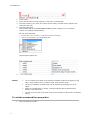
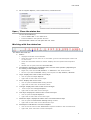
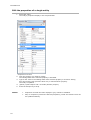
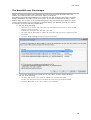
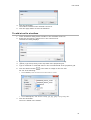
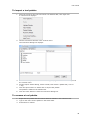
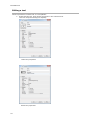
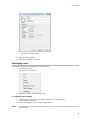
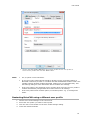
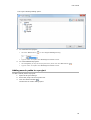
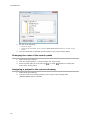
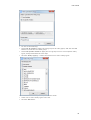
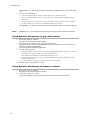
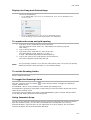
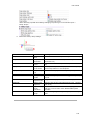
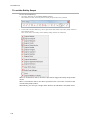
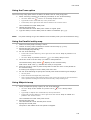
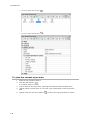
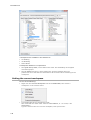
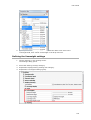
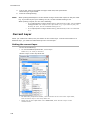
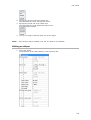
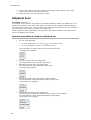
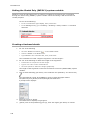
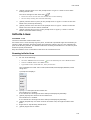
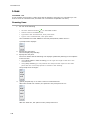
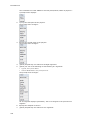
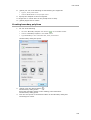
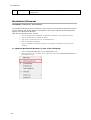
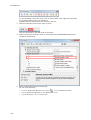
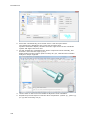
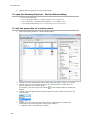
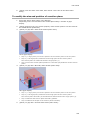
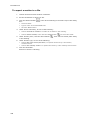
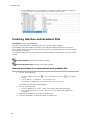
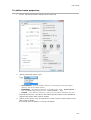
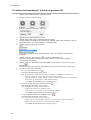
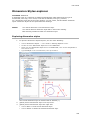
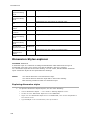
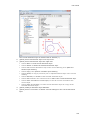
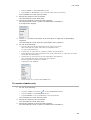
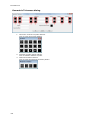
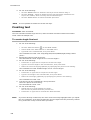
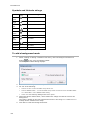
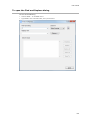
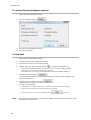
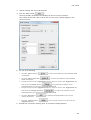
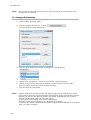
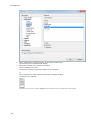
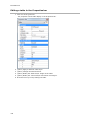
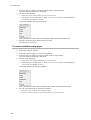
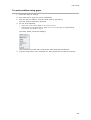
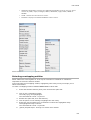
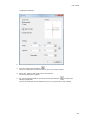
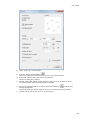
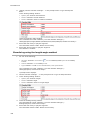
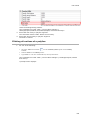
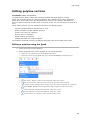
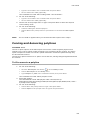
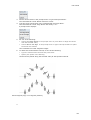
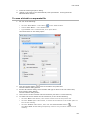
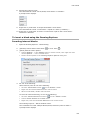
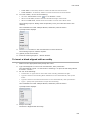
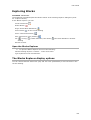
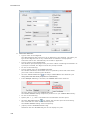
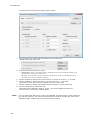
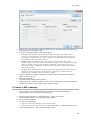
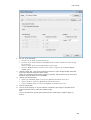
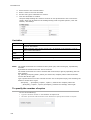
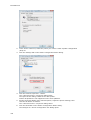
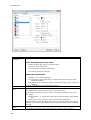
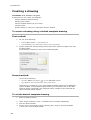
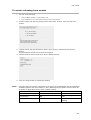
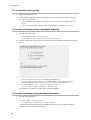
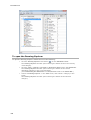
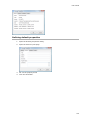
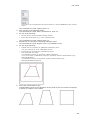
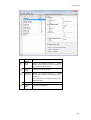
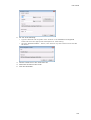
A dialog box displays:
2.
Under Array Type choose Rectangular.
3.
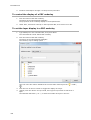
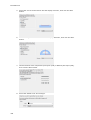
Click the Select Entities button (
).
The Array dialog box closes temporarily to let you select entities.
4.
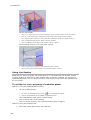
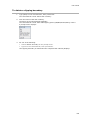
Select the entities, then right click or press Enter.
The Array dialog box reopens.
5.
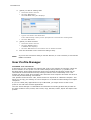
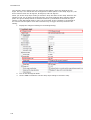
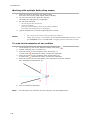
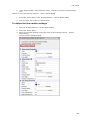
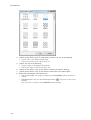
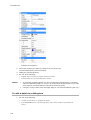
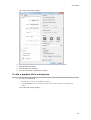
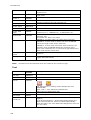
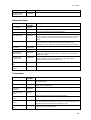
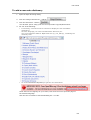
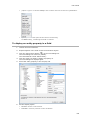
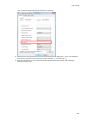
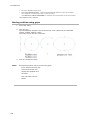
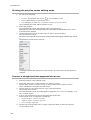
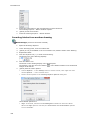
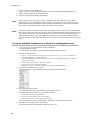
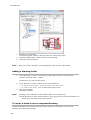
Fill out the Settings fields or press the Pick Points buttons (
) to define the
settings graphically.
The Array dialog box closes temporarily to let you pick point in the drawing.
373