1
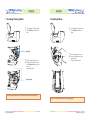
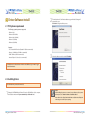
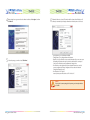
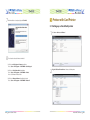
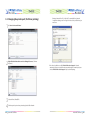
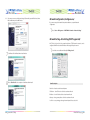
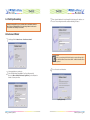
1.4 Loading Cleaning Roller
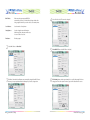
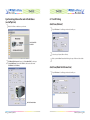
1.5 Loading Ribbon
1
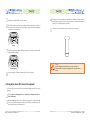
Open the printer`s lid by pressing
cover “OPEN” button and raise it
fully.
U-Shaped Slot
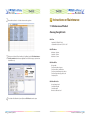
2
Slid the cleaning roller into the
loading part and insert roller bar
into “U-shaped slots” until it locks
in place.
Blue Cleaning Roller
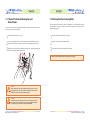
1
2
Open the printer`s lid by pressing
cover “OPEN” button and raise
it fully..
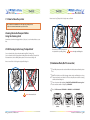
Place the supply spool into the
front slots and the take-up spool
into the rear slot.
Firmly close the printer lid.
Blue Cleaning Roller
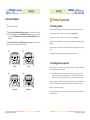
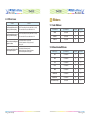
Load a new cleaning roller or wash a used cleaning roller with each roll of printer ribbon.
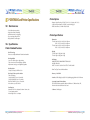
Please note: Incorrect lid closure may result in poor quality print.
12
Getting Started
Getting Started
13