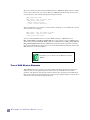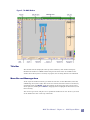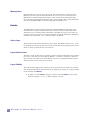
1
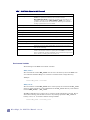
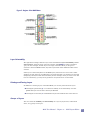
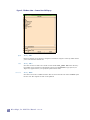
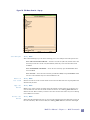
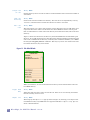
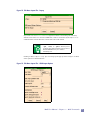
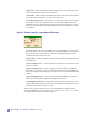
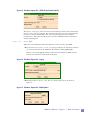
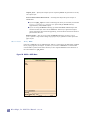
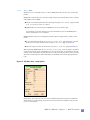
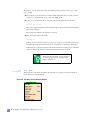
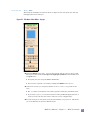
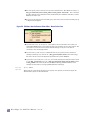
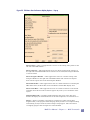
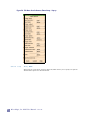
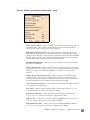
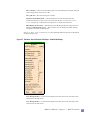
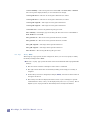
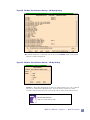
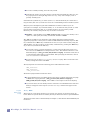
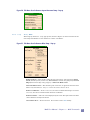
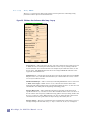
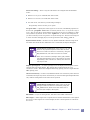
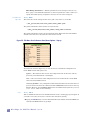
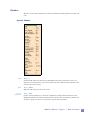
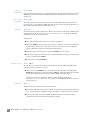
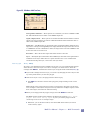
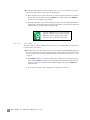
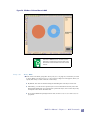
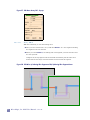
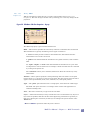
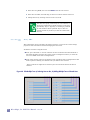
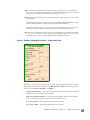
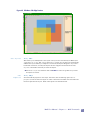
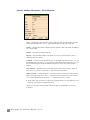
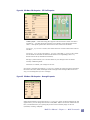
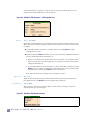
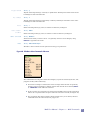
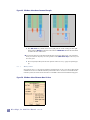
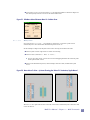
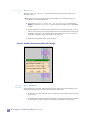
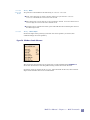
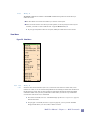
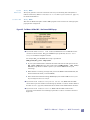
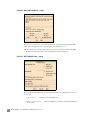
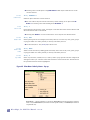
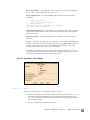
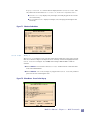
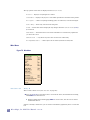
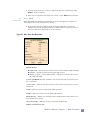
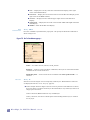
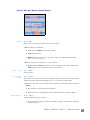
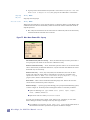
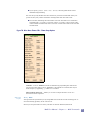
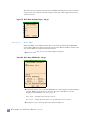
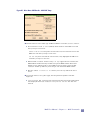
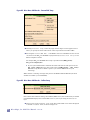
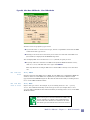
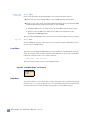
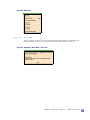
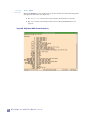
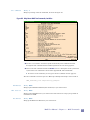
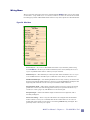
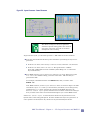
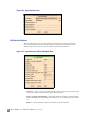
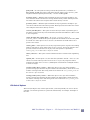
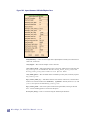
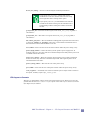
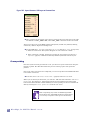
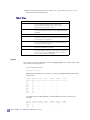
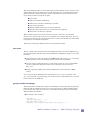
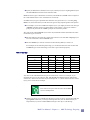
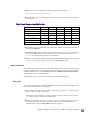
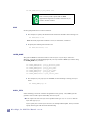
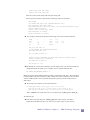
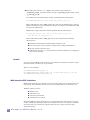
If you specify “global turns into: delete”, then all global labels will be deleted during flattening. You can also specify whether the label names are preserved or flattened. If they are preserved, they may conflict with other existing labels with the same name. To avoid this, flattening the label names will cause the labels to be renamed to something like: “cellname.labelname” where “cellname” is the instance name of the cell that was flattened, and “labelname” was the label name in the cell that was flattened. Figure 78: Misc. Menu: Flatten Cells... Flatten Setup Options Cell Ids — If set to “flatten” Cell Ids are flattened by prepending the name of the parent cell to this name. If set to “preserve”, the Cell Ids are retained, but may be made unique by appending “_n” where n is a number. Hierarchical name sep — Allows you to enter a unique character to act as a hierarchical name separator. Generate Layers Hotkey: None Auto-generate the specified layers by using DRC rules from the current technology file to surround existing geometry in the current cell. New layers are placed into an overlay cell that can then be flattened, if desired. MAX User Manual - Chapter 3 -- MAX Commands 99