1
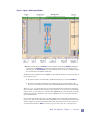
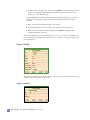
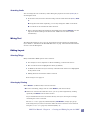
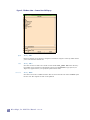
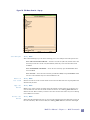
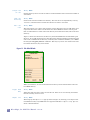
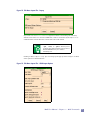
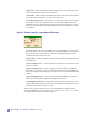
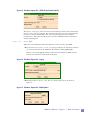
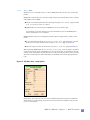
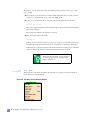
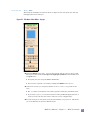
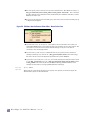
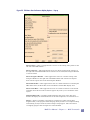
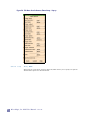
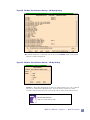
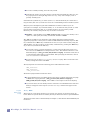
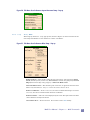
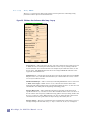
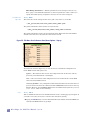
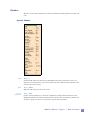
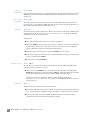
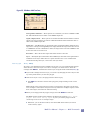
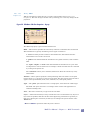
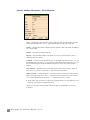
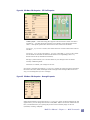
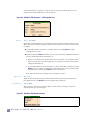
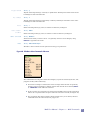
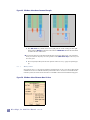
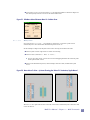
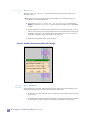
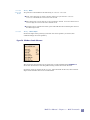
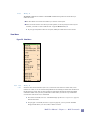
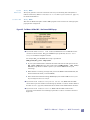
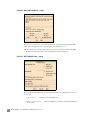
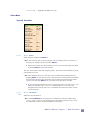
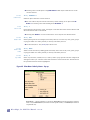
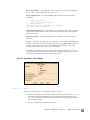
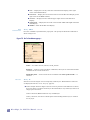
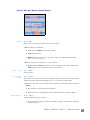
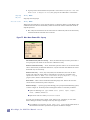
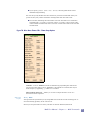
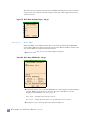
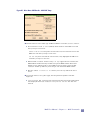
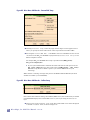
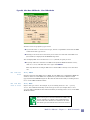
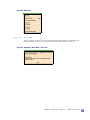
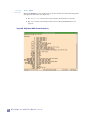
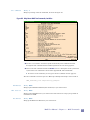
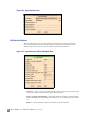
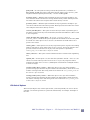
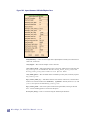
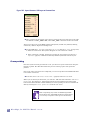
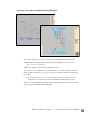
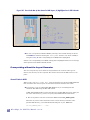
To change this, you can use the variable SELECT_DISPLAY. For example, if you want only cells or text counted in the Selected Area, type the following command in the Command Window or add it to a .maxrc file. set SELECT_DISPLAY "cells text" If you click on this area with Button-1, the Selection Probe window appears, showing details of what is selected. Cursor Coordinates To the right of the Selected Area is an area displaying the Cursor Coordinates. The coordinates are for the cell which was opened. If you do an Edit Cell or Object in Place (page 80), the coordinates displayed will be for the original (top level) cell. Clicking on the Cursor Coordinates area with Button-1 opens a pop-up form allowing you to specify exact coordinates of where to move the cursor. Box Area Display The Box Area Display at the right end of the bottom bar gives the current box dimensions as width (dx) x height (dy) in microns. Also displayed is the area of the box. You can change what is displayed in the Box Area Display by clicking in Box Area with Button-1. You change what is viewed by editing "Display on status bar, box:". This pop- up form also appears when you select Box Dimensions from the Misc menu. The Box Area can be used to “measure” objects by selecting them. (When you select something the box is automatically placed around it.) The Box Area can also be used to measure the space between things, using the hotkey m. The hotkey m is for the Measure (page 96) command in the Misc menu. You really need to use the hotkey, since you need the cursor positioned at the space you are measuring when issuing this command. Scroll Bars Scroll bars for the layout area allow you to pan vertically or horizontally through the layout. There are also scroll bars for the cell lists. Creating and Editing Layout with MAX Command Window The shell window MAX is started from is also of interest during the operation of MAX. Informational messages are posted to this window. 22 Micro Magic, Inc. MAX User Manual -- v5.1.12