1
78 •
Basic Arithmetic
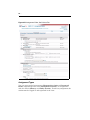
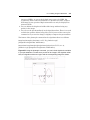
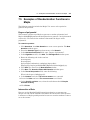
In this example we use a multiple choice question and ask the student to add
two numbers. In the algorithm designer, we define two integer variables, $a
and $b, and then define a third variable, $ans, which is the sum of $a and $b.
In the choices to be displayed, we create an inline algorithmic variable that is
the product of $a and $b by using the format ${expression}.
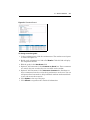
To create the question:
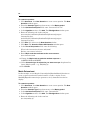
1. In the New Question window, select the Multiple Choice question type
from the Question Type drop-down list.
2. Enter “Addition” as a description in the Question Description field.
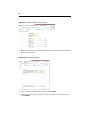
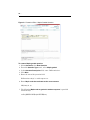
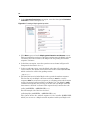
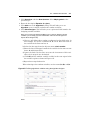
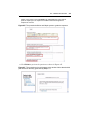
3. In the Algorithm section, click Add. The Edit Algorithm window opens.
4. Enter the following code in the text box:
$a=range(2,10);
$b=range(3,15);
condition:not(eq($a,$b));
$ans=$a+$b;
5. Click Save. You return to the New Question window.
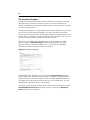
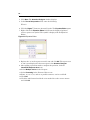
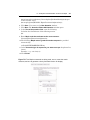
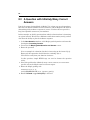
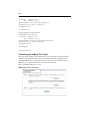
6. Click Next. The Question Editor>Add Question window opens.
7. In the Text of the question field, enter the following:
What is $a + $b?
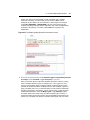
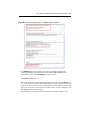
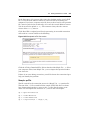
8. In the Choices for the answers section, enter $a, $b, $ans as possible
answers, one for each field.
9. We can also define an algorithmic variable on the question screen. To do
this, enter ${$a*$b} in the fourth choice box.
10.Select the radio button beside $ans to mark this as the correct answer.
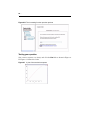
11.Select Yes for Change the order of answers. Select No for Allow more
than one selection.