1
Simulink Model of a Feedback Design
Simulink Model of a Feedback Design
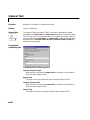
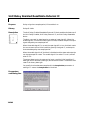
You can run the Simulink model of the feedback design by launching the
MATLAB Demo browser and selecting the Scaling a Fixed-Point Control
Design demo. You can launch the browser by typing
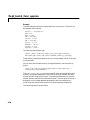
demo blockset 'Fixed Point'
at the command line, or by opening the Demos block found in the Fixed-Point
Blockset library. Alternatively, you can access the model directly by typing its
name at the command line.
fxpdemo_feedback
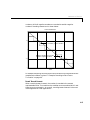
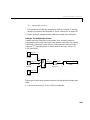
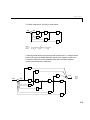
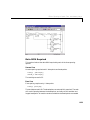
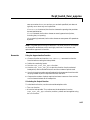
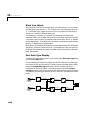
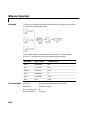
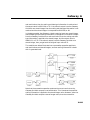
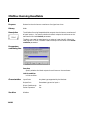
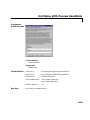
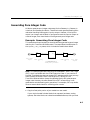
The MDL-file automatically runs the M-file preload_feedback, which
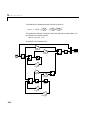
populates the workspace with the required parameter values. The feedback
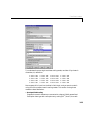
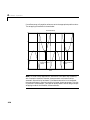
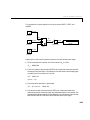
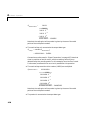
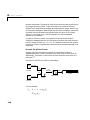
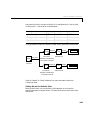
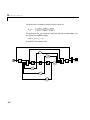
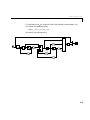
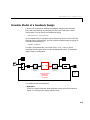
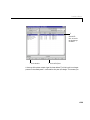
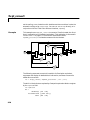
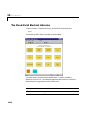
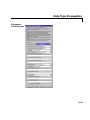
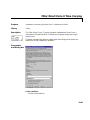
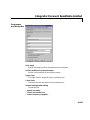
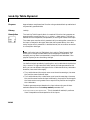
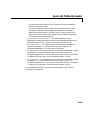
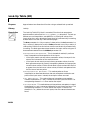
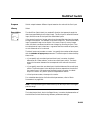
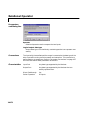
design model is shown below.
RefSignal
Plant Input
In
Reference
ZOH
In1
Out1
A2D
Analog to Digital
Interface
Out
D2A
Controller
Digital Controller
Software on
Fixed Point
Processor
pnum(s)
pden(s)
Plant Output
Analog Plant
Digital to Analog
Interface
FixPt
GUI
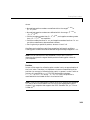
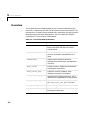
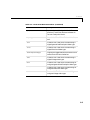
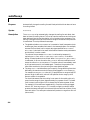
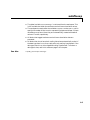
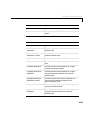
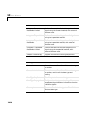
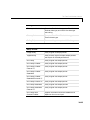
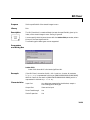
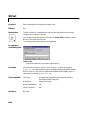
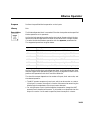
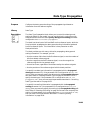
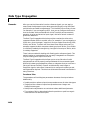
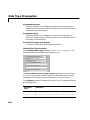
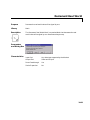
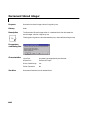
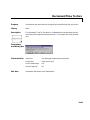
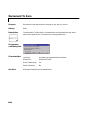
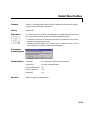
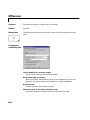
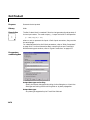
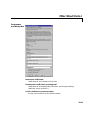
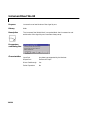
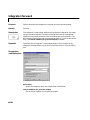
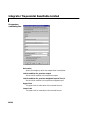
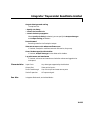
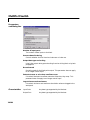
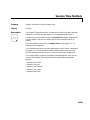
The model consists of these blocks:
• Reference
Simulink’s Signal Generator block generates a continuous-time reference
signal. It is configured to output a square wave.
6-3