1
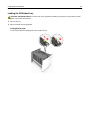
Using M5170
121
LT
R
A
4
A
5
C
E
X
E
B
5
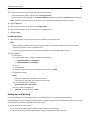
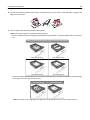
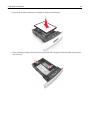
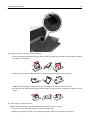
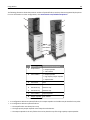
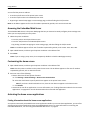
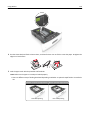
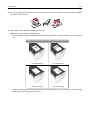
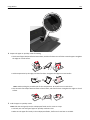
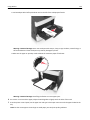
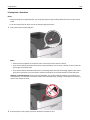
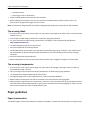
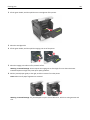
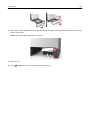
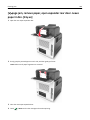
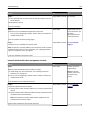
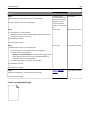
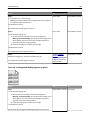
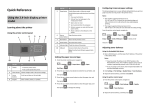
4 Prepare the paper or specialty media for loading.
• Flex sheets of paper back and forth to loosen them, and then fan them. Do not fold or crease the paper. Straighten
the edges on a level surface.
• Hold transparencies by the edges, and then fan them. Straighten the edges on a level surface.
Note: Avoid touching the printable side of the transparencies. Be careful not to scratch them.
• Flex the stack of envelopes back and forth to loosen them, and then fan them. Straighten the edges on a level
surface.
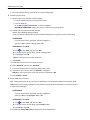
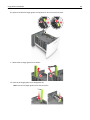
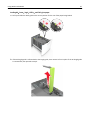
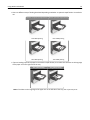
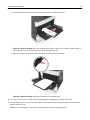
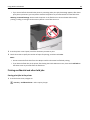
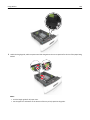
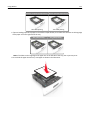
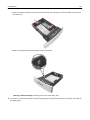
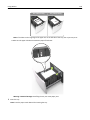
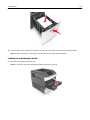
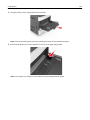
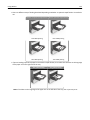
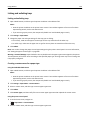
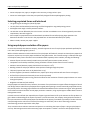
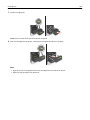
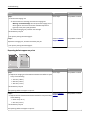
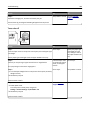
5 Load the paper or specialty media.
Note: Slide the stack gently into the multipurpose feeder until it comes to a stop.
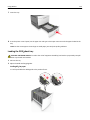
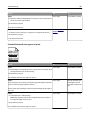
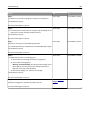
• Load only one size and type of paper or specialty media at a time.
• Make sure the paper fits loosely in the multipurpose feeder, lies flat and is not bent or wrinkled.