1
Troubleshooting
248
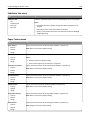
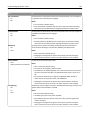
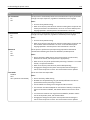
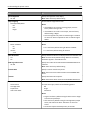
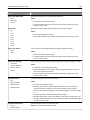
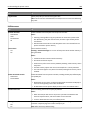
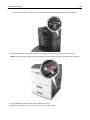
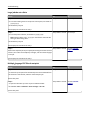
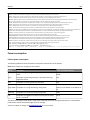
4 Connect the power cord to a properly grounded electrical outlet.
5 Turn the printer back on.
• Cancel the print job.
• Reset active bin
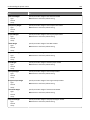
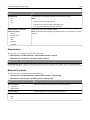
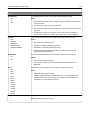
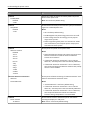
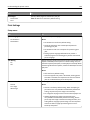
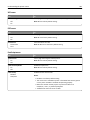
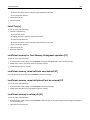
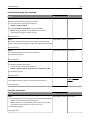
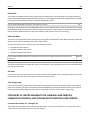
Install Tray [x]
Try one or more of the following:
• Install the specified tray:
1 Turn off the printer.
2 Unplug the power cord from the electrical outlet.
3 Install the specified tray.
4 Connect the power cord to a properly grounded electrical outlet.
5 Turn the printer back on.
• Cancel the print job.
• Reset the active bin.
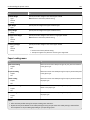
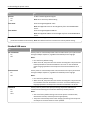
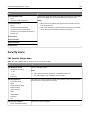
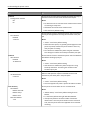
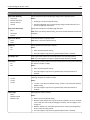
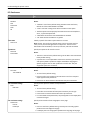
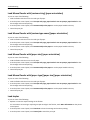
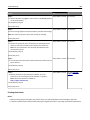
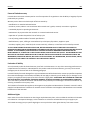
Insufficient memory for Flash Memory Defragment operation [37]
Try one or more of the following:
• From the printer control panel, touch Continue to stop the defragmentation and continue printing.
• Delete fonts, macros, and other data in the printer memory.
• Install additional printer memory.
Insufficient memory, some Held Jobs were deleted [37]
From the printer control panel, touch Continue to clear the message.
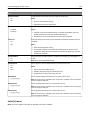
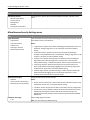
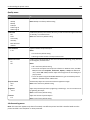
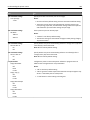
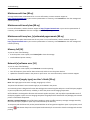
Insufficient memory, some held jobs will not be restored [37]
Try one or more of the following:
• From the printer control panel, touch Continue to clear the message.
• Delete other held jobs to free up additional printer memory.
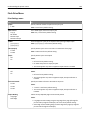
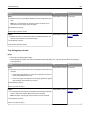
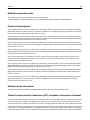
Insufficient memory to collate job [37]
Try one or more of the following:
• From the printer control panel, touch Continue to print the part of the job already stored and begin collating the
rest of the print job.
• Cancel the current print job.