1
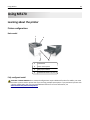
Using M5170
123
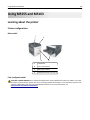
5
4
A
B
C
E
X
E
A
5
R
T
L
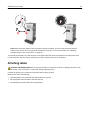
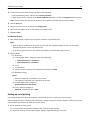
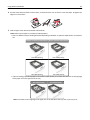
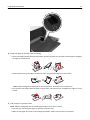
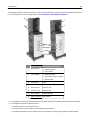
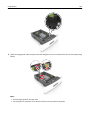
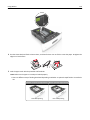
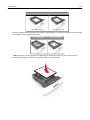
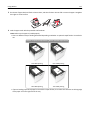
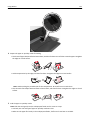
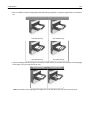
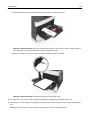
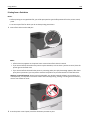
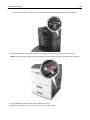
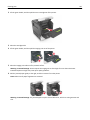
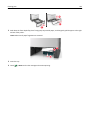
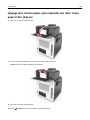
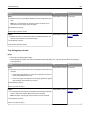
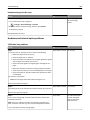
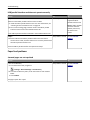
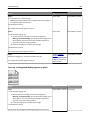
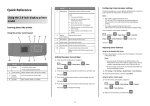
• Load envelopes with the flap side down and on the left of the multipurpose feeder.
Warning—Potential Damage: Never use envelopes with stamps, clasps, snaps, windows, coated linings, or
self‑stick adhesives. These envelopes may severely damage the printer.
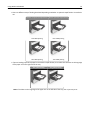
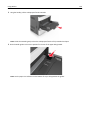
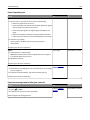
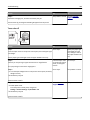
• Make sure the paper or specialty media is below the maximum paper fill indicator.
Warning—Potential Damage: Overfilling the feeder can cause paper jams.
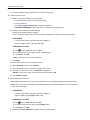
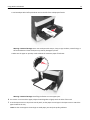
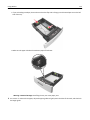
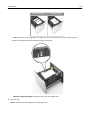
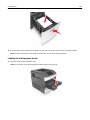
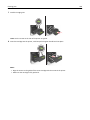
6 For custom- or Universal-size paper, adjust the width guides to lightly touch the sides of the stack.
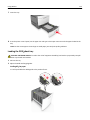
7 From the printer control panel, set the paper size and type in the Paper menu to match the paper loaded in the
tray.
Note: Set the correct paper size and type to avoid paper jams and print quality problems.