1
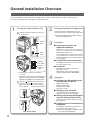
Installation
Fax Driver
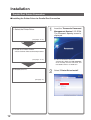
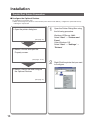
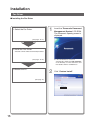
■ Installing the Fax Driver
7
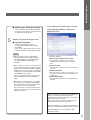
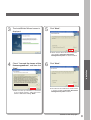
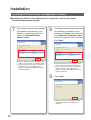
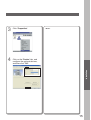
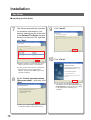
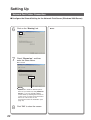
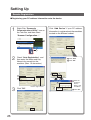
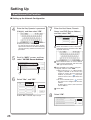
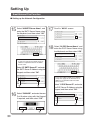
The Wizard automatically searches
for machines connected to your
network, and displays the found units
in the Network Fax Device window.
Select your network FAX, and then
click "Next".
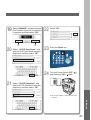
9
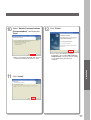
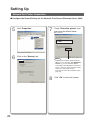
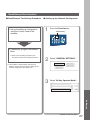
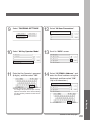
Click "Install".
10
Click "Finish".
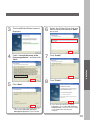
● Only the machines connected to the same
subnet can to be used as a network Fax.
● If your machine has not been connected to
the network yet, enter its allocated IP
Address, and then click "Next" to proceed
with the installation.
8
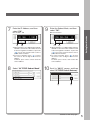
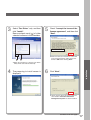
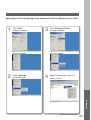
Select "Enable communications
(Recommended)", and then click
"Next".
● Above screen will be displayed when you have
installed the Windows XP Service Pack 2.
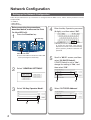
18
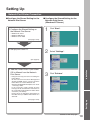
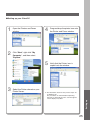
● If you cannot shut down the computer
immediately, choose "No. I will restart my
computer latar.". However, the new setting
is only applied after rebooting your
computer.