1
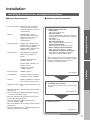
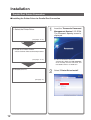
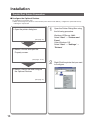
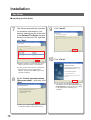
General Installation Overview
Follow the guidelines in this booklet when setting up the machine, and installing each software. Please read all
procedures completely before attempting to setup this machine.
1
Turning the Power Switches ON.
2
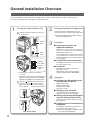
1 Connect all Cables, and the Power Cord
to the machine.
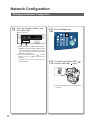
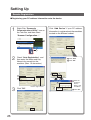
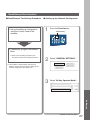
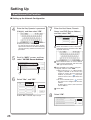
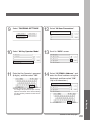
Setting up the Network Configuration.
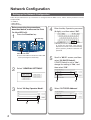
Setup the Network Configuration using the
Control Panel of the machine. (See pages 4-6)
● Network Configuration should be setup by
the System Administrator.
Parallel
Cable
3
■ Parallel Port Printer Connection
Telephone
Line Cable
Installing the Printer Driver onto the Parallel
Port. (See pages 12-15)
External
Telephone
Cable
2 Turn ON ( ) the Main Power Switch first,
and then turn ON ( ) the Power Switch.
Main Power Switch : Rear of the machine.
Power Switch
: Left side of the machine.
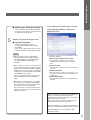
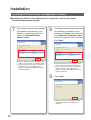
■ Installing the Printer, and
Application Software
Applications selected from the Software
Selection screen will be automatically
installed. (See pages 7-11)
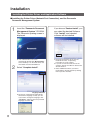
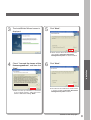
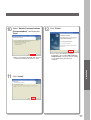
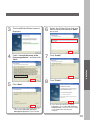
The installation procedure of Printer Driver
for the Network Port Connection for your
Network Print Server PC is explained below
as an example.
LAN
Cable
● Parallel Cable is used for Local Printer
connection.
Telephone Cable is used for connecting the
optional Fax Communication Board (Order
Number: DA-FG600) to the telephone line.
Installation
■ Fax Driver
Installing the Fax Driver on your PC.
(See pages 16-18)
Optional Fax Communication Board is
required. (Order Number: DA-FG600)
4
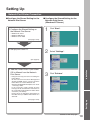
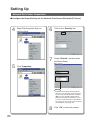
Setting up
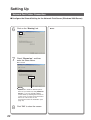
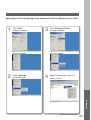
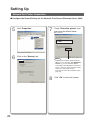
■ Configure the Shared Setting for
the Network Print Server.
Windows NT Server
Windows 2000 Server
Windows Server 2003
(See pages 19-24)
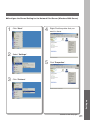
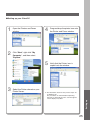
■ Setting up your Client PC.
Connecting the Shared Setting on the
Network Print Server. (See page 25)
Power Switch
■ Setting up the Scanner Configuration
using the Communications Utility.
When using the Network Scanner function.
(See page 26)
■ Email/Internet Fax Function Setup on
the Network
Main Power Switch
2
Configuration using the Control Panel of
the machine. (See pages 27-31)
● Network Configuration should be setup
by the System Administrator.