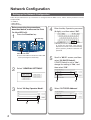
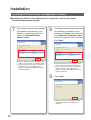
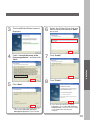
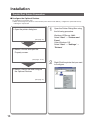
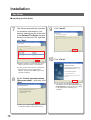
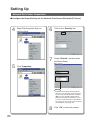
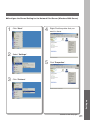
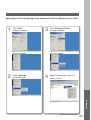
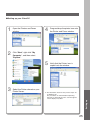
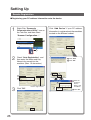
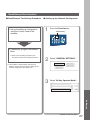
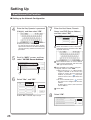
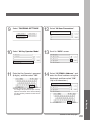
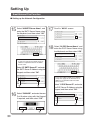
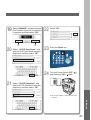
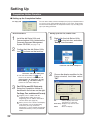
■ Configure the Shared Setting for the Network Print Server (Windows 2000 Server)
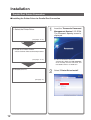
1
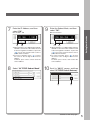
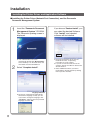
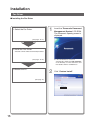
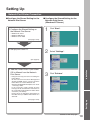
Click "Start".
2
Select "Settings".
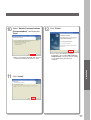
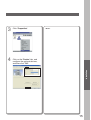
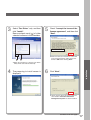
Right-Click the printer that you
want to share.
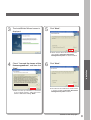
5
Click "Properties".
Click "Printers".
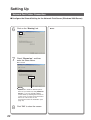
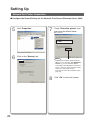
Setting up
3
4
Continue on the next page...
21