1
282
NetworX Version 3 Installation Manual
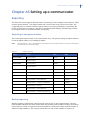
54
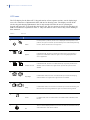
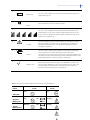
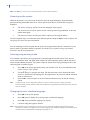
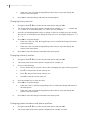
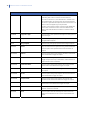
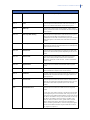
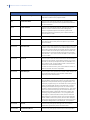
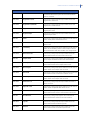
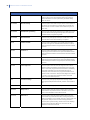
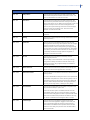
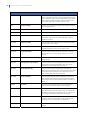
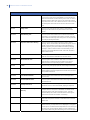
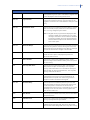
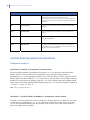
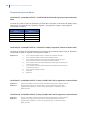
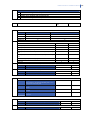
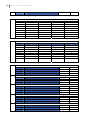
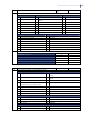
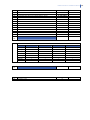
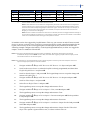
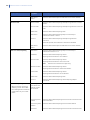
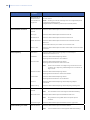
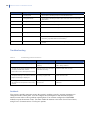
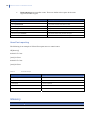
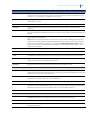
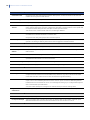
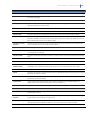
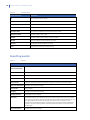
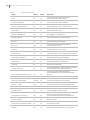
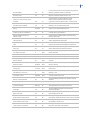
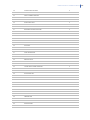
Panel not ready after enroll
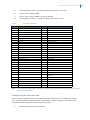
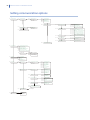
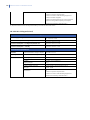
Panel Not Ready to Arm
Other
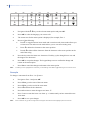
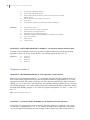
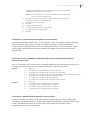
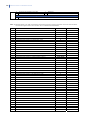
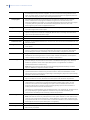
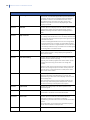
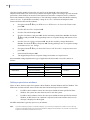
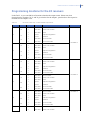
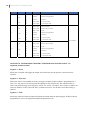
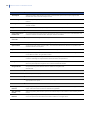
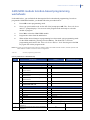
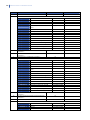
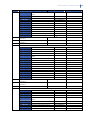
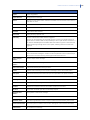
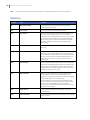
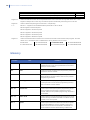
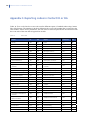
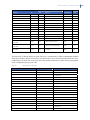
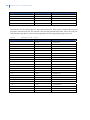
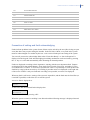
where:
•
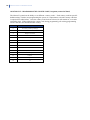
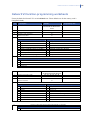
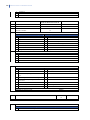
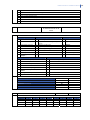
“XXX” in “Device XXX” means the NetworX device address,
•
“X” in “Zone X” means the zone number.
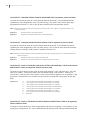
Note: Tamper from the zone, tamper from the expander and tamper from the siren on the board is logged each time a
new tamper occurs. Tamper Restore and Alarm Restore is reported when the user acknowledges it. In the
multi partition system it is sufficient to acknowledge alarm or tamper from one of available partitions.
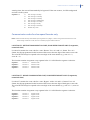
Note: When the keypad used is a Master keypad, the faults are additionally filtered based on partitions assigned to the
user logged to the current keypad. If the user’s rights are limited to particular partitions, only information
about these partitions is displayed.
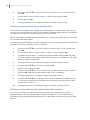
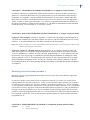
Reporting
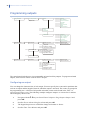
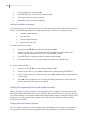
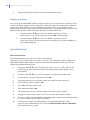
In the EN 50131 Mode, the report delivery must be confirmed. As a result, not all available
transmission media may be used as the primary destination. SMS and HomeText report delivery
cannot be confirmed, so they can be used as backup reports only, preferably as additional report
controls (Report Control 2, etc.)
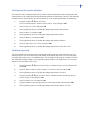
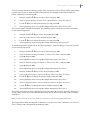
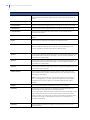
The primary destination in the EN 50131-compliant system can be PSTN, GPRS or TCP/IP. To
minimize the report transmission time from the panel to the monitoring station, it is recommended to
limit destinations for a single report control to the primary destination only. For example, for the
Report Control 1 the Destination should be set as GPRS TCP/IP 1, and Backup Destination as
Disabled. When the primary channel is GPRS TCP/IP, backup shouldn’t be set as Other Dialer
through NX10GSM as it can slow down the transmission.
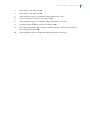
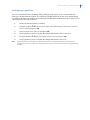
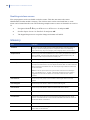
The transmission path (PSTN and GPRS) can be tested after installation by using the function
"Manual Dialer Test" in the user menu.
To make it working you need to enable it in the Installer menu Control Panel > System Settings >
Feature Select > Diagnostics > Manual Dialer Test.
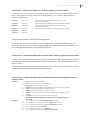
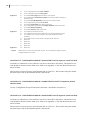
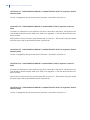
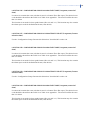
A guide to the identfication of simple/common faults can be found in Chapter B6 “Setting up the
GSM/GPRS module (NX-7002)”.