1
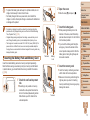
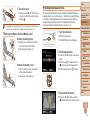
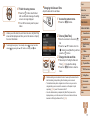
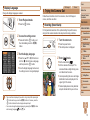
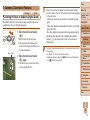
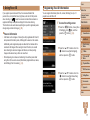
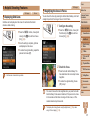
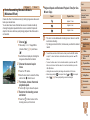
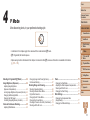
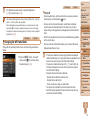
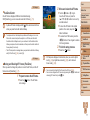
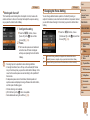
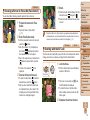
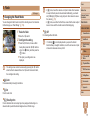
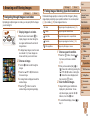
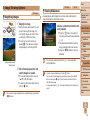
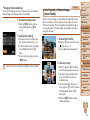
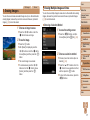
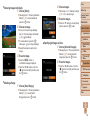
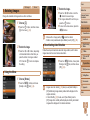
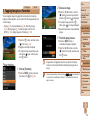
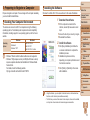
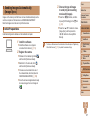
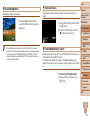
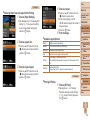
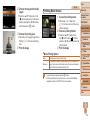
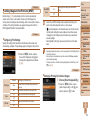
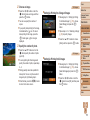
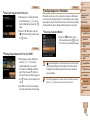
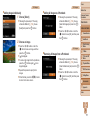
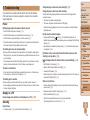
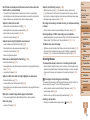
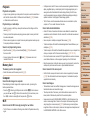
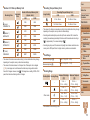
Preparing to Share Images via Wi-Fi
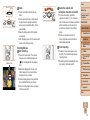
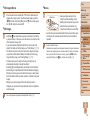
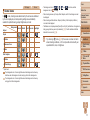
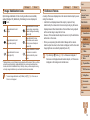
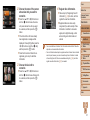
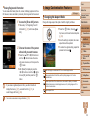
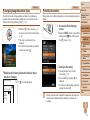
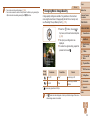
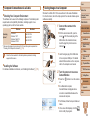
Sending images via Wi-Fi requires some initial preparation on the camera
and target devices. Preparations and methods of sending images vary
depending on the destination.
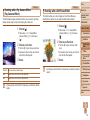
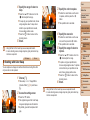
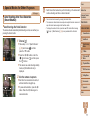
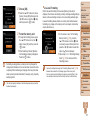
Note that before using Wi-Fi (= 114), you will need to register a camera
nickname on the camera.
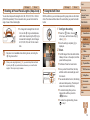
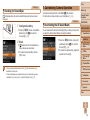
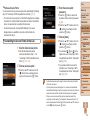
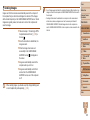
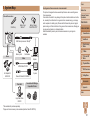
Uploading Images to Web Services
SNS, videosharing sites,
e-mail
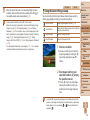
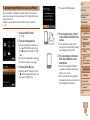
Sending Images to Another Camera
Camera
Camera
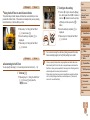
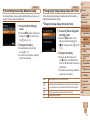
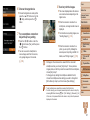
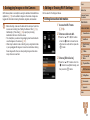
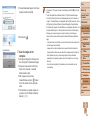
Sending Images to a Computer
Internet
CameraWindow
Access point
Access point
Camera
Camera
Computer or smartphone
browsers
Register Web services (= 109)
Connect via an access point (= 115)
Send images (= 123)*
* You can send images to a computer or Web service (= 127).
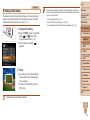
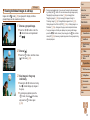
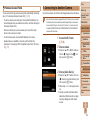
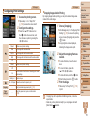
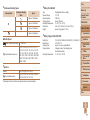
Sending Images to a Smartphone
Internet
CameraWindow
Computer
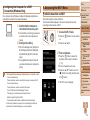
Check your computer environment (= 113)
Install CameraWindow on a computer (= 113)
Configure the computer for a Wi-Fi connection (Windows only, = 114)
Connect via an access point (= 115)
Save images to a computer (= 126)
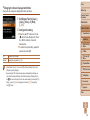
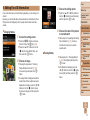
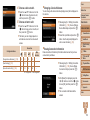
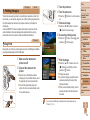
Printing Images Wirelessly
Camera
Printer
Access point
Camera
Access point
Smartphone
Tablet computer
Before Use
Common Camera
Operations
Basic Guide
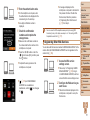
Connect to another camera (= 122)
Send images (= 123)
CANON iMAGE GATEWAY
Cover
Connect directly (= 120) or via an access point (= 115)
Print images (= 150)
Advanced Guide
1
2
3
4
5
6
7
8
9
10
Camera Basics
Auto Mode
Other Shooting
Modes
P Mode
Tv, Av, and M
Mode
Playback Mode
Wi-Fi Functions
Setting Menu
Accessories
Appendix
Index
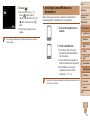
Install CameraWindow on a smartphone (= 112)
Connect directly (= 120) or via an access point (= 115)
Send images (= 123)
108